Piano Solder Kit - How to play
Playing notes
After plugging in the finished board to USB-C for power toggle the POWER switch to make sure it's on:
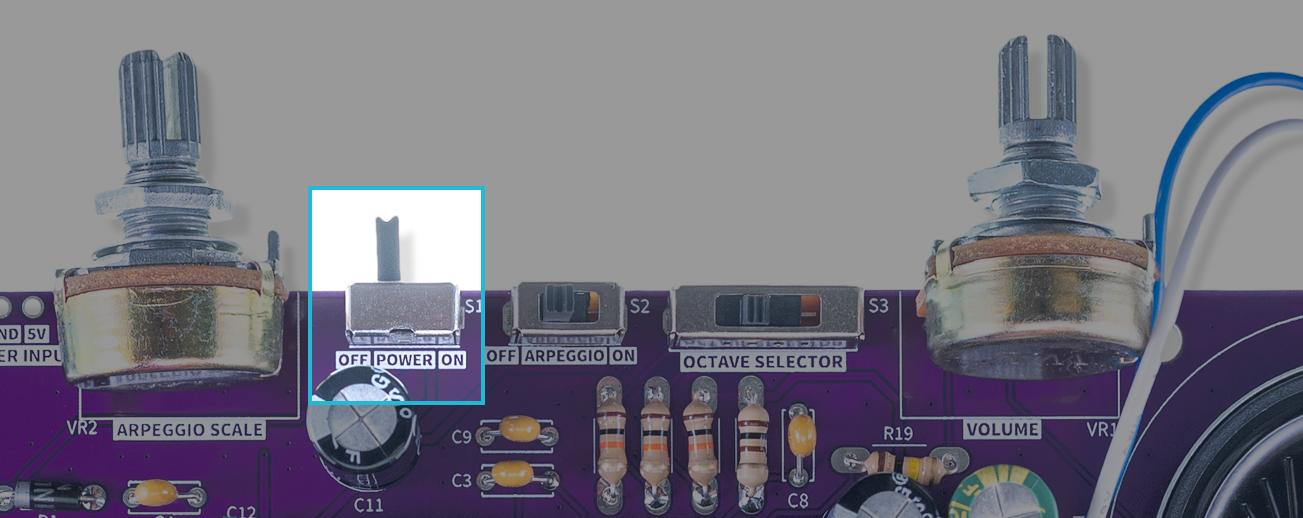
Power switch
Press the capacitive touch buttons to play corresponding piano notes:
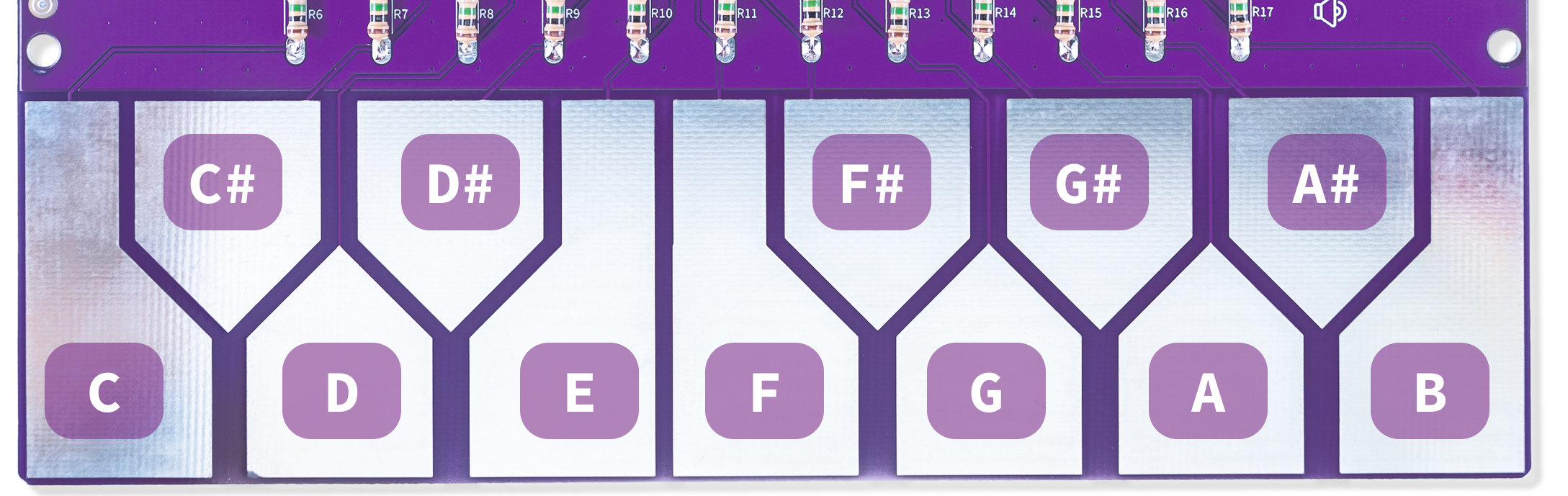
Capacitive touch keys corresponing to Piano notes
You can adjust the total output volume using the volume potentiometer:
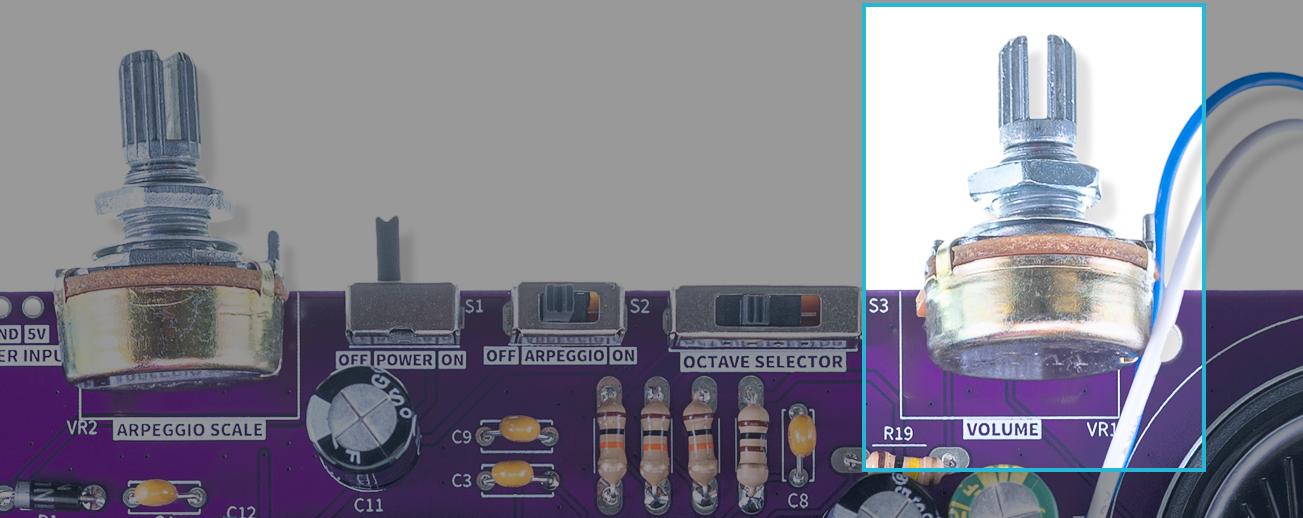
Volume potentiometer
Octave selection
Using the octave selection, you can change the octave you're playing in, 4 different octaves are supported:
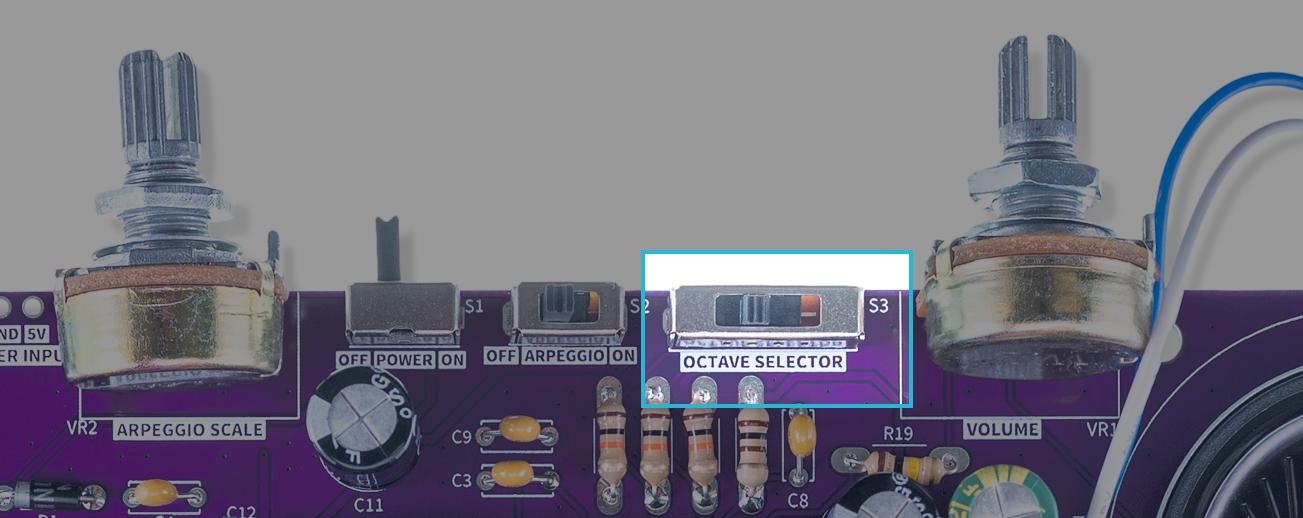
Octave selection switch
ℹ️
Try changing the octaves on the fly as you're playing!
Arpeggio mode
The built-in arpeggio mode can be enabled by using the ARPEGGIO switch, and the speed between changing notes is determined by the ARPEGGIO SCALE potentiometer:
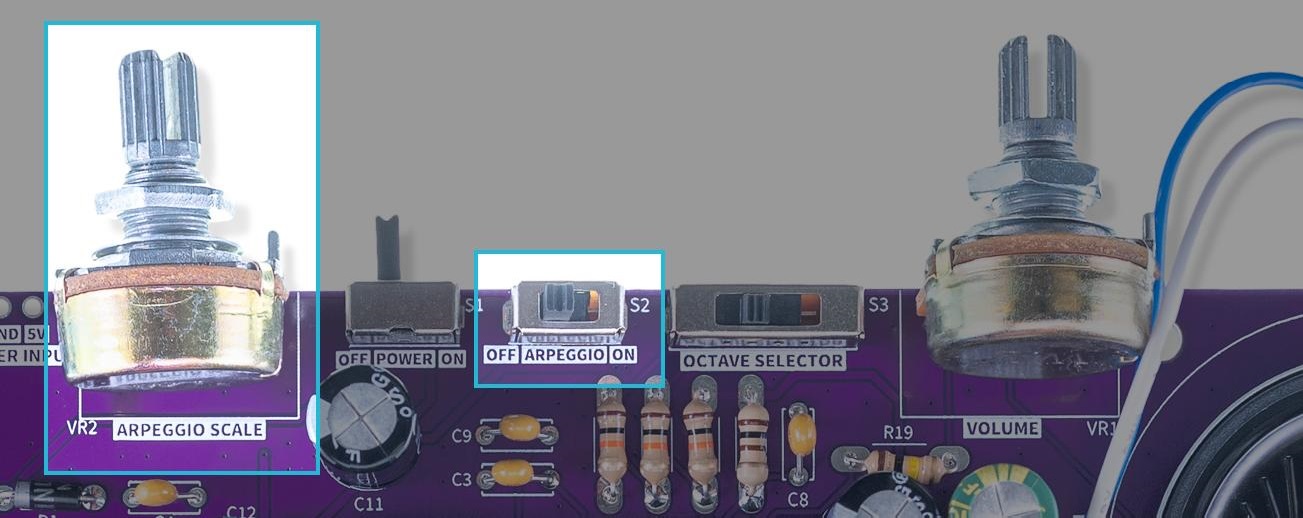
Arpeggio settings
After this mode is enabled, holding down multiple keys will change between the pressed automatically in an ascending manner.