6.1 Connecting and Getting Data

The goal of this example is to show you how to connect the NULA MINI to a Wi-Fi network and make a simple HTTP GET request to retrieve data from a webpage.
This is the foundation of all Internet-connected projects. Once your device can send and receive data over the network, you can build dashboards, cloud sensors, and remote controls.
In this documentation you will learn:
- How to connect your NULA MINI to a Wi-Fi network.
- How to use the Wi-Fi and HTTPClient libraries.
- How to perform a basic HTTP GET request.
- How to print the server’s response to the Serial Monitor.
Hardware required
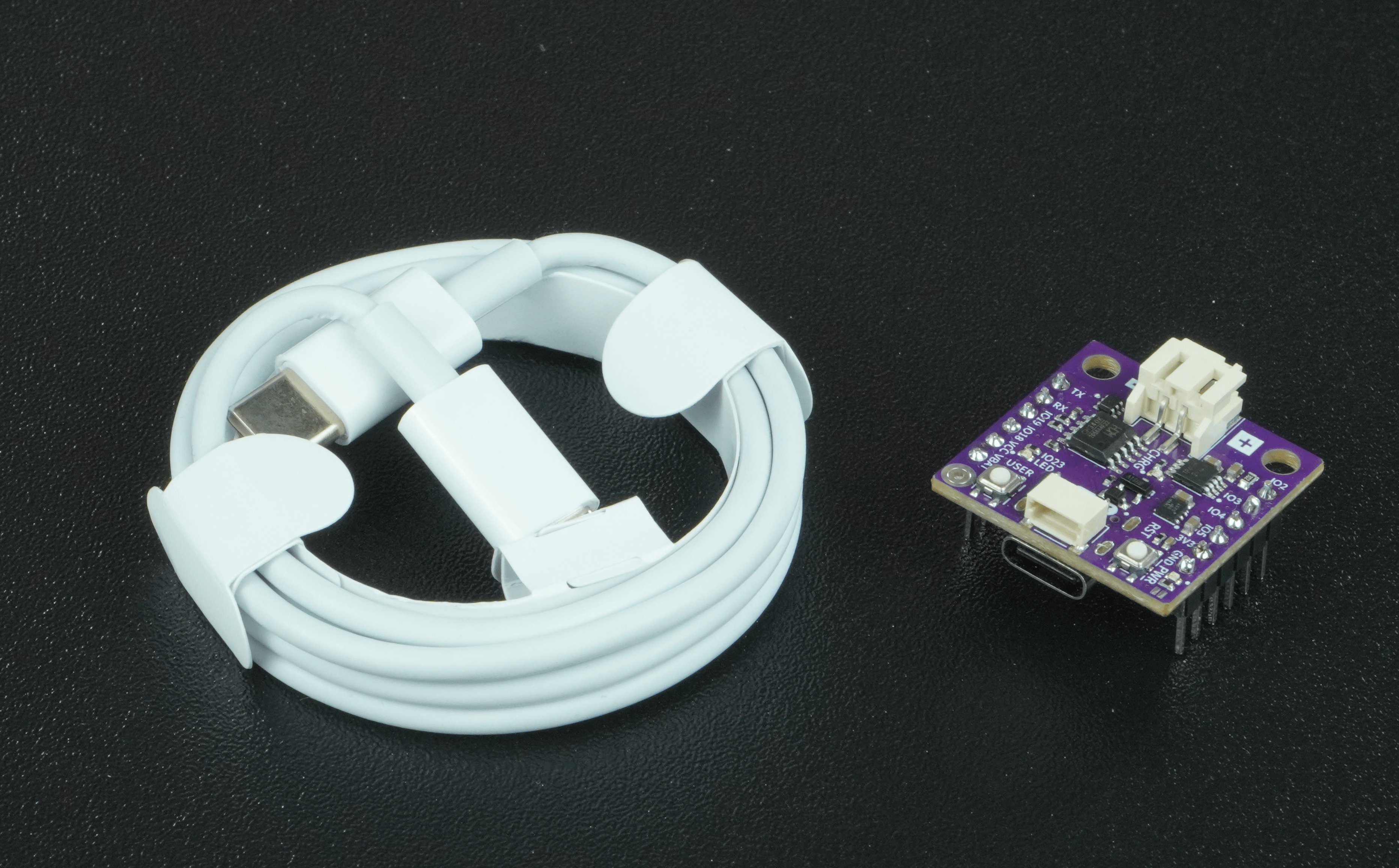
- 1× Soldered NULA MINI board (with Wi-Fi support)
- 1× USB-C cable
- Wi-Fi network with internet access
Setting up the libraries
This example uses two built-in libraries, so no extra installation is required:
Wifi.hhandles network connectionsHTTPClient.hallows sending HTTP requests and receiving responses.
Connecting to Wi-Fi
To connect to the internet, your board must join a Wi-Fi network.
This is done by providing your Wi-Fi SSID (network name) and password inside the code.
const char* ssid = "Your_SSID";
const char* password = "Your_PASSWORD";
When the sketch runs, the board will attempt to connect to this network and print its status to the Serial Monitor.
Making a simple GET request
Once connected to the network, the board can contact a server on the internet. A GET request asks for information, in the cae of this example, the content of example.com.
HTTPClient http;
String url="http://example.com/";
http.begin(url);    // Connect to the server
int httpCode=http.GET();    // Send the GET request
If successful, the server returns a response and the website's HTML content, which is then printed on the Serial Monitor:
Full example
Check out the full example code on the link below:
6.1_Connecting_and_Getting_Data.ino
Example that shows how to connect to Wi-Fi and make a simple HTTP GET request from example.com using the Soldered NULA MINI board.