VL53L1X ToF Laser Distance Sensor - Troubleshooting
This page contains some tips in case you are having problems using this product.
Check wiring
Ensure that your Qwiic cable is properly connected and in good condition. Try using the same cable with another easyC-compatible device to verify that it works. If the issue persists, swap it out for a different cable to rule out any possible damage or defects.
Check I2C pins
If you are connecting the sensor using standard I2C pins on your microcontroller, double-check that you are using the correct ones. Different microcontrollers have designated I2C pins that may not always be labeled the same way. Refer to your microcontroller's documentation to confirm the correct pin assignments. Test
Scan for I2C devices
Run an I2C scanner sketch on your microcontroller to check if the sensor is detected. If the scanner does not find any devices, there might be a wiring issue, incorrect pull-up resistors, or a problem with the microcontroller’s I2C bus.
Check for conflicting devices
If you have multiple I2C devices connected to the same bus, ensure that none of them have conflicting addresses. The VL53L1X uses the fixed I2C address 0x29, so verify that no other device is using this address.
Try reinitializing
If the sensor fails to initialize on the first attempt, try calling sensor.begin() again in your code or resetting your microcontroller. Some initialization issues may be resolved by a simple reboot.
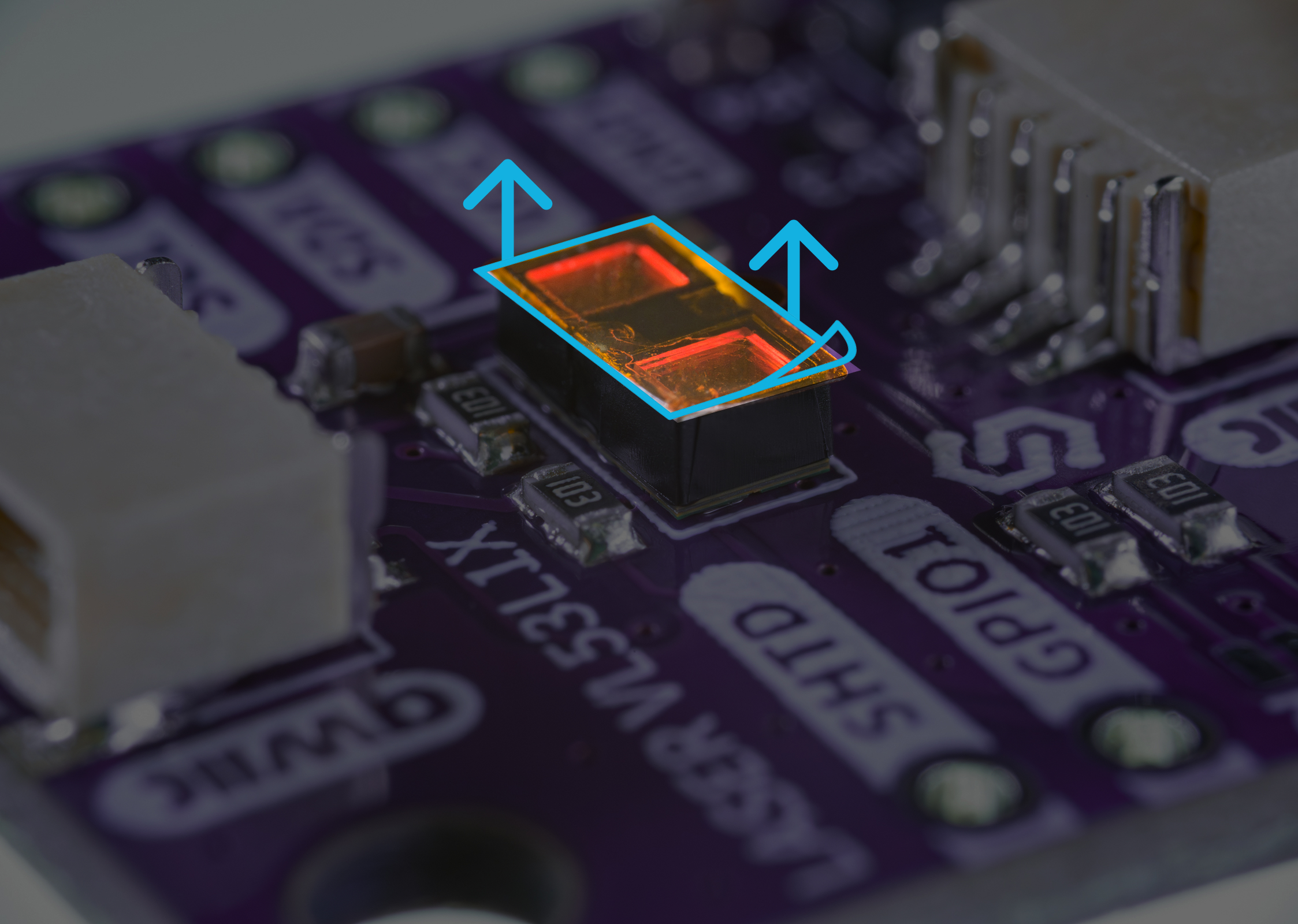
Before starting to work with the sensor, the orange protective sticker needs to be peeled off for the laser to emit and be detected properly! Make sure you've removed this sticker.