Bme280 - Measuring temperature, pressure and humidity (examples)
This page contains some simple examples with function documentation on how to take measurements using the BME280 temperature, pressure, and humidity sensor.
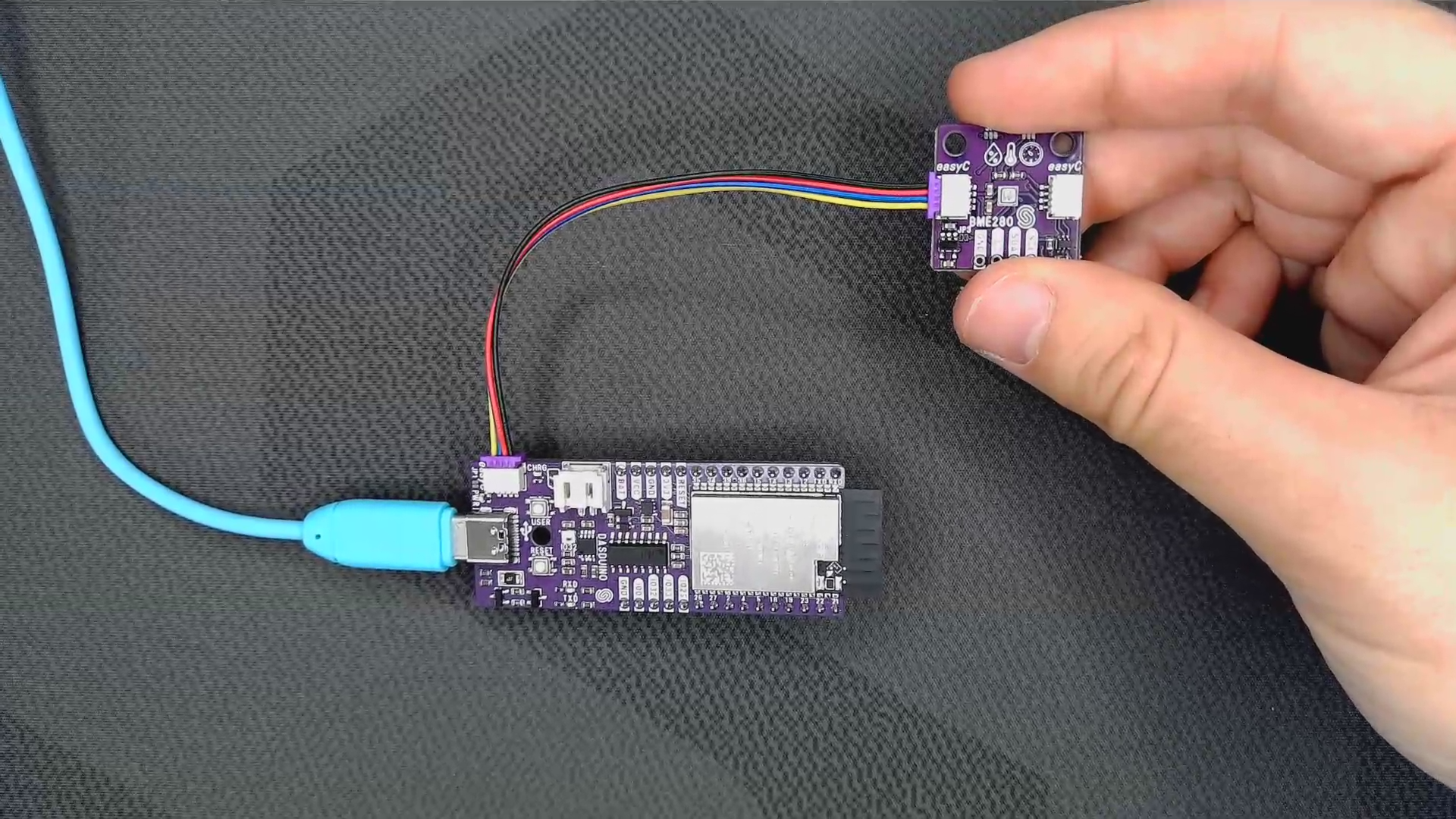
Connections for this example
Initialization
To use the BME280 sensor, first include the required library, create the sensor object, and initialize the sensor in the setup() function.
//Include the library
#include <BME280-SOLDERED.h>

//Create an instance of the sensor
BME280 bme280;

void setup() {
  //Initialize an I2C connection with the sensor
  bme280.begin();
}
//...
bme280.begin()
Initializes the BME280 sensor, setting up communication over I2C and setting oversampling value to each sensor
Returns value: None
Getting measurements
All values
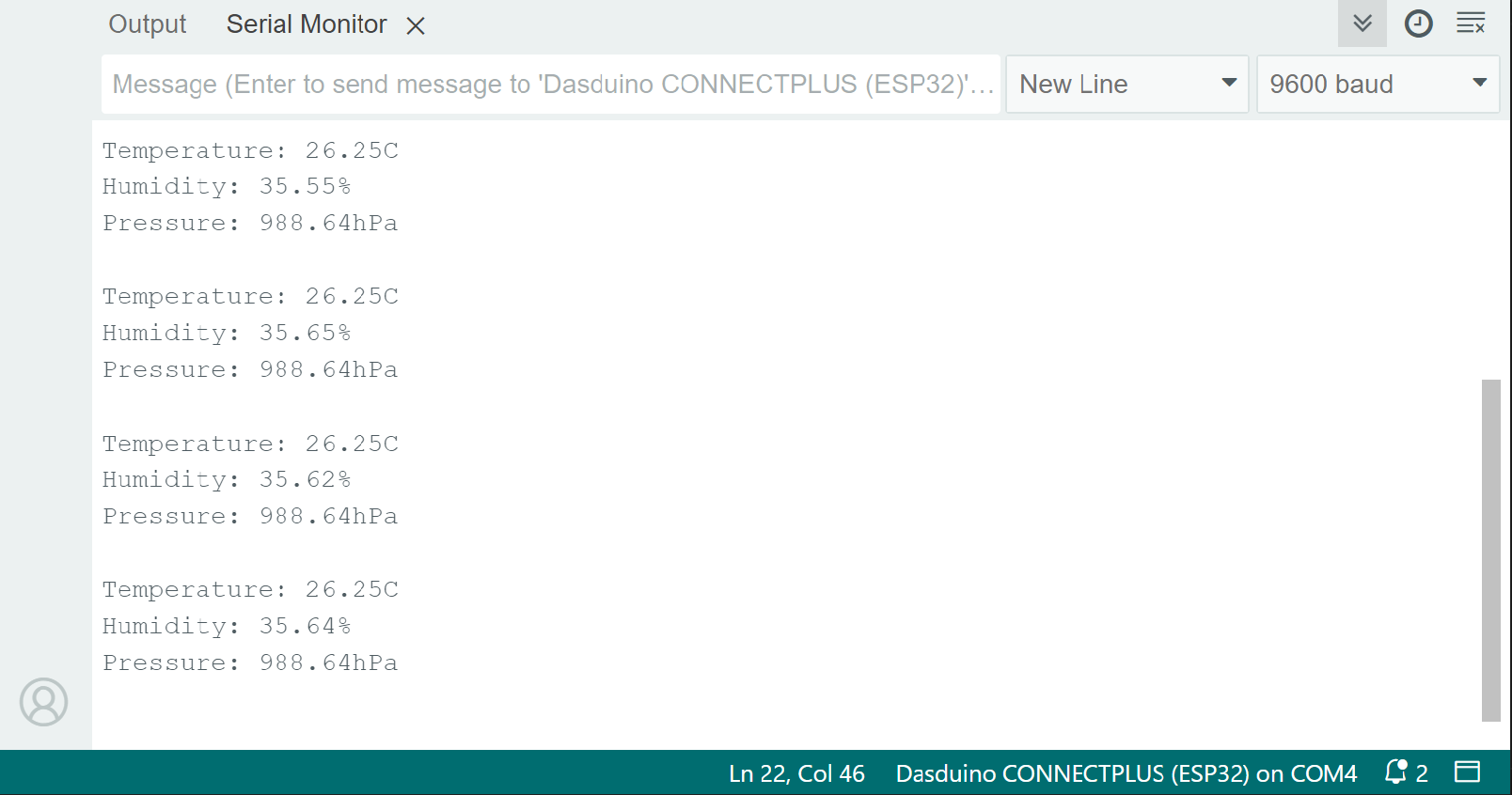
To get the values for all measurements (temperature, humidity, and pressure), use the readSensorData() function. The sensor gets the reading values, stores them in the addresses of the function arguments, and scales the values into the appropriate form.
void loop()
{
  float temperature, humidity, pressure;
  //Store the sensor data into the variables
  bme280.readSensorData(temperature, humidity, pressure);
  //Print all the values onto the screen
  Serial.println(
    "Temperature: " + String(temperature) + "C\n" +
    "Humidity: " + String(humidity) + "%\n" +
    "Pressure: " + String(pressure) + "hPa"
  );
  delay(1000); //1 second delay between measurements
}
bme280.readSensorData(float &temp, float &humidity, float &pressure)
Gets the reading values, stores them in the addresses of the function arguments, and scales the values into the appropriate form.
Returns value: None
Function parameters:
| Type | Name | Description |
|---|---|---|
float | temp | Variable in which the temperature value will be stored |
float | humidity | Variable in which the humidity value will be stored |
float | pressure | Variable in which the pressure value will be stored |
Temperature
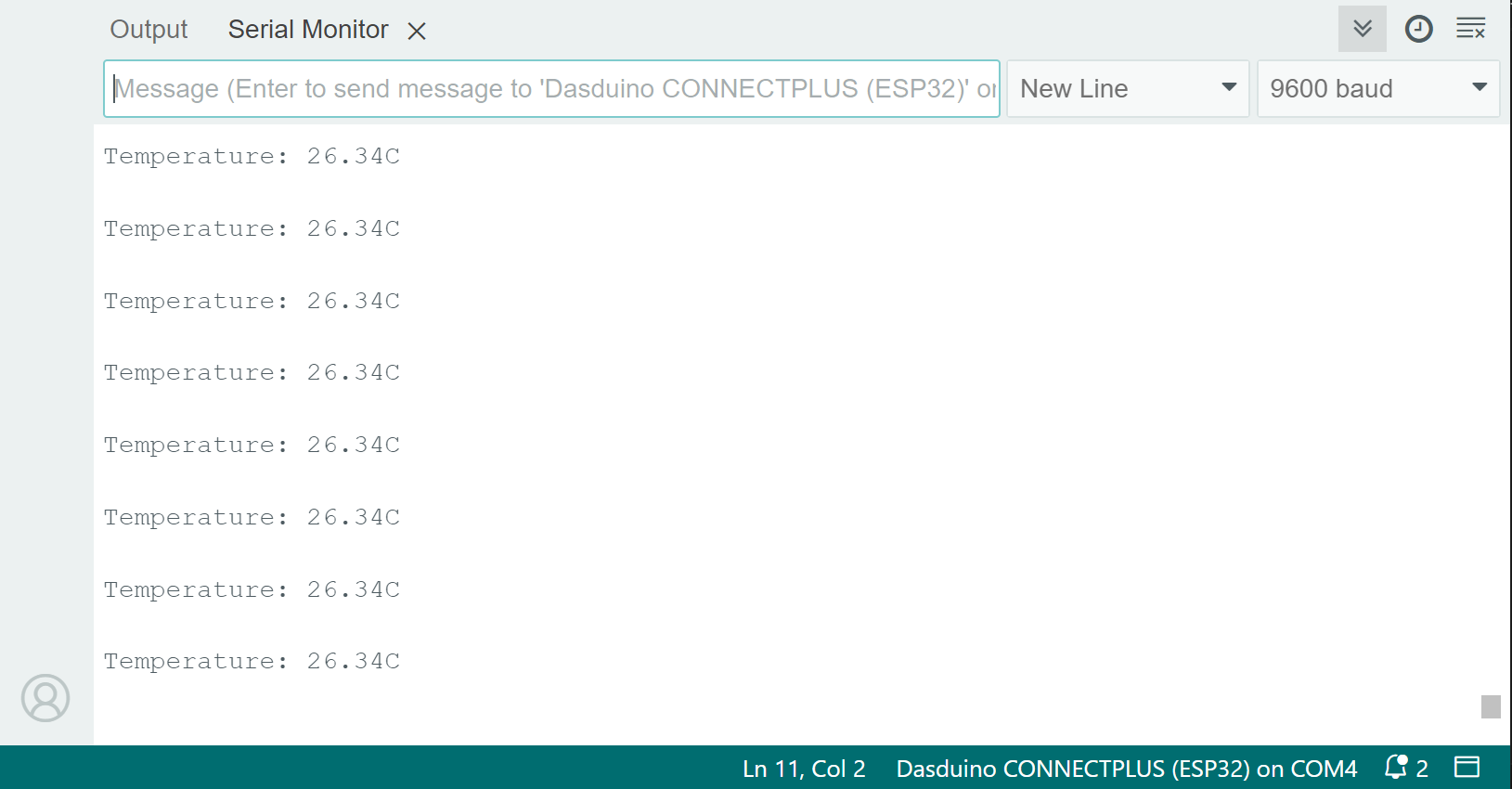
To get temperature values only, use the readTemperature() function. The sensor samples the temperature in degrees Celsius.
void loop()
{
  float temperature;
  //Store the sensor data into the variable
  temperature = bme280.readTemperature();
  //Print the value onto the screen
  Serial.println("Temperature: " + String(temperature) + "C \n");
  delay(1000); //1 second delay between measurements
}
Because the sensor by itself generates heat, a temperature offset may be needed. Make an independent temperature reading and add an offset if needed:
void loop()
{
  float temperature;
  float offset = 2.5; // If needed, add an offset
  //Store the sensor data into the variable
  temperature = bme280.readTemperature();
  temperature += offset; // Add the offset to the temperature
  //Print the value onto the screen
  Serial.println("Temperature: " + String(temperature) + "C \n");
  delay(1000); //1 second delay between measurements
}
bme280.readTemperature()
Reads the values from the sensor and returns the scaled Celsius value
Returns value: Float value of the temperature reading in degrees Celsius
Pressure
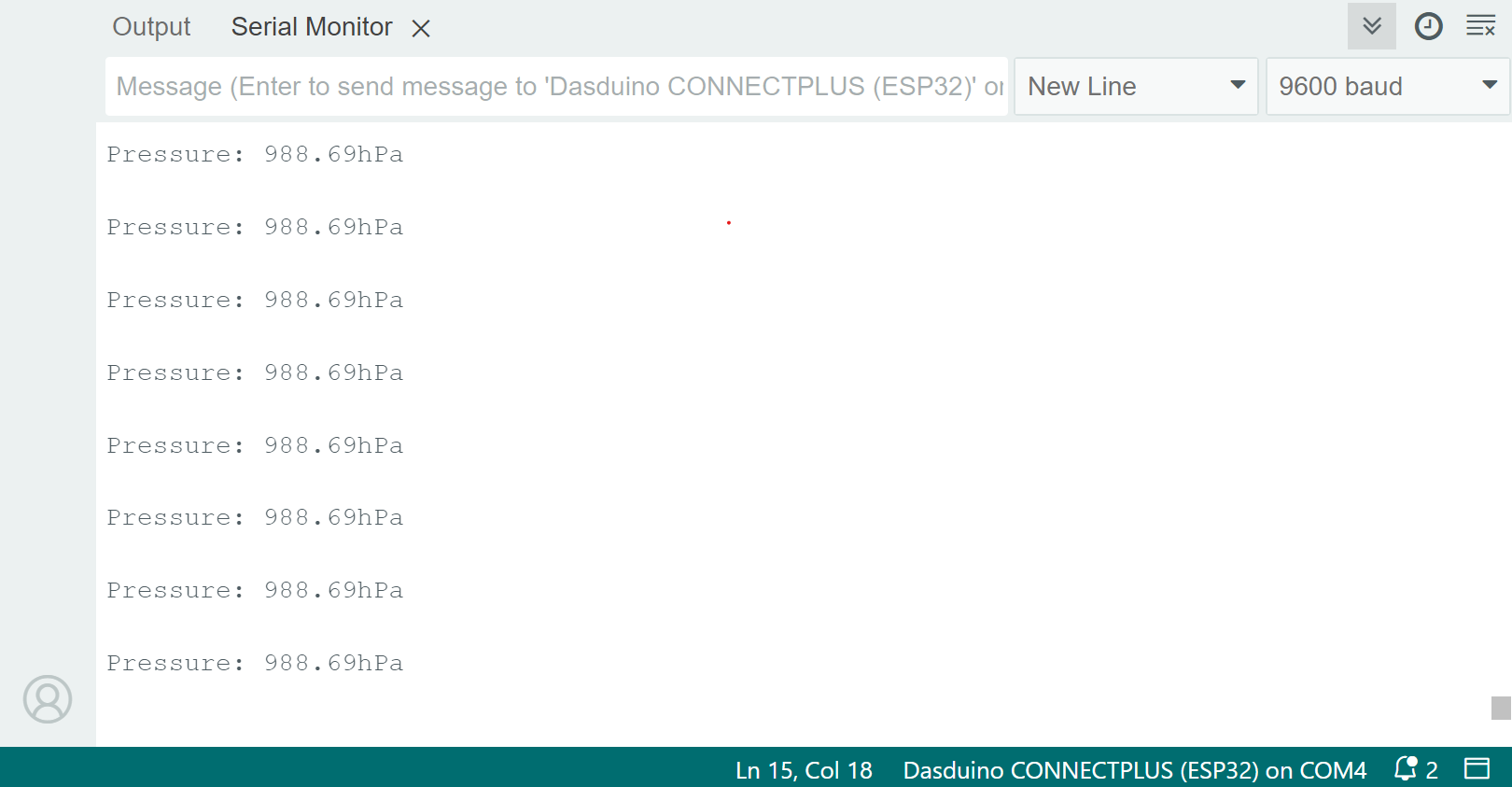
To get pressure values only, use the readPressure() function. The sensor samples the pressure in hPa.
void loop()
{
  float pressure;
  //Store the sensor data into the variable
  pressure = bme280.readPressure();
  //Print the value onto the screen
  Serial.println("Pressure: " + String(pressure) + "hPa \n");
  delay(1000); //1 second delay between measurements
}
bme280.readPressure()
Reads the value from the sensor and returns the scaled hPa value
Returns value: Float value of the pressure reading in hPa
Humidity
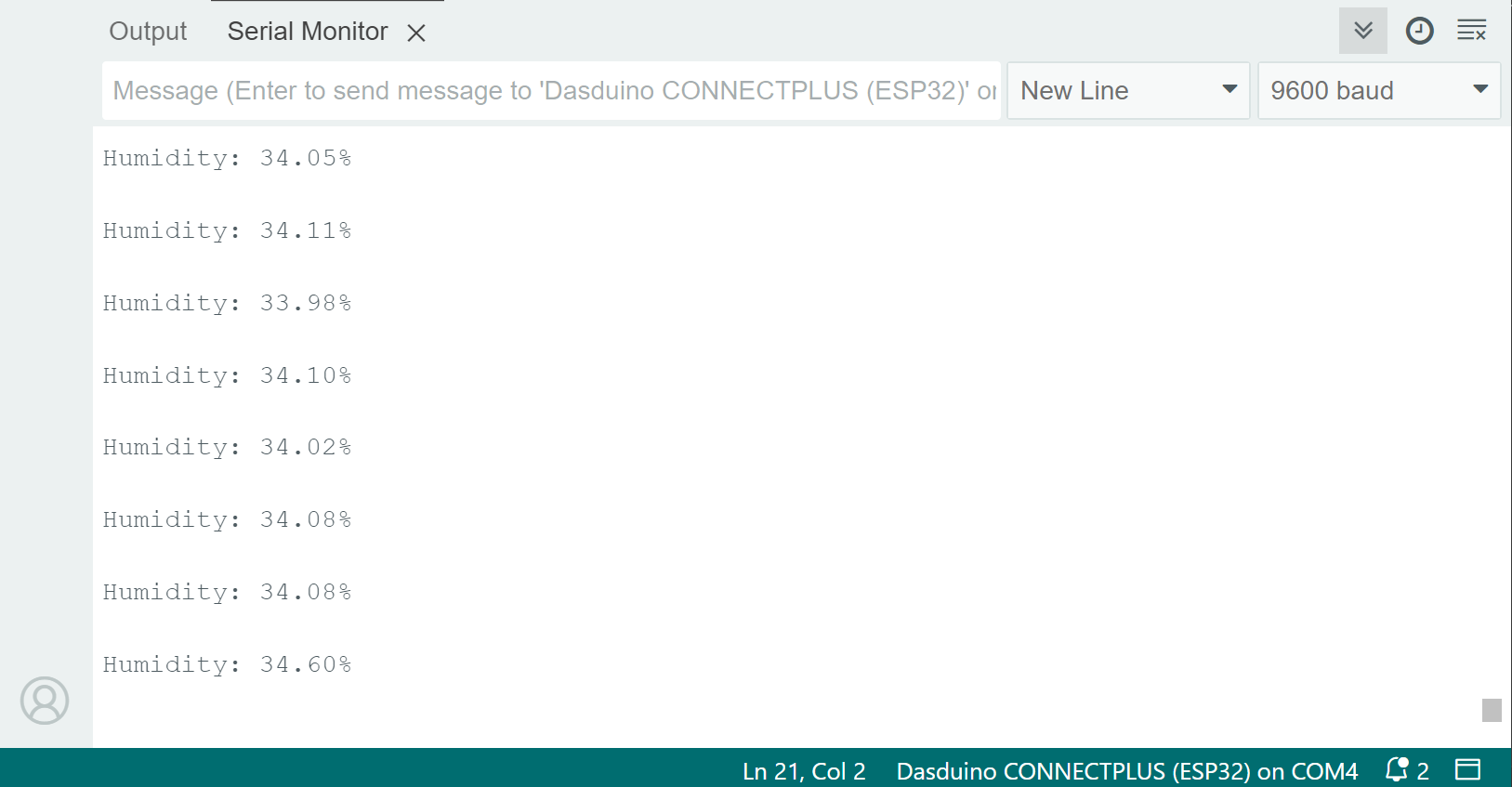
To get humidity values only, use the readHumidity() function. The sensor samples humidity as a percentage.
void loop()
{
  float humidity;
  //Store the sensor data into the variable
  humidity = bme280.readHumidity();
  //Print the value onto the screen
  Serial.println("Humidity: " + String(humidity) + "% \n");
  delay(1000); //1 second delay between measurements
}
bme280.readHumidity()
Reads the value from the sensor and returns the scaled percentage value
Returns value: Float value of the humidity reading in %
Altitude
Based on sensor reading
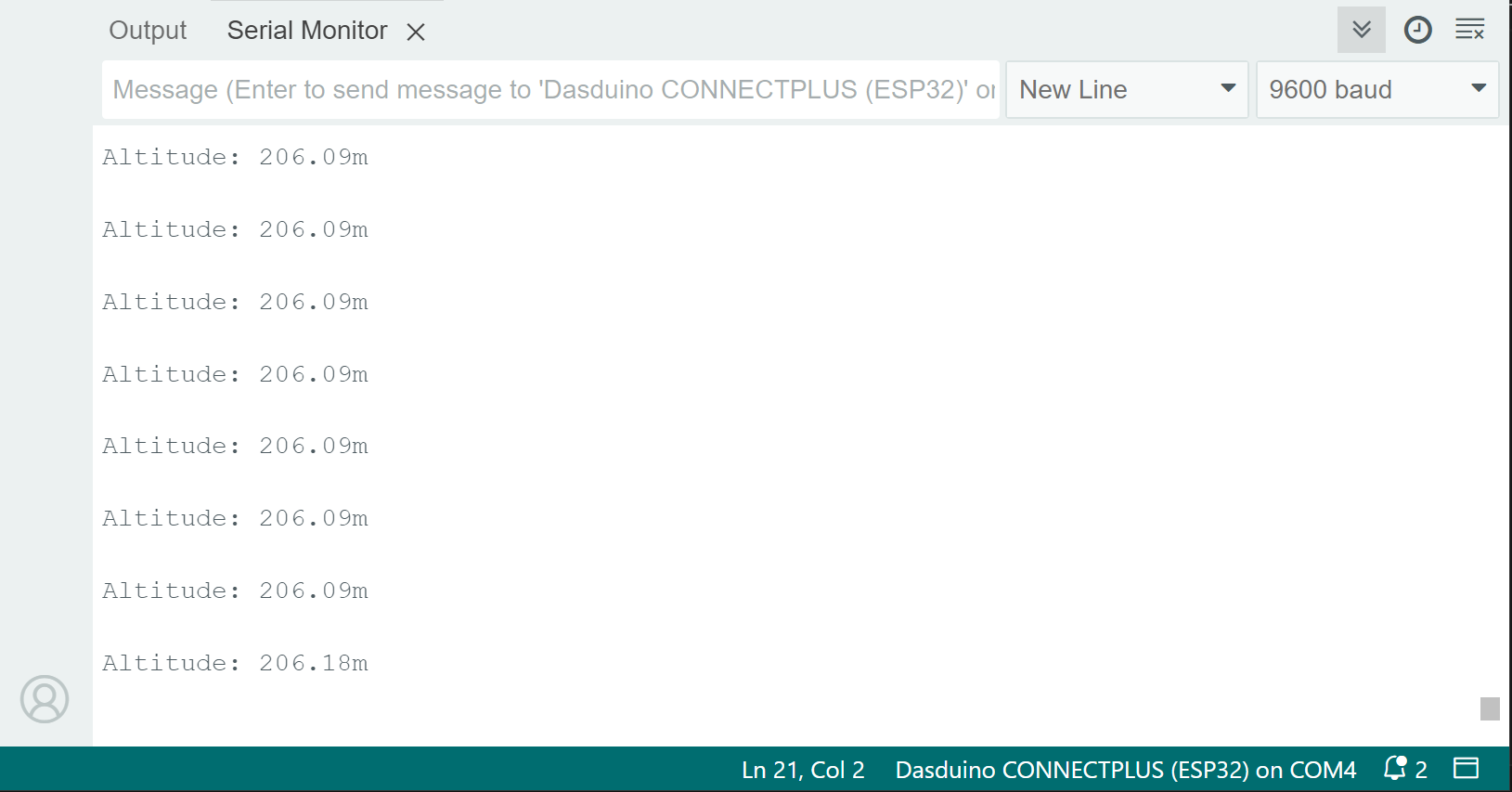
The altitude value can be calculated by using the readAltitude() function. The value is calculated based on the pressure reading and the sea level.
void loop()
{
  float altitude;
  //Store the sensor data into the variable
  altitude = bme280.readAltitude();
  //Print the value onto the screen
  Serial.println("Altitude: " + String(altitude) + "m \n");
  delay(1000); //1 second delay between measurements
}
bme280.readAltitude()
Calculates the altitude by taking the pressure reading
Returns value: Float value of altitude in meters
Based on given pressure value
void loop()
{
  float altitude, pressure;
  //First, get a pressure reading
  pressure = bme280.readPressure();
  //Store the calculated result into the variable
  altitude = bme280.calculateAltitude(pressure);
  //Print the value onto the screen
  Serial.println("Altitude: " + String(altitude) + "m \n");
  delay(1000); //1 second delay between measurements
}
bme280.calculateAltitude(float pressure)
Calculates the altitude by the given pressure value in the argument
Returns value: Float value of altitude in meters
Function parameters:
| Type | Name | Description |
|---|---|---|
float | pressure | Pressure value in hPa |