Hall Effect Sensor - Detecting magnetic presence with regular digital sensor
This page contains a simple example with function documentation on how to take measurements using the SI7211-B-06-IV Hall effect sensor.
Digital output example
#include "Hall-Effect-SOLDERED.h"
#define HALL_EFFECT_PIN 5

// To change the reading, place a magnet in front of the sensor
// getReading returns 1 (True) for a detected magnet and 0 (False) for no magnet detected
// If it's always reading 0, check connections

// Declare sensor object
HallEffect_Digital hall(HALL_EFFECT_PIN);

void setup()
{
    // Initialize serial communication
    Serial.begin(115200);
}

void loop()
{
    // Read sensor
    bool hallReading = hall.getReading();

    // Print sensor value to serial
    Serial.print("Digital Hall Effect Sensor reading: ");
    Serial.println(hallReading);

    // Print a string depending on the measurement result
    if(hallReading)
    {
        Serial.println("Magnet detected!\n");
    }
    else
    {
        Serial.println("No magnet detected.\n");
    }

    // Wait a bit until next measurement
    delay(1000);
}
HallEffect_Digital hall()
Creates digital sensor object
Returns value: none
Function parameters:
| Type | Name | Description |
|---|---|---|
uint16_t | pin | Digital pin number for data communication |
hall.getReading()
Requests a new reading from the SI7211-B-00-IV sensor.
Returns value: Returns bool value, true if magnet is detected and false for no magnet detected.
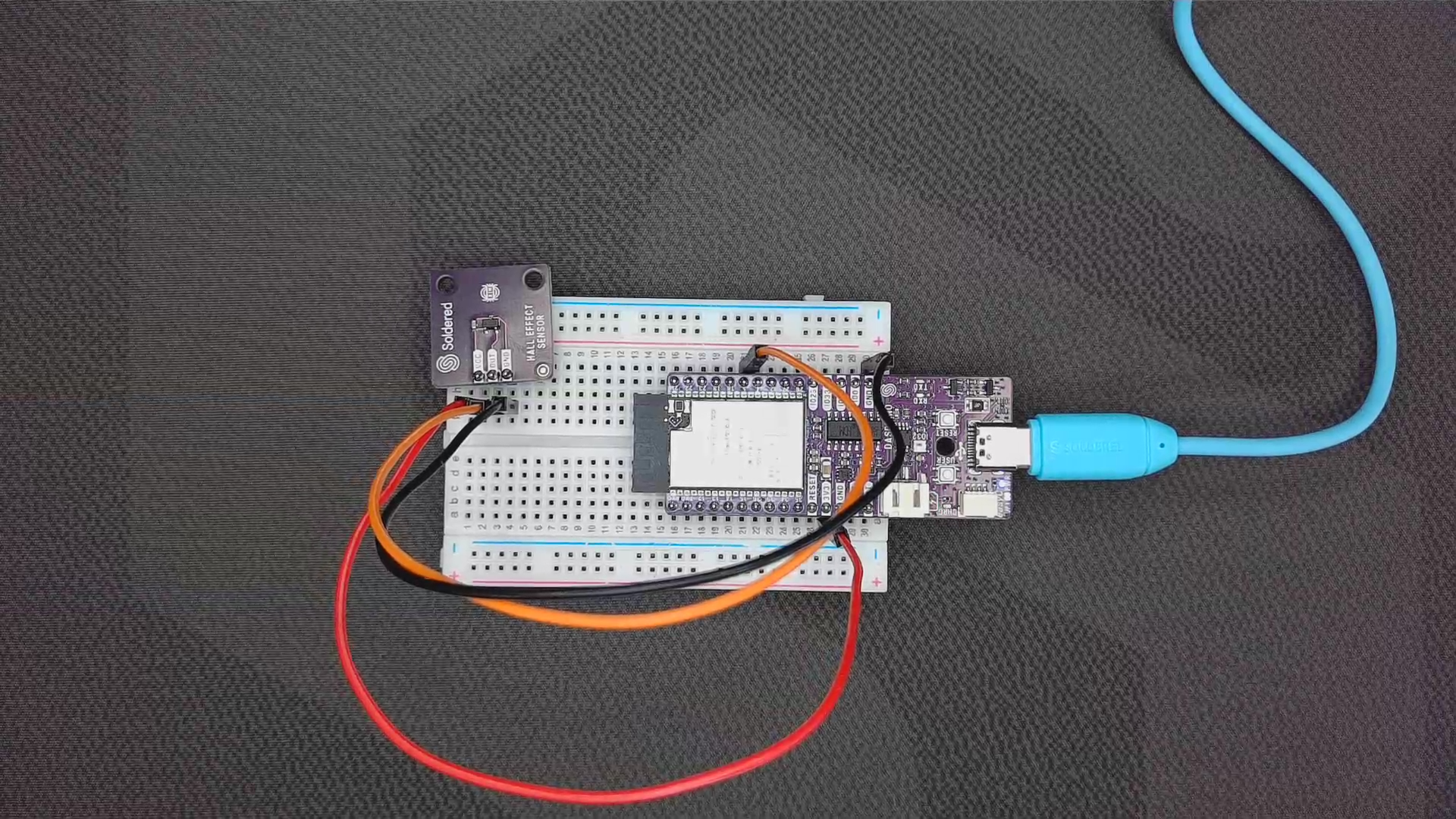
Sensor when magnet is not present
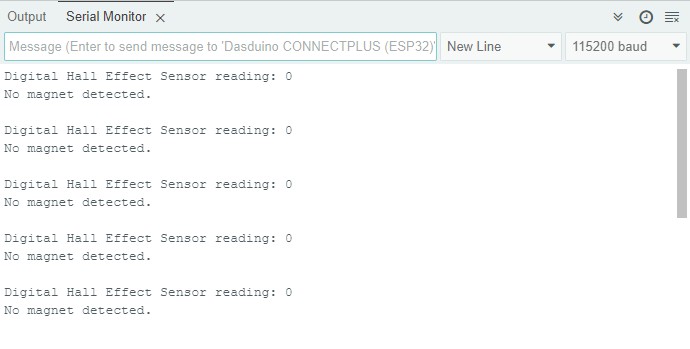
Serial Monitor output
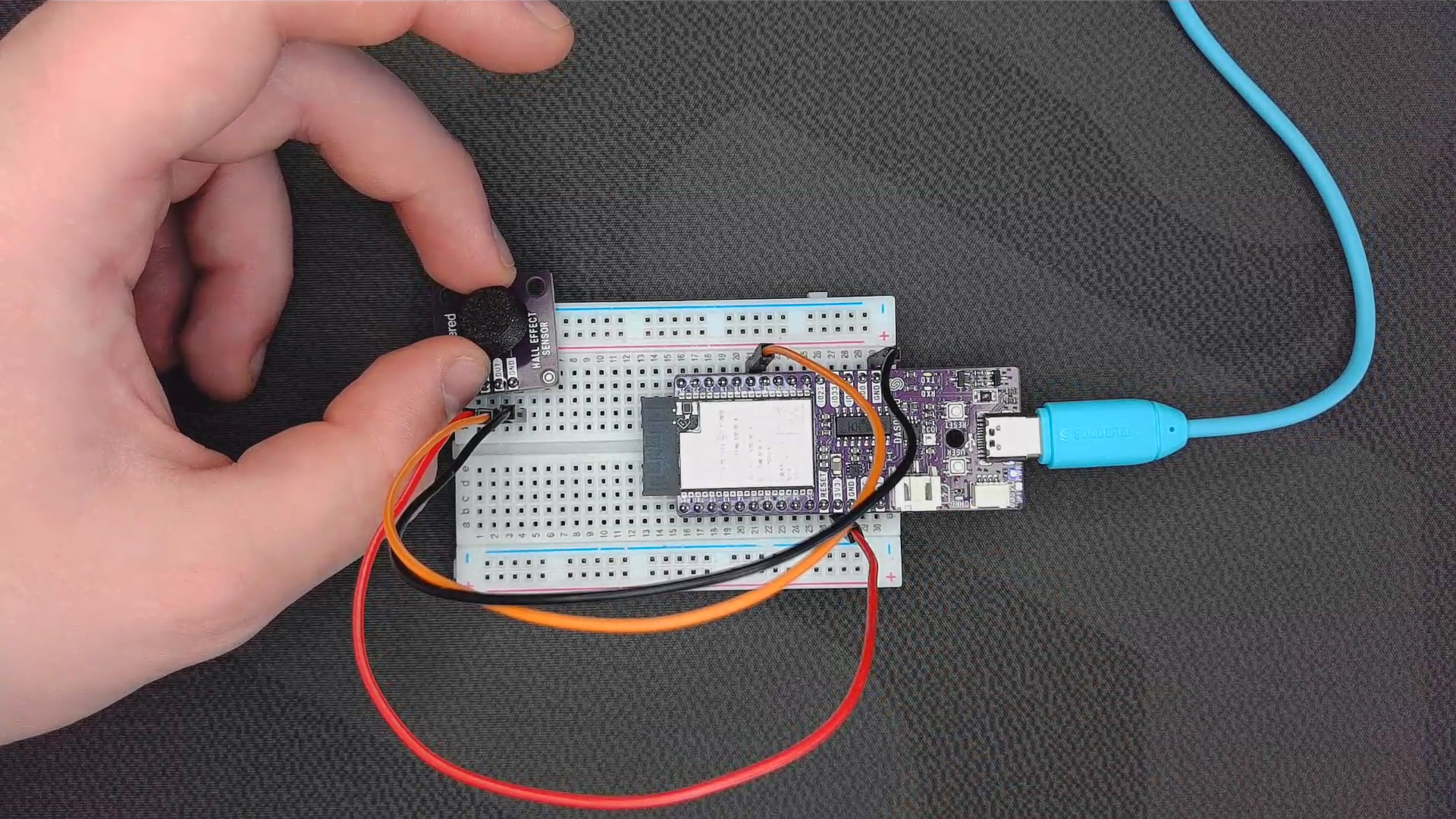
Sensor when magnet is present
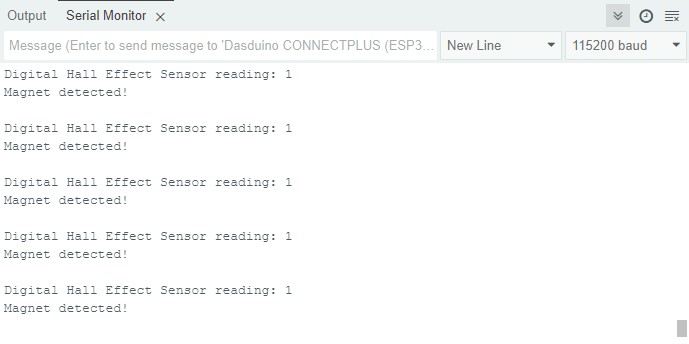
Serial Monitor output
Full example
Try all of the above mentioned functions in this full example which detects presence of magnetic object.
digitalRead.ino
Example file for using digital Hall effect sensor.