Hc Sr04 - Measuring distance and delay (examples)
This page contains some simple examples with function documentation on how to take measurements using the HC-SR04 ultrasonic sensor.
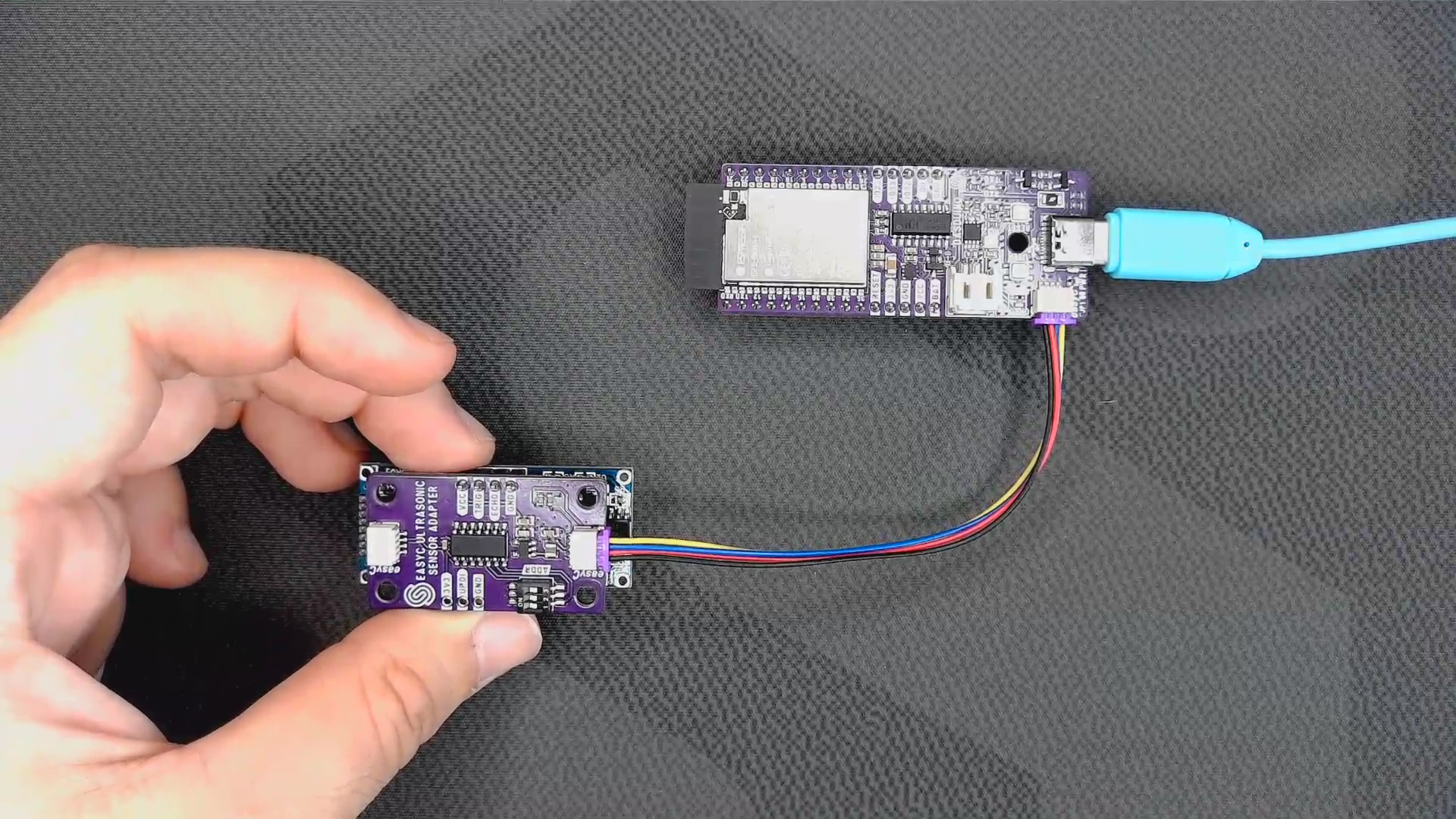
Connections for this example
Initialization
To use the HC-SR04 sensor, first include the required library, create the sensor object, and initialize the sensor in the setup() function:
//Include the library
#include <Ultrasonic-distance-sensor-easyC-SOLDERED.h>

//Create an instance of the sensor
Ultrasonic_Sensor hc_ultrasonic;

void setup() {
  //Start serial communication with PC via UART
  Serial.begin(115200);
  //Initialize the sensor
  hc_ultrasonic.begin();

}
// ...
hc_ultrasonic.begin()
Initializes the HC-SR04 sensor, setting up communication over I2C.
Returns value: None
Measuring distance
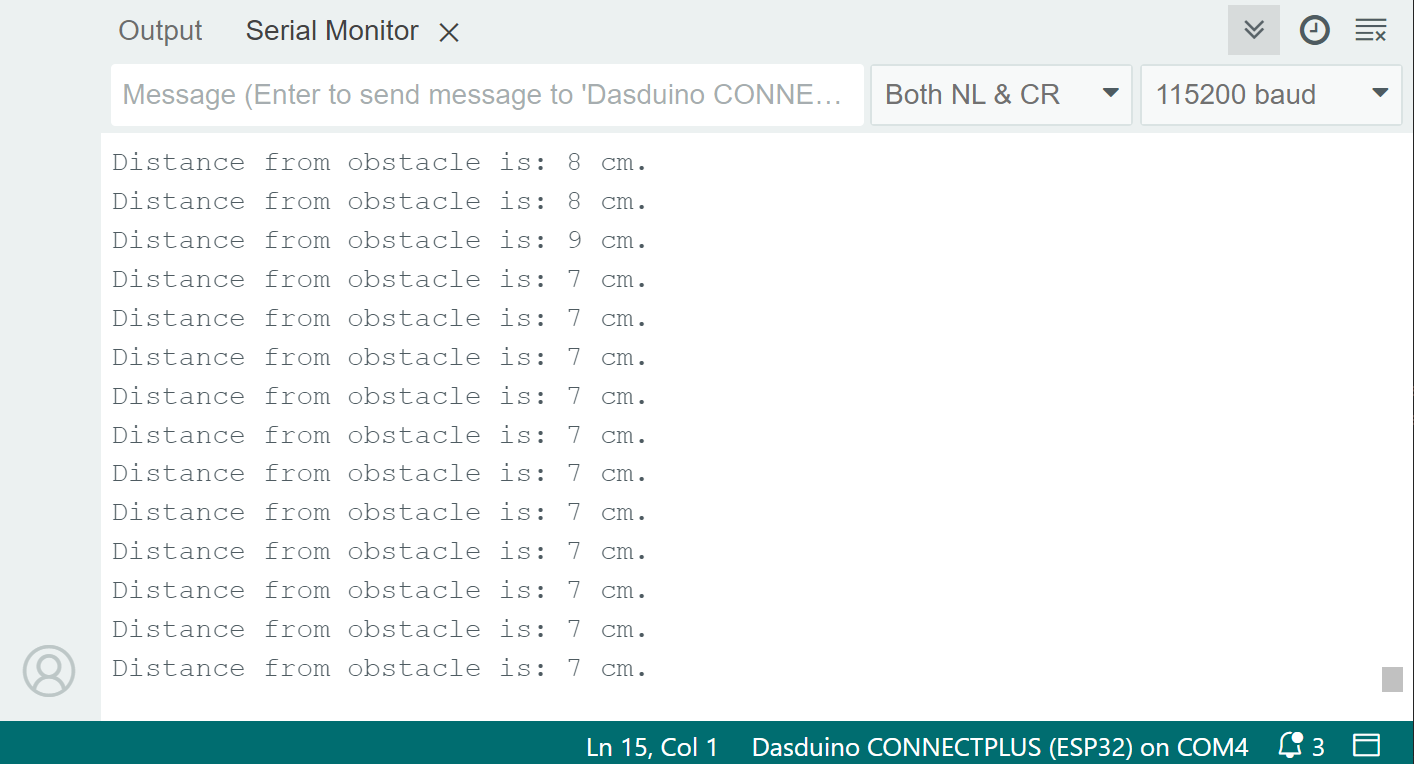
To measure the distance, first take the measurement using the takeMeasure() function. After a short delay (the measurement takes at most 38 ms), you can call the getDistance() function to obtain the distance value:
void loop() {
  //Send command to sensor to take a measurement
  hc_ultrasonic.takeMeasure();

  //Measurement takes at most 38 milliseconds
  delay(38);

  //Get the distance saved in the sensor's register
  int distance = hc_ultrasonic.getDistance();

  Serial.print("Distance from obstacle is: ");
  Serial.print(distance);
  Serial.println(" cm.");

  //Small delay between taking measurements
  delay(100);

}
hc_ultrasonic.takeMeasure()
Starts a distance measurement.
Returns value: Integer value, returns an error code from the Wire.h library
Error codes that the function returns mean the following:
| Error code | Meaning |
|---|---|
| 0 | Success |
| 1 | Data too long to fit in transmit buffer |
| 2 | Received NACK on transmit of address |
| 3 | Received NACK on transmit of data. |
| 4 | Other error. |
| 5 | Timeout |
hc_ultrasonic.getDistance()
Receives data and converts the binary data into a distance value in centimeters.
Returns value: Integer value, returns the distance from obstacle in centimeters
Measuring wave duration
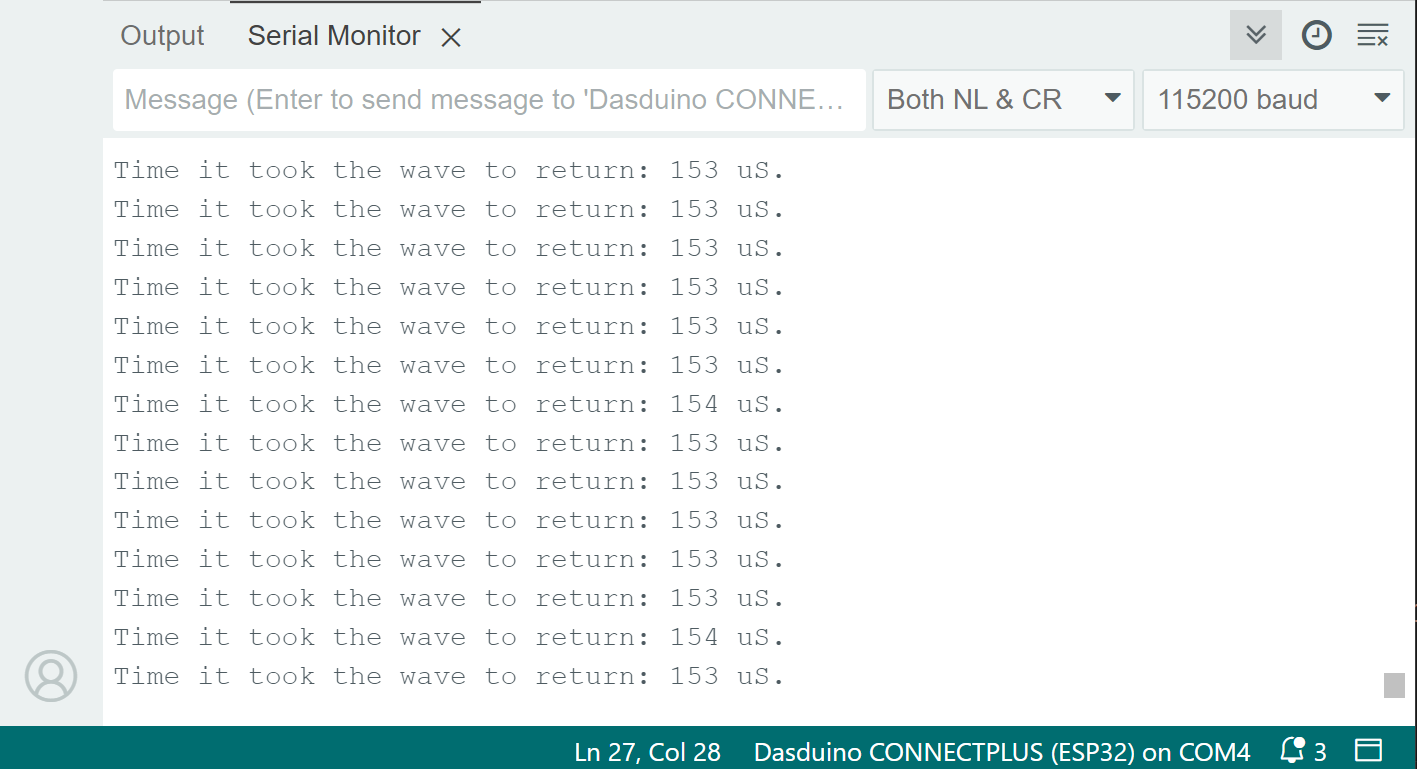
To measure the duration the ultrasonic wave takes to travel back, first take the measurement using the takeMeasure() function. After a short delay (the measurement takes at most 38 ms), you can call the getDuration() function to obtain the duration value in microseconds:
void loop() {
  //Send command to sensor to take a measurement
  hc_ultrasonic.takeMeasure();

  //Measurement takes at most 38 milliseconds
  delay(38);

  //Get the duration saved in the sensor's register
  int duration = hc_ultrasonic.getDuration();

  Serial.print("Time it took the wave to return: ");
  Serial.print(duration);
  Serial.println(" uS.");

  //Small delay between taking measurements
  delay(100);

}
hc_ultrasonic.getDuration()
Receives data and converts it into the time required for the echoed sound wave to return to the sensor.
Returns value: Integer value, returns the time in microseconds needed for the echoed sound wave to return
Full example
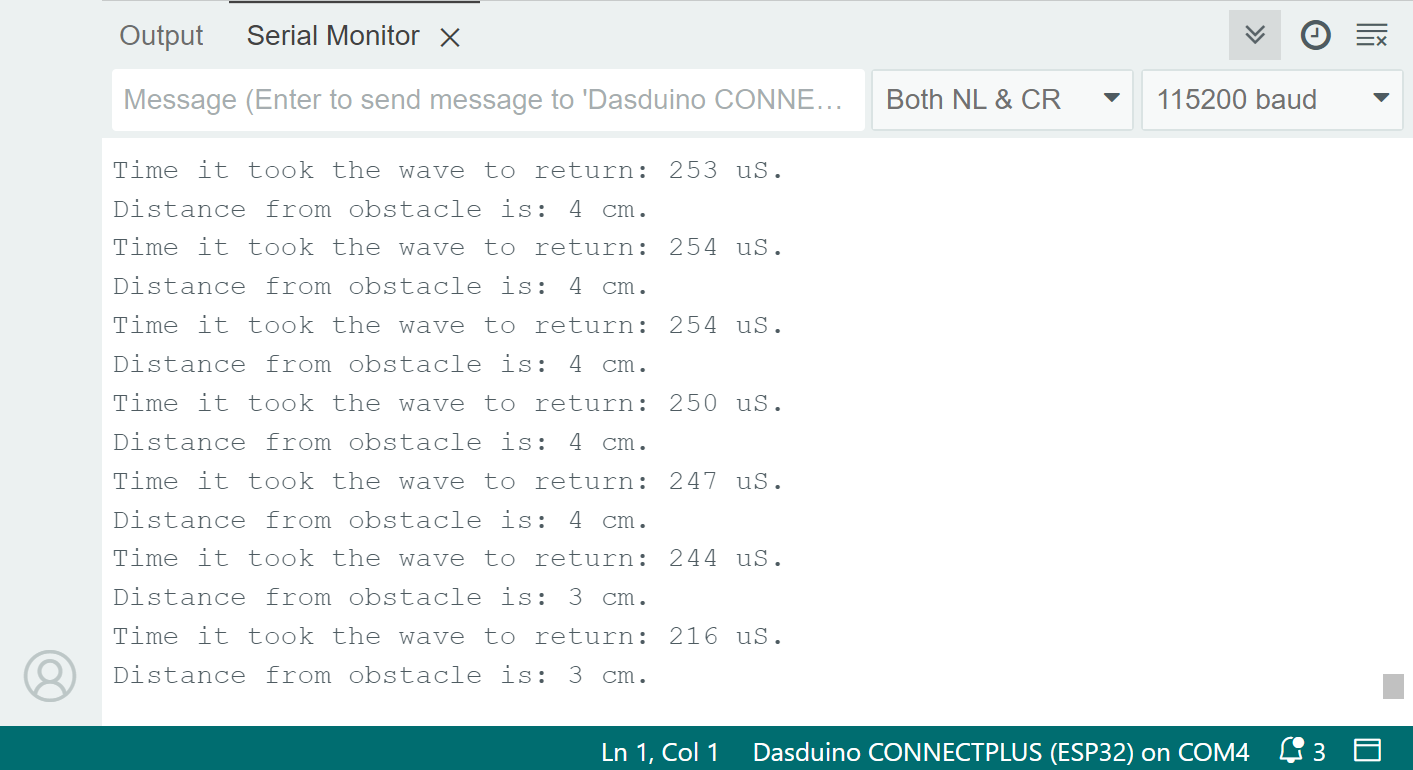
Try all of the functions mentioned above in this full example, which prints out the distance and wave duration over Serial at 115200 baud:
//Include the library
#include <Ultrasonic-distance-sensor-easyC-SOLDERED.h>

//Create an instance of the sensor
Ultrasonic_Sensor hc_ultrasonic;

void setup() {
  //Start serial communication with PC via UART
  Serial.begin(115200);
  //Initialize the sensor
  hc_ultrasonic.begin();

}

void loop() {
  //Send command to sensor to take a measurement
  hc_ultrasonic.takeMeasure();

  //Measurement takes at most 38 milliseconds
  delay(38);

  //Get the distance saved in the sensor's register
  int distance = hc_ultrasonic.getDistance();

  Serial.print("Distance from obstacle is: ");
  Serial.print(distance);
  Serial.println(" cm.");

  //Get the duration saved in the sensor's register
  int duration = hc_ultrasonic.getDuration();

  Serial.print("Time it took the wave to return: ");
  Serial.print(duration);
  Serial.println(" uS.");

  //Small delay between taking measurements
  delay(100);
}
getDistance_easyC.ino
Example file for using HC-SR04 sensor with Qwiic