Hx711 - Simple Read
This page contains an example of initializing the HX711 load-cell amplifier and a simple reading example using both the regular and easyC versions.
To use the HX711 sensor, first include the required library, create the sensor object, and initialize the sensor in the setup() function.
DAT and SCK are defined before initialization.If you're using the easyC version, there is no need to define the DAT and SCK pins, and the HX711 object is created as follows:
// Create the easyC variant of the HX711 object
HX711 hx711;
// Include the library
#include "HX711-SOLDERED.h"

// Define pins used for DAT and SCK here
#define PIN_DAT 4
#define PIN_SCK 3

// Create the HX711 object on the right pins
HX711 hx711(PIN_DAT, PIN_SCK);

void setup()
{
    Serial.begin(115200); // Start serial communication

    // Initialize the HX711 sensor
    hx711.begin();

    // Wait a bit until it initializes fully
    delay(200);
}

void loop()
{
    // Make raw reading and store in variable
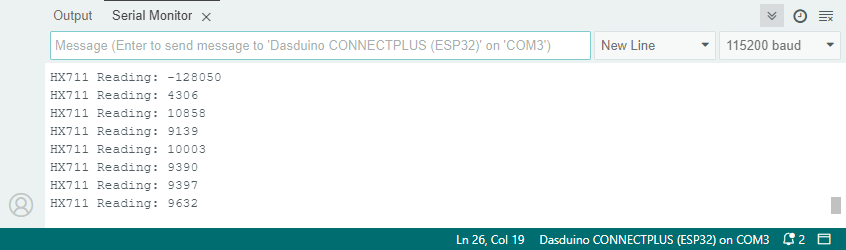
    long reading = hx711.getRawReading();

    // Print the reading
    Serial.print("HX711 Reading: ");
    Serial.println(reading);

    // Wait a short while until the next reading
    delay(200);
}
hx711.begin()
Initializes the HX711 load-cell amplifier, setting up communication and verifying its presence.
Returns value: None.
hx711.getRawReading()
Reads raw data from the HX711 load-cell amplifier and returns the raw 32-bit value, representing the weight or force applied to the load cell. It handles both native communication and easyC communication methods.
Returns value: A 32-bit signed long representing the raw reading from the load cell.
simpleRead.ino
Example file for using the HX711 Sensor
easyCExample.ino
Example file for using the easyC HX711 Sensor