Ltr 507 - Reading Light and Proximity
This page contains simple examples with function documentation on how to use the LTR-507 sensor to read ambient light levels and proximity.
Reading Light
// Include needed libraries
#include "LTR-507-Light-And-Proximity-Sensor-SOLDERED.h"

// Create light_sensor object
LTR507 light_sensor;

void setup()
{
    // Begin Serial for debugging purposes
    Serial.begin(115200);

    // Initialize the light_sensor!
    light_sensor.init();
}

void loop()
{
    // Create a local variable for the light reading
    uint16_t lightReading;

    // Obtain the reading!
    lightReading = light_sensor.getLightIntensity();

    // Print the reading
    Serial.print("Light sensor reading: ");
    Serial.println(lightReading);

    // Wait a bit before taking the next reading so that the output isn't too fast
    delay(1000);
}
light_sensor.getLightIntensity()
Reads the ambient light intensity in lux from the LTR-507 sensor.
Returns value: A 16-bit integer (lux).
ℹ️
The higher the lux value, the brighter the environment. A lower lux value means a darker setting. This can be useful for automatic brightness adjustment, environment monitoring, and smart lighting applications.
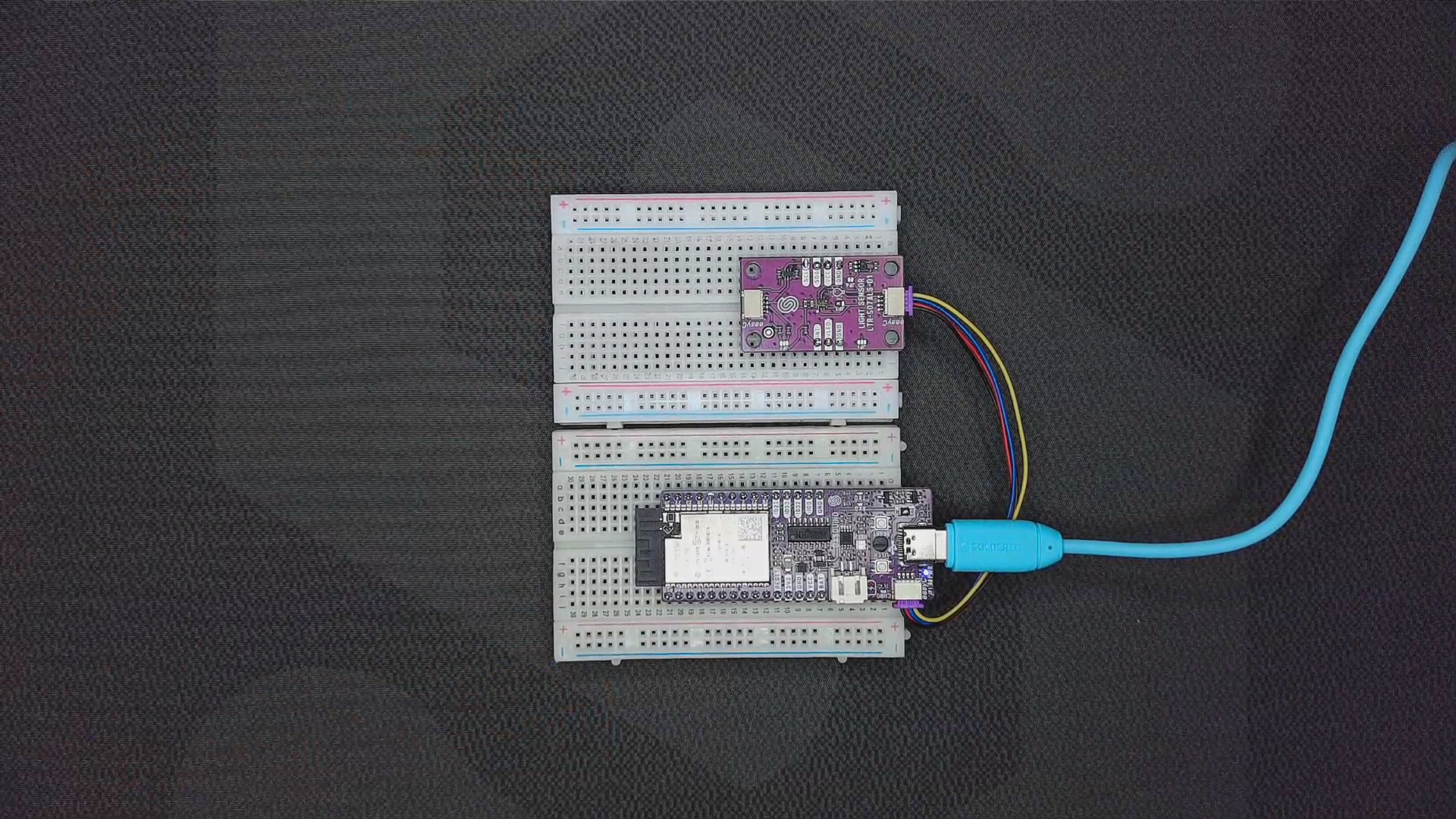
Sensor with a connected IR LED in open air
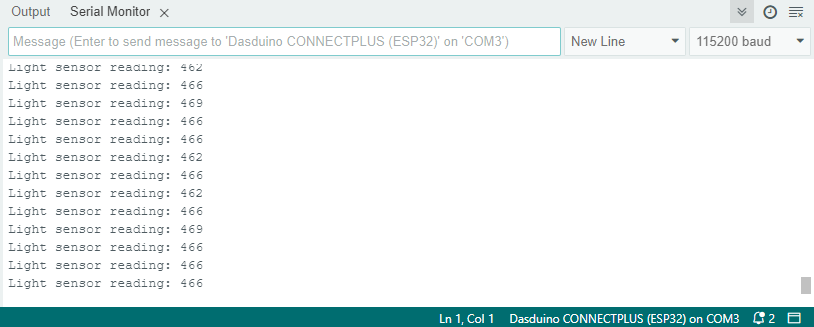
Serial Monitor output
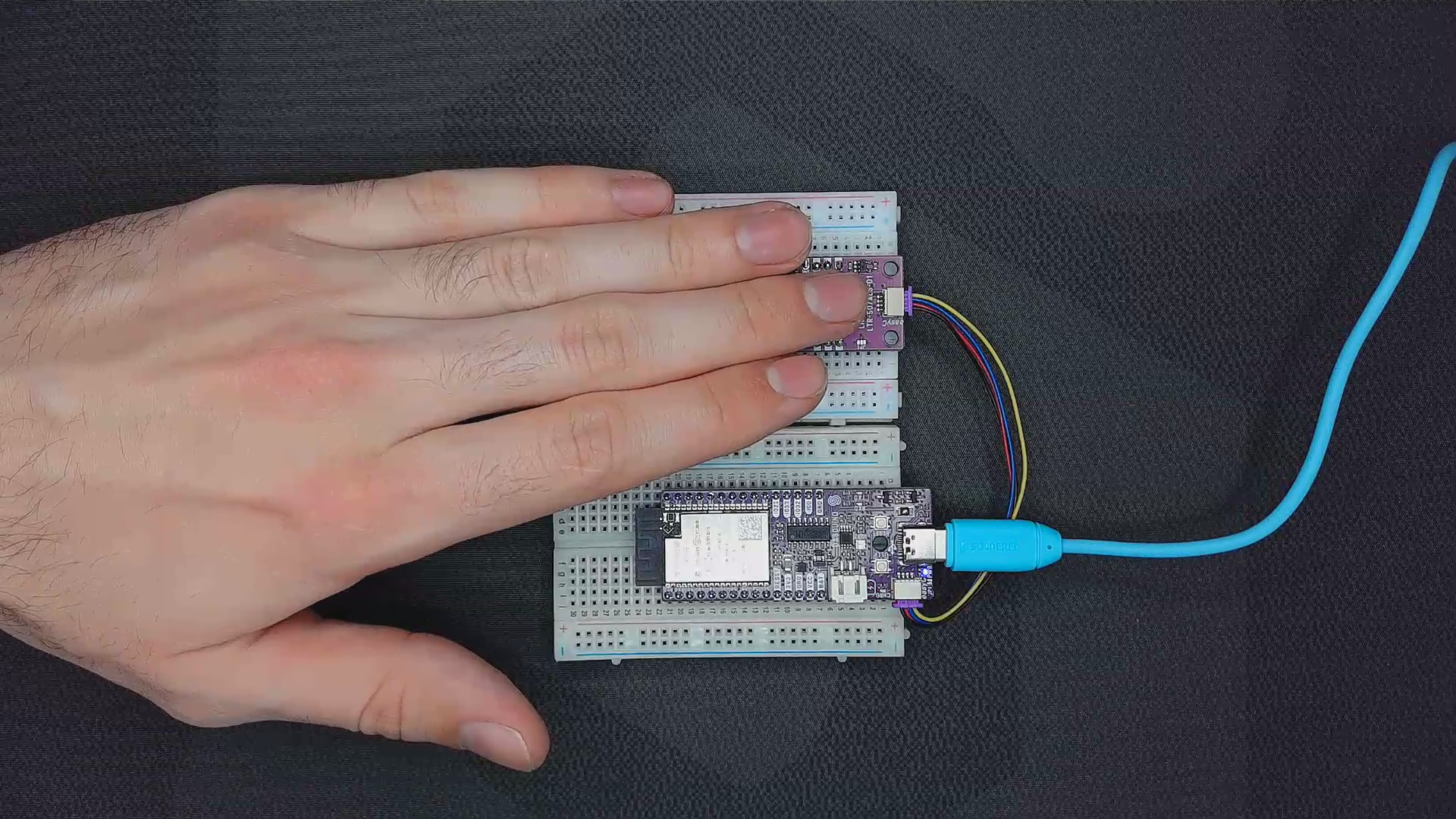
Sensor covered by a hand
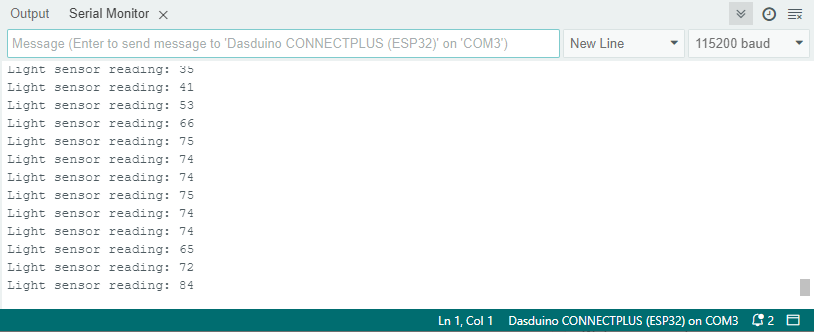
LTR-507 Light Sensor Serial Monitor output
readLight.ino
Example file for reading the light sensor value using the LTR-507
Reading Proximity
The LTR-507 measures the infrared reflection from nearby objects to determine their proximity. This is useful for gesture detection, object detection, and automatic triggering systems.
⚠️
An IR LED must be connected!
// Include the library
#include "LTR-507-Light-And-Proximity-Sensor-SOLDERED.h"

LTR507 light_sensor; // Create light_sensor object

void setup()
{
    Serial.begin(115200); // Initialize Serial Monitor
    light_sensor.init();  // Initialize the light_sensor
}

void loop()
{
    uint16_t proximityReading = light_sensor.getProximity(); // Read proximity value

    Serial.print("Proximity reading: ");
    Serial.println(proximityReading); // Print proximity value to Serial Monitor

    delay(1000); // Wait before the next reading
}
light_sensor.getProximity()
Reads the proximity value based on infrared reflection from nearby objects.
Returns value: A 16-bit integer.
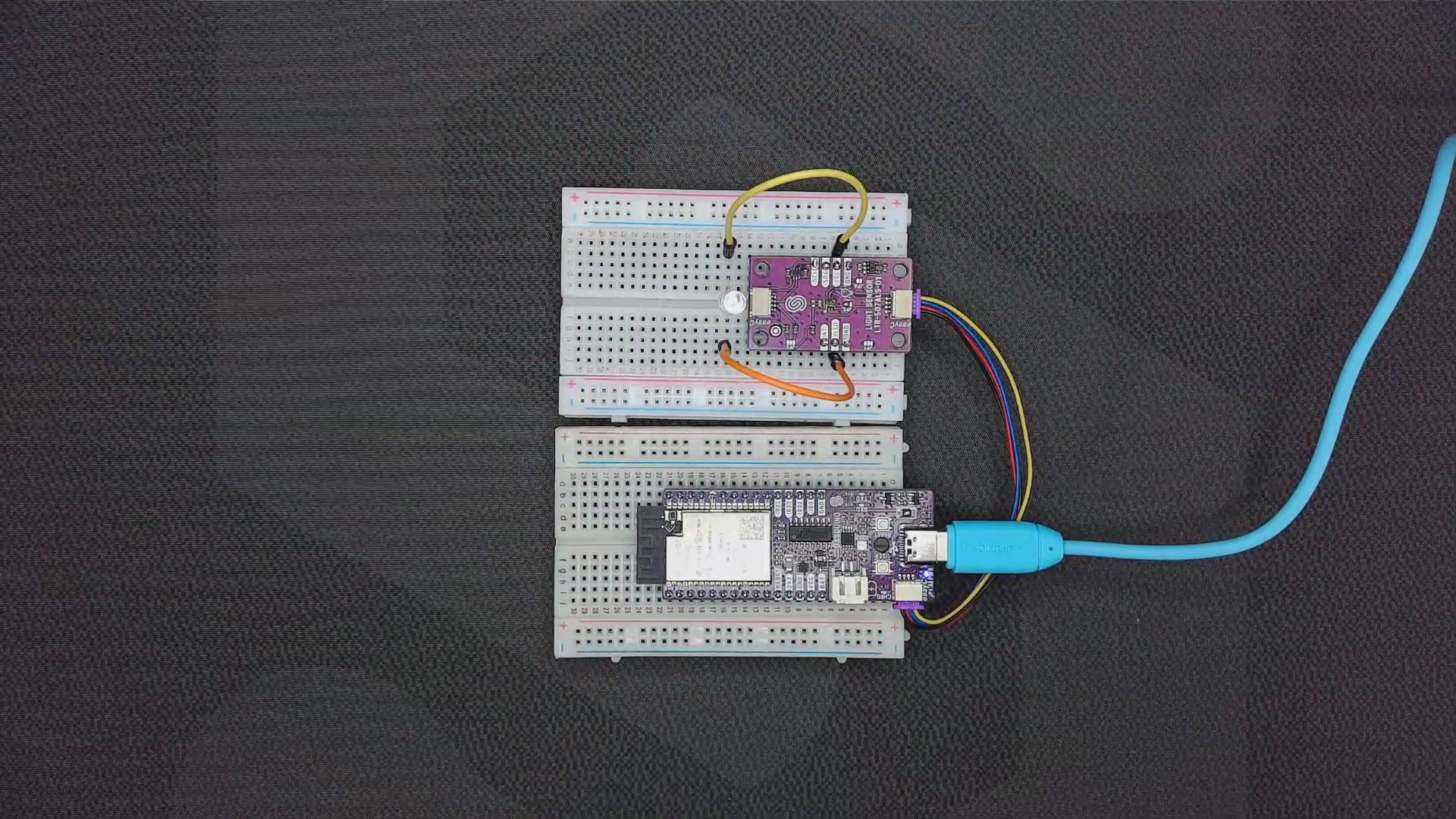
Sensor with a connected IR LED in open air
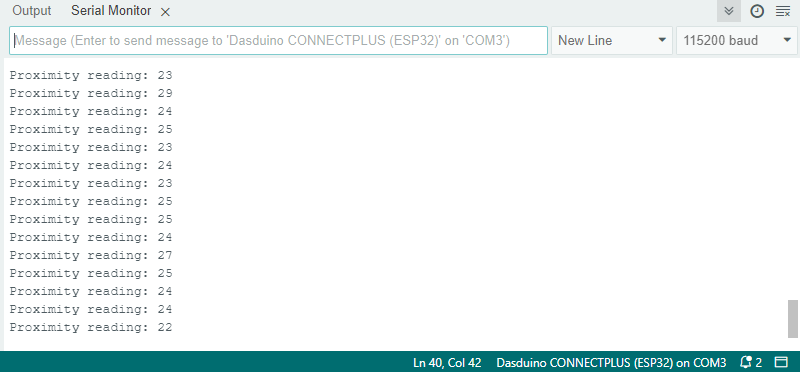
Serial Monitor output
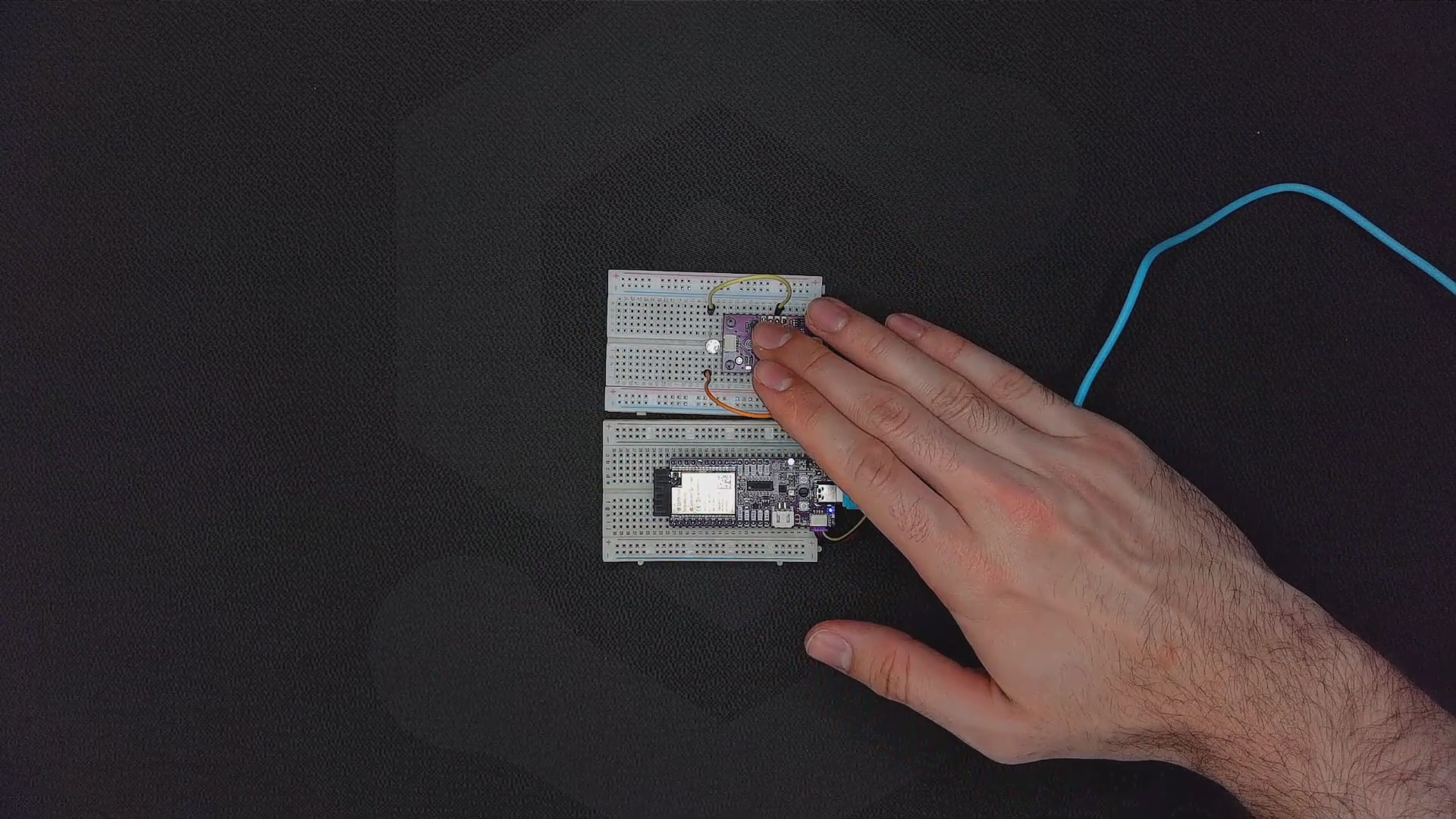
Sensor covered by a hand
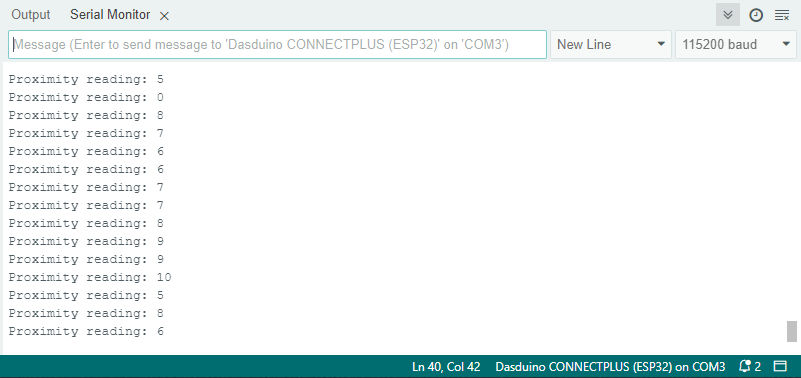
LTR-507 Light Sensor Serial Monitor output
readProximity.ino
Example file for reading the proximity sensor value using the LTR-507