PCF85063A - Initialization
Connections for this example
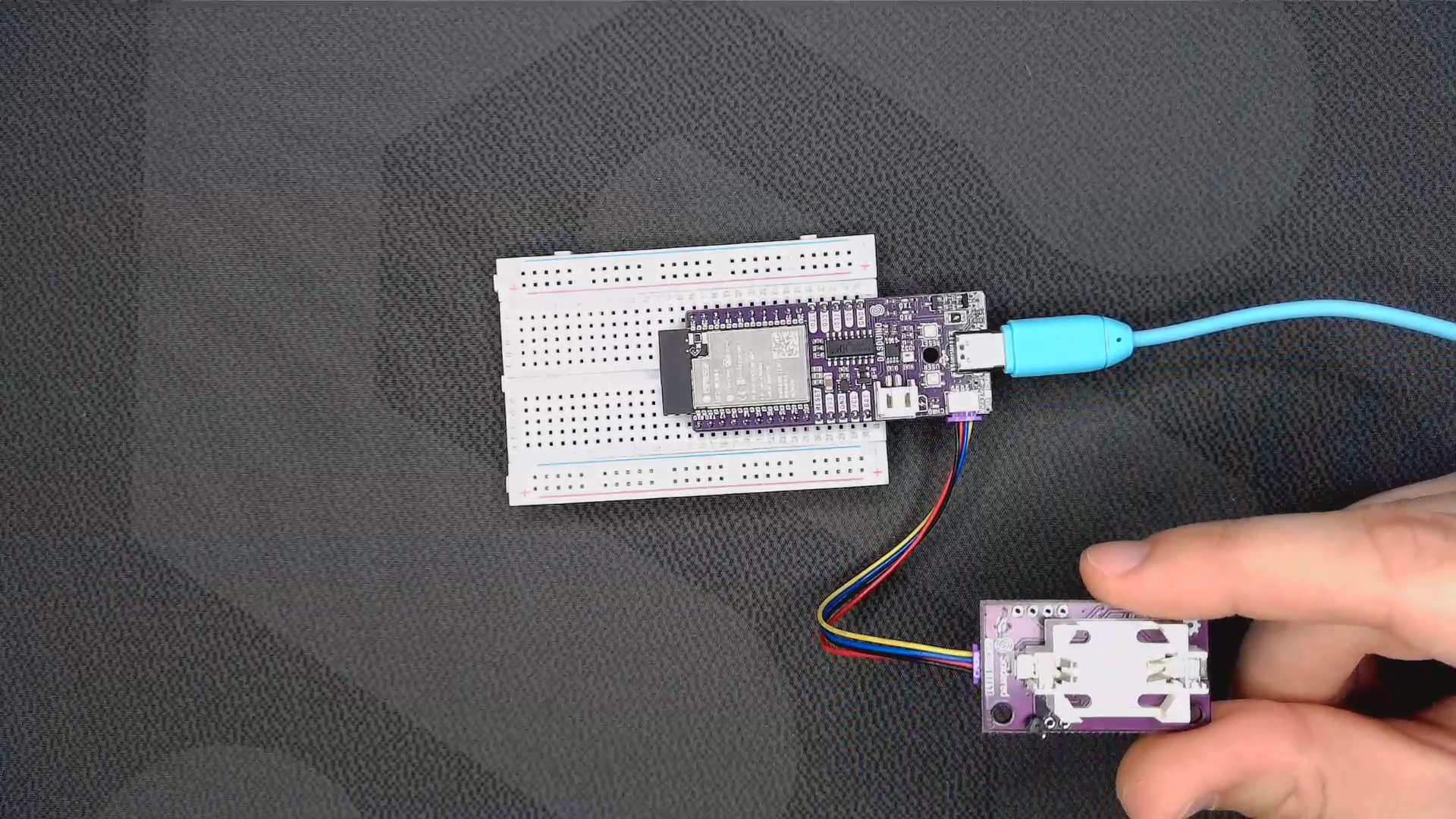
Initializing
For first-time use, we must initialize the RTC by providing it with the current time and date. First, include the library and create an instance of the RTC object, then initialize it in the setup() function:
// Include the library
#include "PCF85063A-SOLDERED.h"

// Create an instance of the RTC
PCF85063A rtc;


void setup()
{
    Serial.begin(115200); // Start serial communication with the PC using a baud rate of 115200
    rtc.begin();  // Initialize RTC module

    //  setTime(hour, minute, sec);
    rtc.setTime(11, 53, 00); // 24-hour mode, e.g., 11:53:00
    //  setDate(weekday, day, month, yr);
    rtc.setDate(1, 31, 3, 2025); // 0 for Sunday, e.g., Monday, 31.3.2025.
}
rtc.begin()
Initializes the RTC, setting up communication over I2C
Returns value: None
rtc.setTime(uint8_t hour, uint8_t minute, uint8_t second)
Sets the time on the RTC
Returns value: None
Function parameters:
| Type | Name | Description |
|---|---|---|
uint8_t | hour | What hour you want to set |
uint8_t | minute | What minute you want to set |
uint8_t | second | What second you want to set |
rtc.setDate(uint8_t weekday, uint8_t day, uint8_t month, uint16_t yr)
Sets the date on the RTC
Returns value: None
Function parameters:
| Type | Name | Description |
|---|---|---|
uint8_t | weekday | What weekday you want to set |
uint8_t | day | What day you want to set |
uint8_t | month | What month you want to set |
uint16_t | year | What year you want to set |