Assembly guide
On this page, we will guide step by step on how to assemble this kit.
Step 1: Solder the resistors to the PCB.
Solder the 330 Ohm resistors to the PCB on pins marked R1 to R4. their orientation doesn't matter.
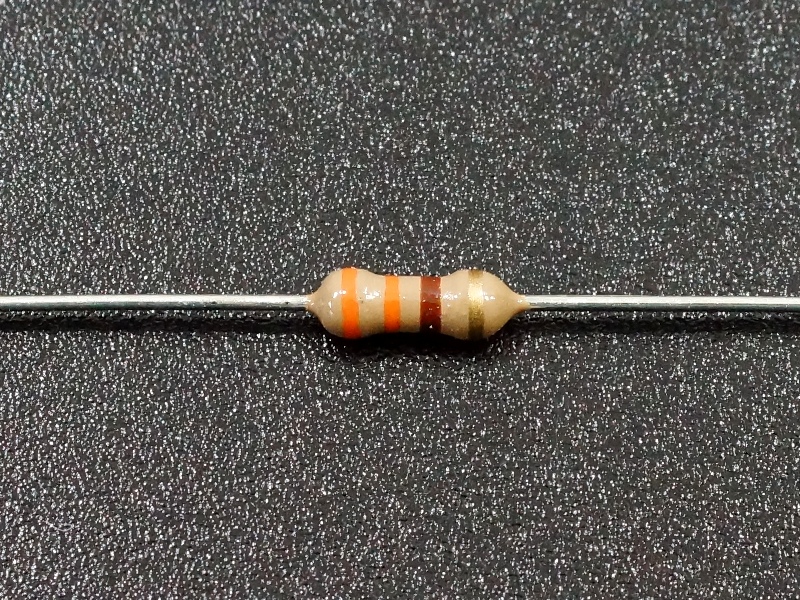
Markings for the 330 Ohm resistor
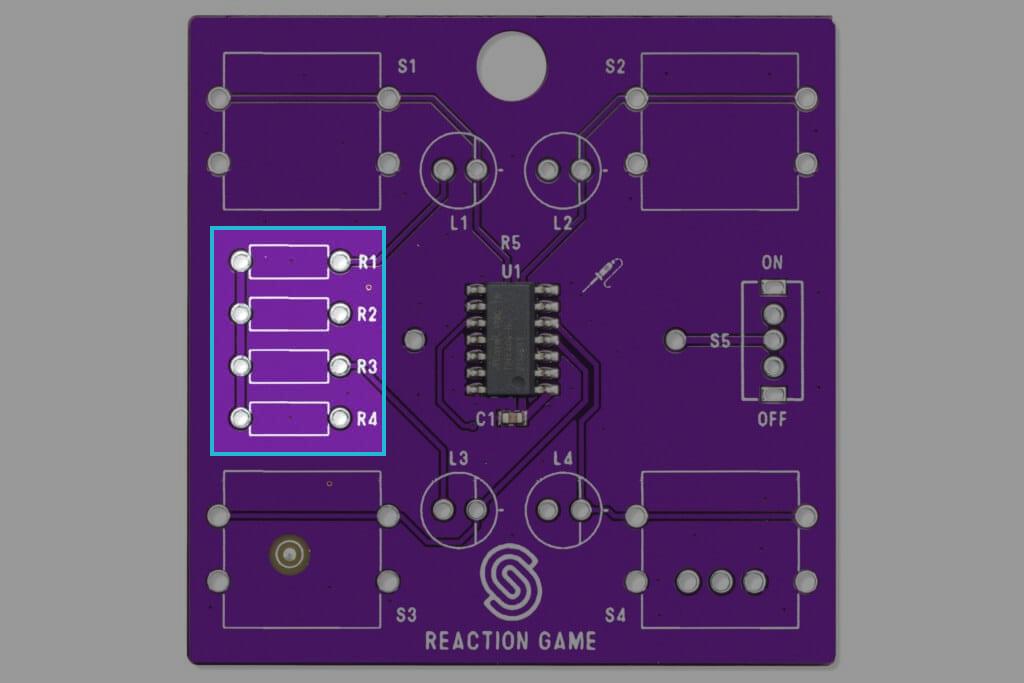
Highlighted pins for resistors R1 to R6
Step 2: Solder the switch
Solder the switch on pins marked S5, orientation doesn't matter.
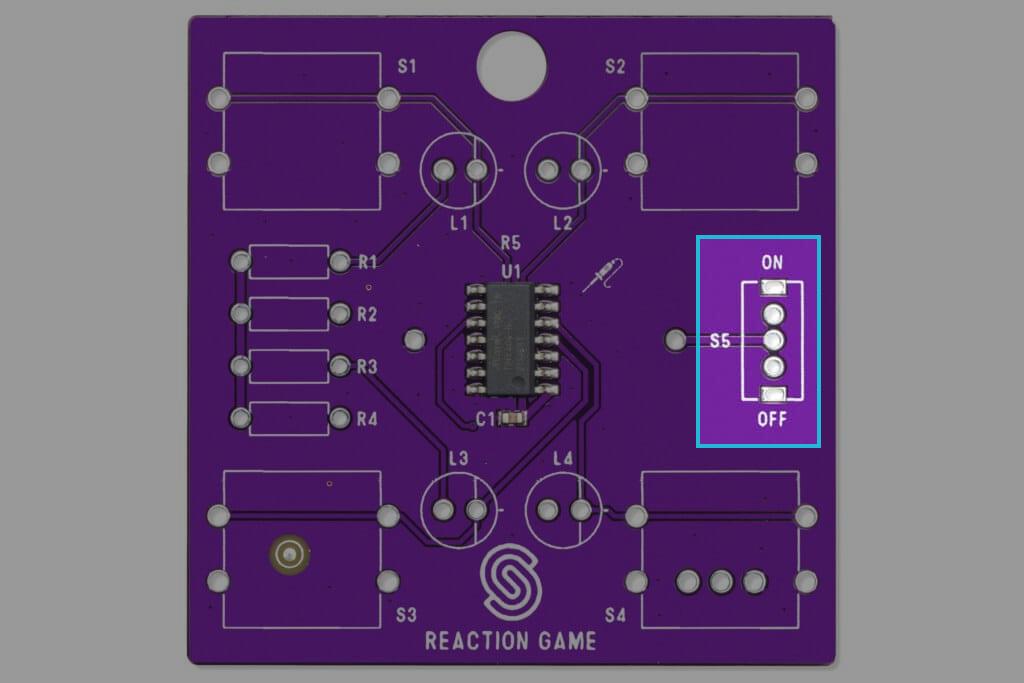
Highlighted pins for switch
Step 3: Solder the LEDs
Solder the LEDs on pins marked L1 to L4. Keep in mind that the LED's cathode (-)(shorter one) is on the right pin, and anode (+)(longer one) is on the left side!
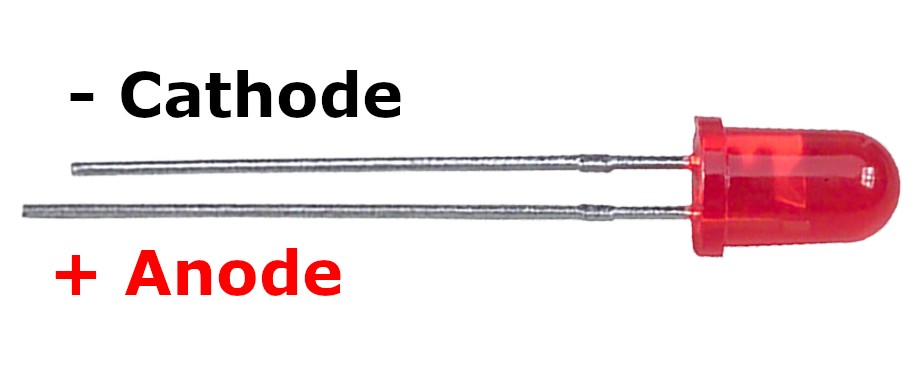
Marked pins on LED
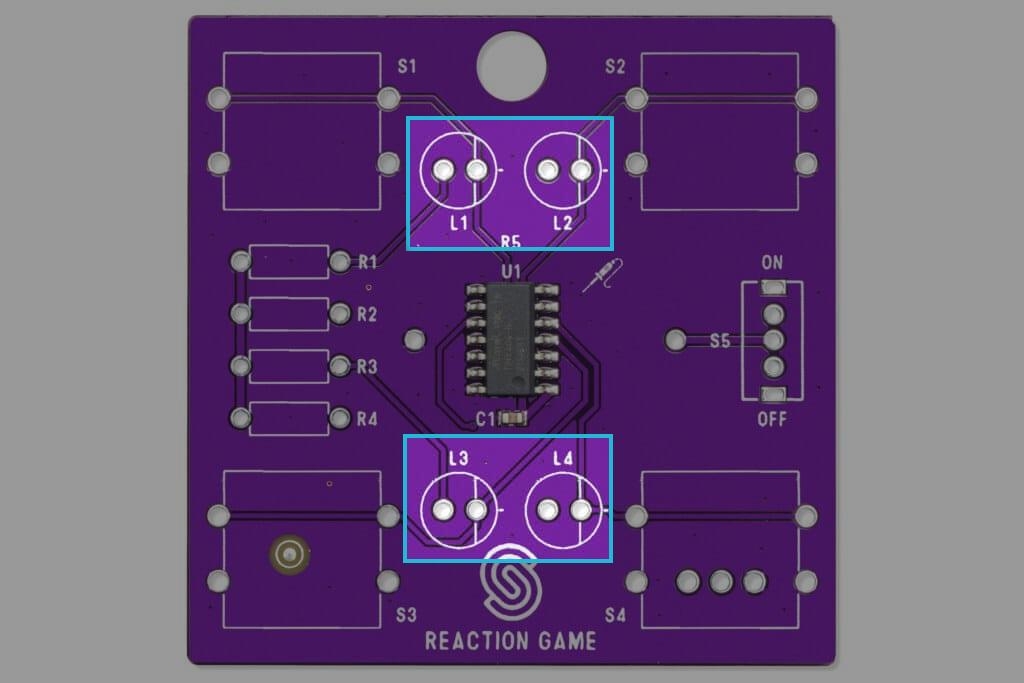
Highlighted pins L1 and L2 for LEDs
Step 4: Solder the pushbuttons
Solder the pushbutton on pins marked S1 to S4, orientation doesn't matter.
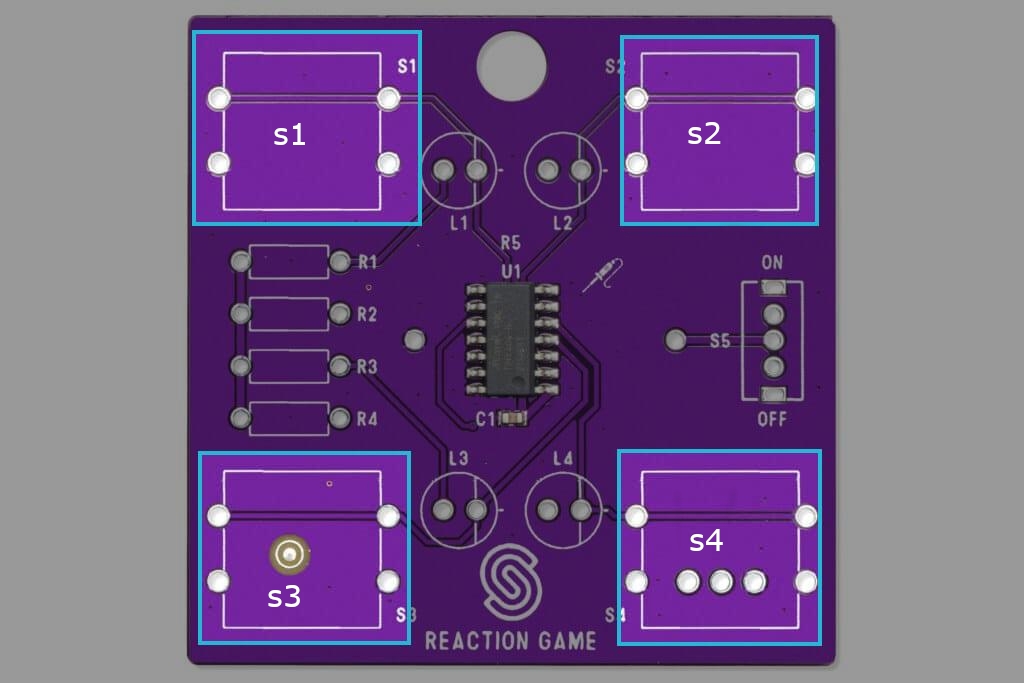
Highlighted pins for pushbuttons
Step 5: Solder the CR2032 battery holder
Rotate the pcb on its back side up and align the holder with drawn topology on pins marked BAT.
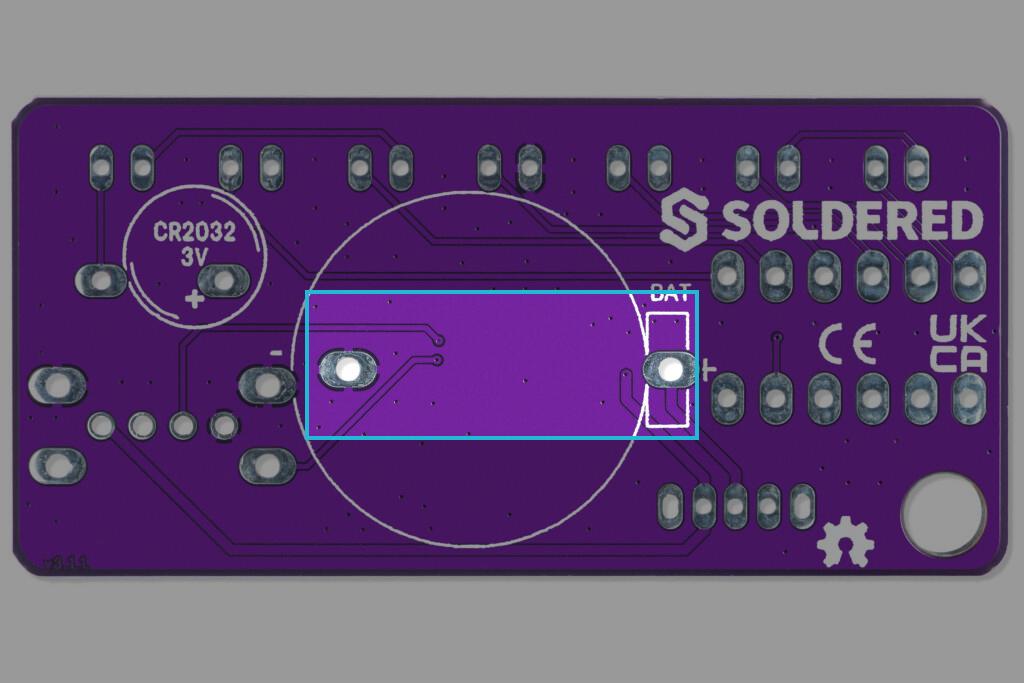
Highlighted pins for pushbutton