Ssd1306 - Initializing the screen
To use the SSD1306 OLED Display, first include the required library, create the display object, and initialize the display in the setup() function.
//Include the library
#include "OLED-Display-SOLDERED.h"

//Create an instance of the OLED display
OLED_Display display;

void setup() {
  //Initialize serial communication
  Serial.begin(115200);

  //Initialize the display
  if(display.begin())
  {
    //If the display initialized successfully, print a message and show the logo on the display
    Serial.println("OLED display initialized successfully!");
    display.display();
  }
  else
  {
    Serial.println("OLED failed to initialize, check connection");
  }
}

void loop()
{

}
ℹ️
If you did everything correctly, you should be greeted with the Soldered logo!
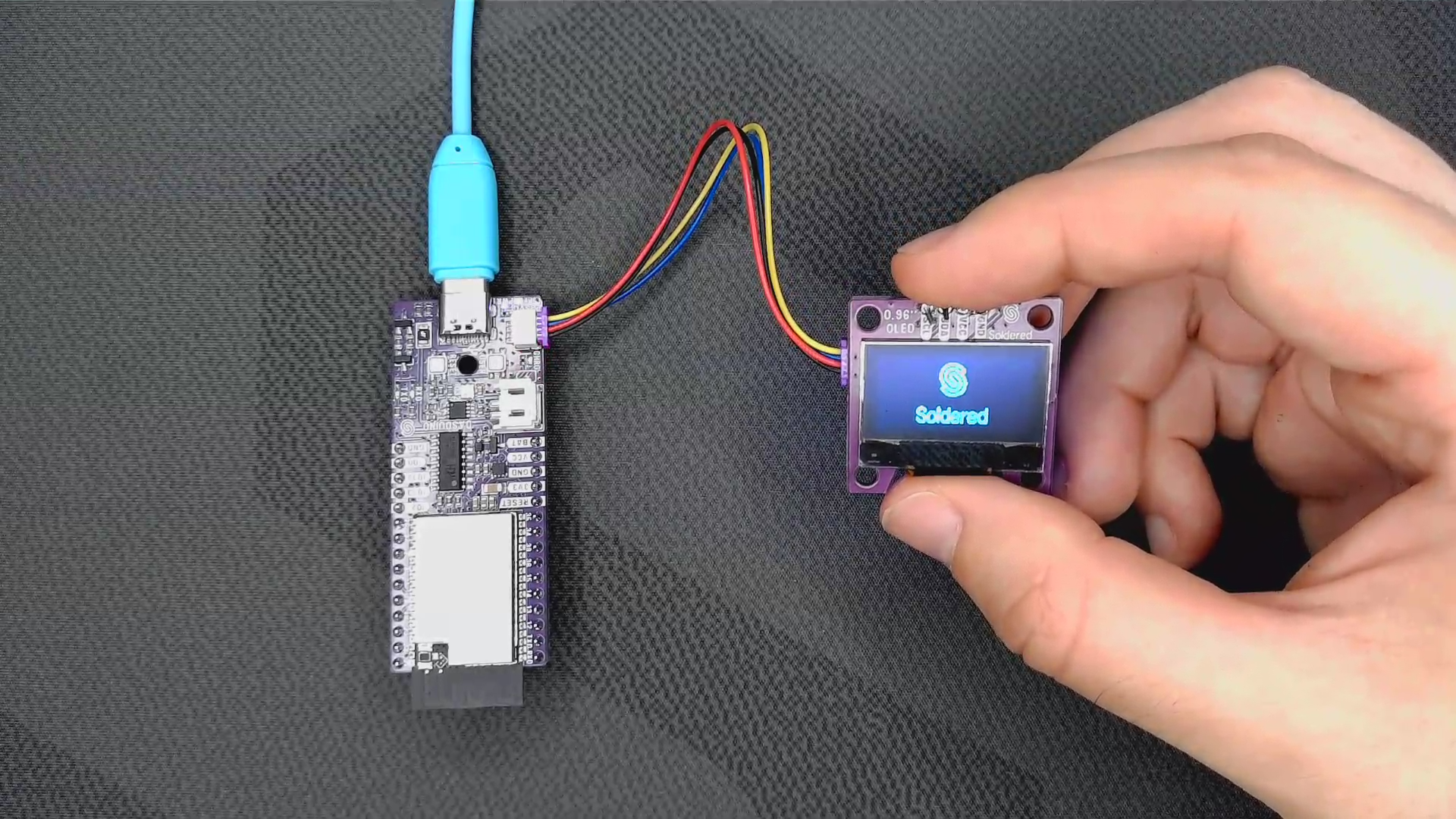
display.begin()
Initializes the OLED Display, setting up communication over I2C and setting the resolution to 128x64
Returns value: Boolean value, returns true if the display was successfully initialized, false if not
display.display()
Displays the content that was previously defined to be drawn
Returns value: None
⚠️
The display is only updated when the display() function is called!