Ssd1306 – Writing text
To write text onto the display, you must define the text size, color, and the starting coordinate from which the text will be drawn onto the display.
void loop() {
  delay(1000);
  // Clear the last image shown on screen
  display.clearDisplay();
  // Normal 1:1 pixel scale
  display.setTextSize(1);
  // Draw white text
  display.setTextColor(SSD1306_WHITE);
  // Start at top-left corner
  display.setCursor(0, 0);
  // Message we want to display
  String message = "Hello World!";
  // Inform the display of the text you want to print
  display.print(message);
  // Display the message
  display.display();
}
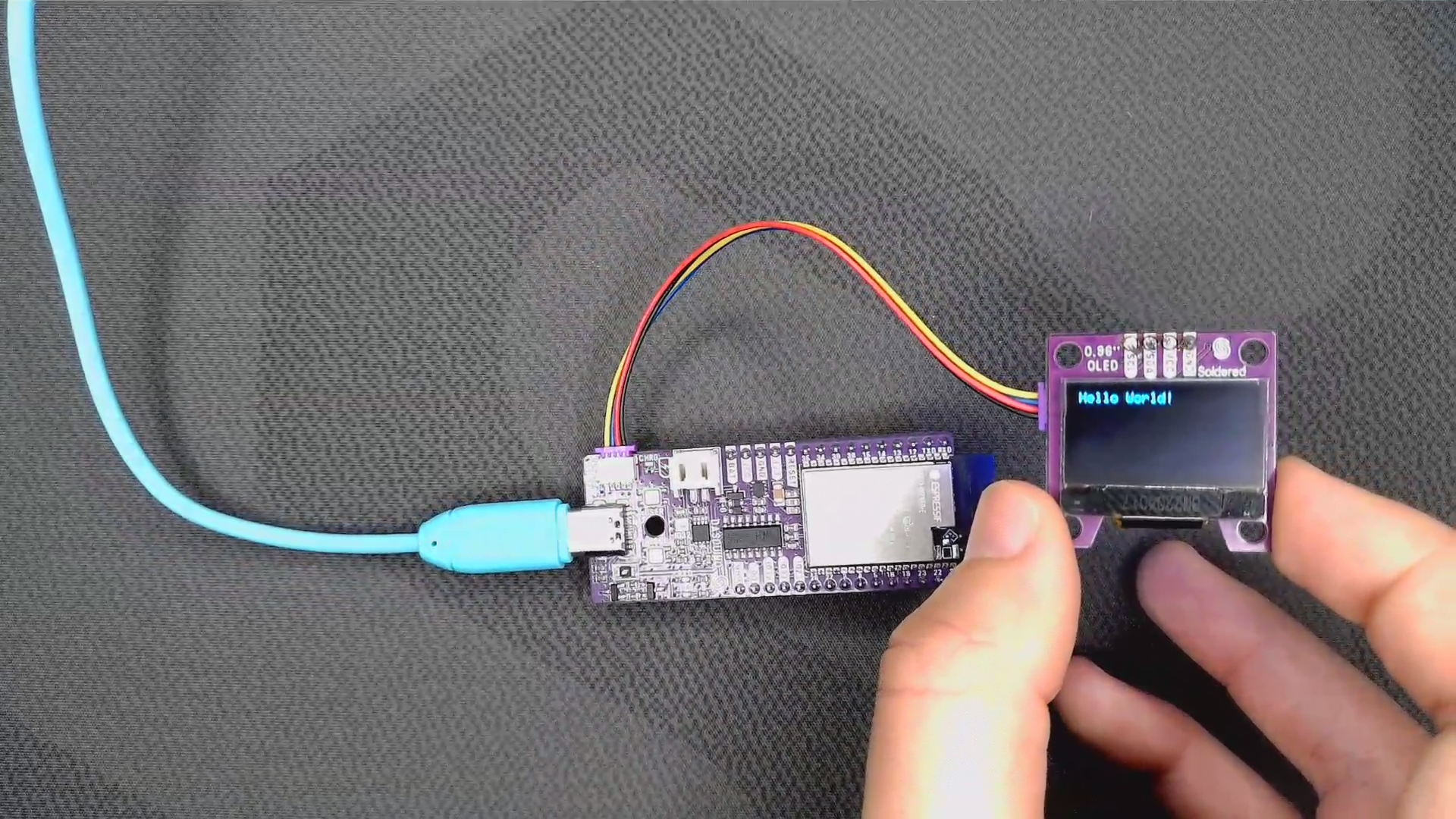
display.clearDisplay()
Clears contents of display buffer (sets all pixels to off).
Returns value: None
⚠️
Because the clearDisplay() function only clears the buffer, it has no immediate effect on the screen. The display() function must still be called.
display.setTextColor(uint16_t c, uint16_t bg)
Set text font color with custom background color
Returns value: None
Function parameters:
| Type | Name | Description |
|---|---|---|
int16_t | c | What color the text will be |
int16_t | bg | Optional, what color the background will be, if not set then it is transparent |
display.setCursor(int16_t x, int16_t y)
Sets text cursor location
Returns value: None
Function parameters:
| Type | Name | Description |
|---|---|---|
int16_t | x | x coordinate of cursor |
int16_t | y | y coordinate of cursor |
display.print(const char* message)
Stores the given message into buffer
Returns value: None
Function parameters:
| Type | Name | Description |
|---|---|---|
const char* | message | text that will be shown on display |