VL53L1X ToF Laser Distance Sensor - Measuring distance example (Arduino)
This page provides simple continuous distance readings from the sensor, with dynamic control of LED brightness based on measured distance.
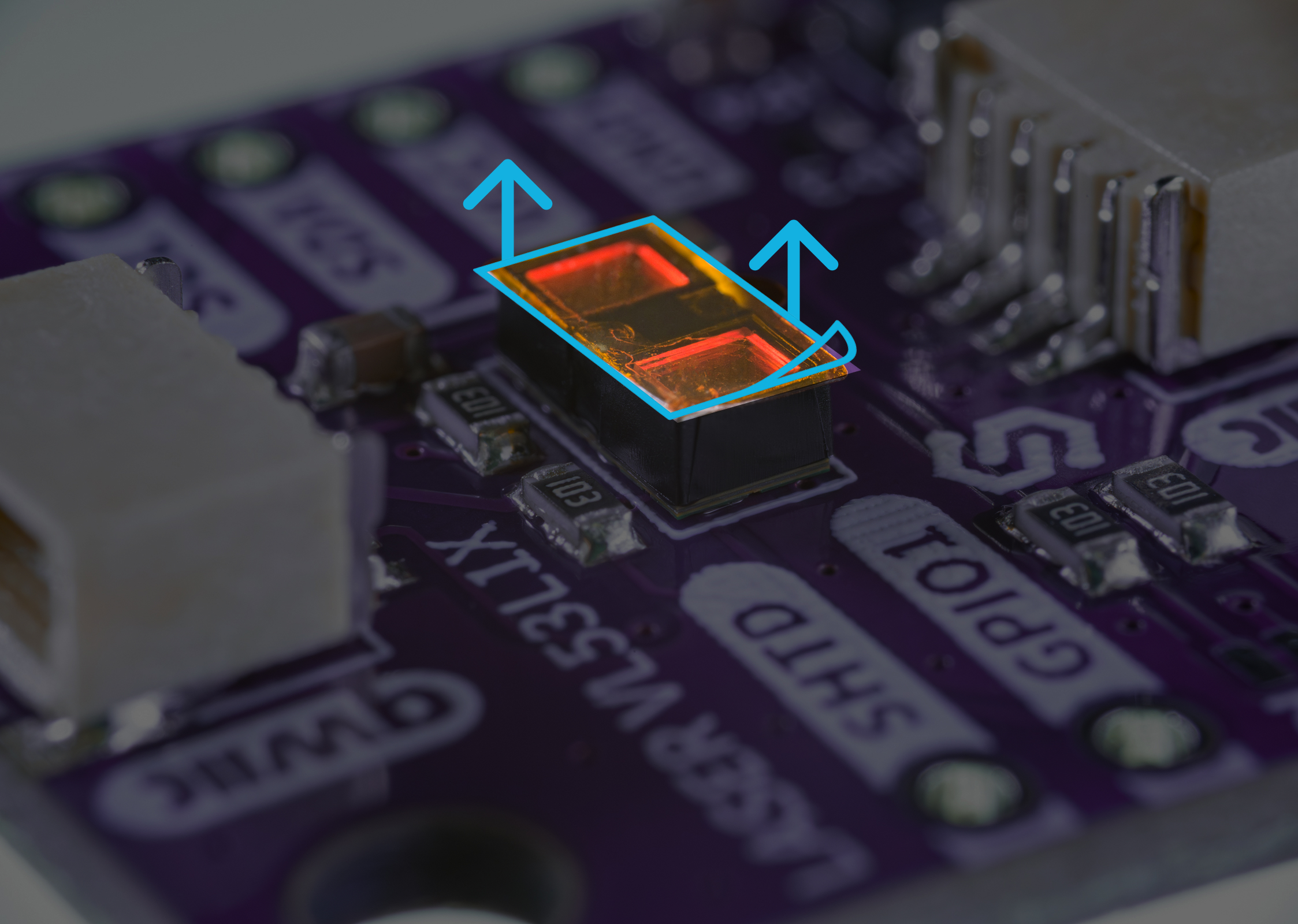
Initialization
To use the VL53L1X sensor, include the required library, create the sensor object and initialize the sensor in setup() function along with specifying desired DistanceMode.
// Include the library
#include "VL53L1X-SOLDERED.h"

#define LED_PIN 15
VL53_L1X sensor;

void setup() {
  Serial.begin(115200);
  Serial.println("Serial Initialised");

  sensor.setTimeout(500);
  sensor.begin();

  // You can change these settings to adjust the performance of the sensor, but
  // the minimum timing budget is 20 ms for short distance mode and 33 ms for
  // medium and long distance modes.
  sensor.setDistanceMode(VL53L1X::Short); // We use SHORT distance mode for LED visualization purposes
  sensor.setMeasurementTimingBudget(50000); // We use 50000 us (50 ms) for a measurement.

  // Start continuous readings at a rate of one measurement every 50 ms (the
  // inter-measurement period). This period should be at least as long as the
  // timing budget.
  sensor.startContinuous(50);
}
// ...
sensor.begin()
Initializes the VL53L1X sensor, setting up communication over I2C.
Returns value: None
sensor.setTimeout()
Set a timeout period in milliseconds.
Returns value: None
Function parameters:
| Type | Name | Description |
|---|---|---|
uint16_t | timeout | Sets a timeout period in milliseconds after which read operations will abort if the sensor is not ready. A value of 0 disables the timeout. |
sensor.setDistanceMode()
Sets the distance mode of the sensor (see table below).
Returns type: bool
Returns value: Indicates whether the requested mode was valid.
Function parameters:
| Type | Name | Description |
|---|---|---|
DistanceMode | mode | Sets the distance mode of the sensor. |
The VL53L1X has three distance modes: short, medium and long.
Long distance mode allows the longest possible ranging distance of 4 m to be reached. However, this maximum ranging distance is impacted by ambient light. Short distance mode is more immune to ambient light, but its maximum ranging distance is typically limited to 1.3m
| Distance Mode | Enum | Max. distance under strong ambient light (cm) | Max. distance in the dark (cm) |
|---|---|---|---|
| Short | VL53L1X::Short | 135 | 136 |
| Medium | VL53L1X::Medium | 76 | 290 |
| Long | VL53L1X::Long | 73 | 360 |
sensor.setMeasurementTimingBudget()
Time allowed for one range measurement; a longer timing budget allows for more accurate measurements.
Returns type: bool
Returns value: Indicates whether the requested budget was valid.
Function parameters:
| Type | Name | Description |
|---|---|---|
uint32_t | budget_us | Sets the measurement timing budget to the given value in microseconds. |
Measuring distance
In the loop function sensor.read() is called to get object distance in millimeters.
void loop()
{
  // Get distance reading in 'mm'
  int distance = sensor.read();
  Serial.println(distance);

  // Map distance (0 - 2260) to PWM (0 - 255)
  // Max distance in short mode ~ 2260mm
  int pwmValue = map(distance, 0, 2260, 0, 255);

  // Output PWM to LED
  analogWrite(LED_PIN, pwmValue);

  if (sensor.timeoutOccurred()) // Check if sensor has been measuring longer than timeout period
  {
      Serial.print(" TIMEOUT");
  }
}
sensor.read()
Returns a range reading and updates the ranging data struct with details about the last measurement.
Returns type: int
Returns value: Returns distance from objects in millimeters.
Function parameters:
| Type | Name | Description |
|---|---|---|
boolean | blocking | Optional argument, if True: wait until data from a new measurement is available before returning. |
Full example in Arduino library
ReadDistanceContinous.ino
Full sketch example of continous distance reading