VL53L1X ToF Laser Distance Sensor - Read Distance (MicroPython)
⚠️
Important: Before starting to work with the sensor, the orange protective sticker needs to be peeled off for the laser to emit and be detected properly!
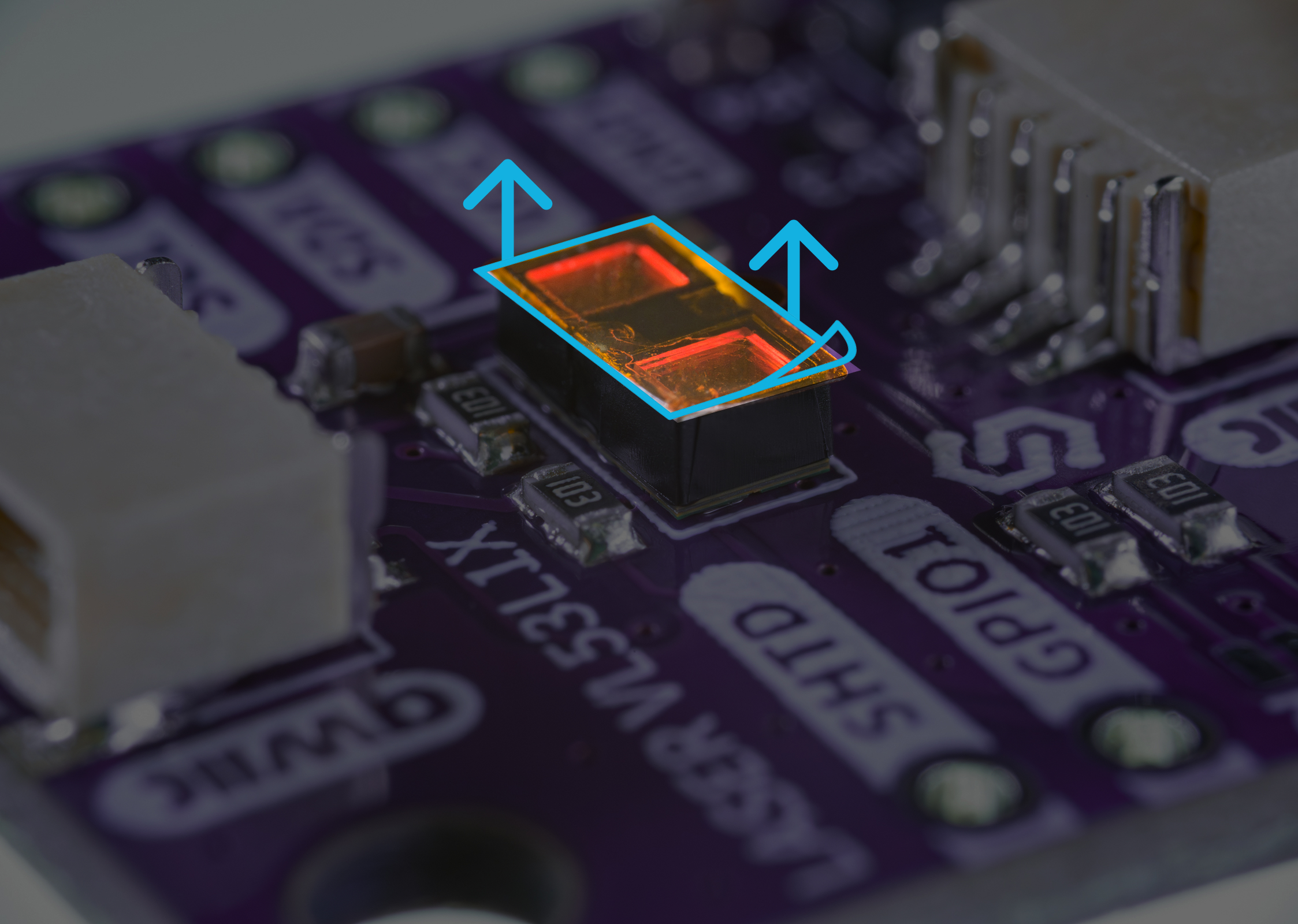
Remove the protective orange sticker before use
Read Continuous Distance
from machine import I2C, Pin
from VL53L1X import VL53L1X
import time

# Initialize the sensor
sensor = VL53L1X()

# If you aren't using the Qwiic connector, manually enter your I2C pins
# i2c = I2C(0, scl=Pin(22), sda=Pin(21))
# sensor = VL53L1X(i2c)

# Infinite loop
while True:
    # Print out the distance measurement for the sensor in millimeters
    print("range: ", sensor.read(), "mm")
    # Pause for 50 milliseconds
    time.sleep_ms(50)
sensor.read()
Read the current measured distance.
Returns type: int
Returns value: Returns distance from objects in millimeters.
Full example
ContinuousMeasurement.py
Read continuous measurement example on GitHub