Bme680 - Measuring Altitude and Gas Resistance
Altitude
Based on sensor reading
The altitude value can be calculated using the readAltitude() function. The value is determined by the pressure reading and the sea level.
void loop()
{
  float altitude;
  // Store the sensor data into the variable
  altitude = bme680.readAltitude();
  // Print the value onto the screen
  Serial.println("Altitude: " + String(altitude) + "m \n");
  delay(1000); // 1 second delay between measurements
}
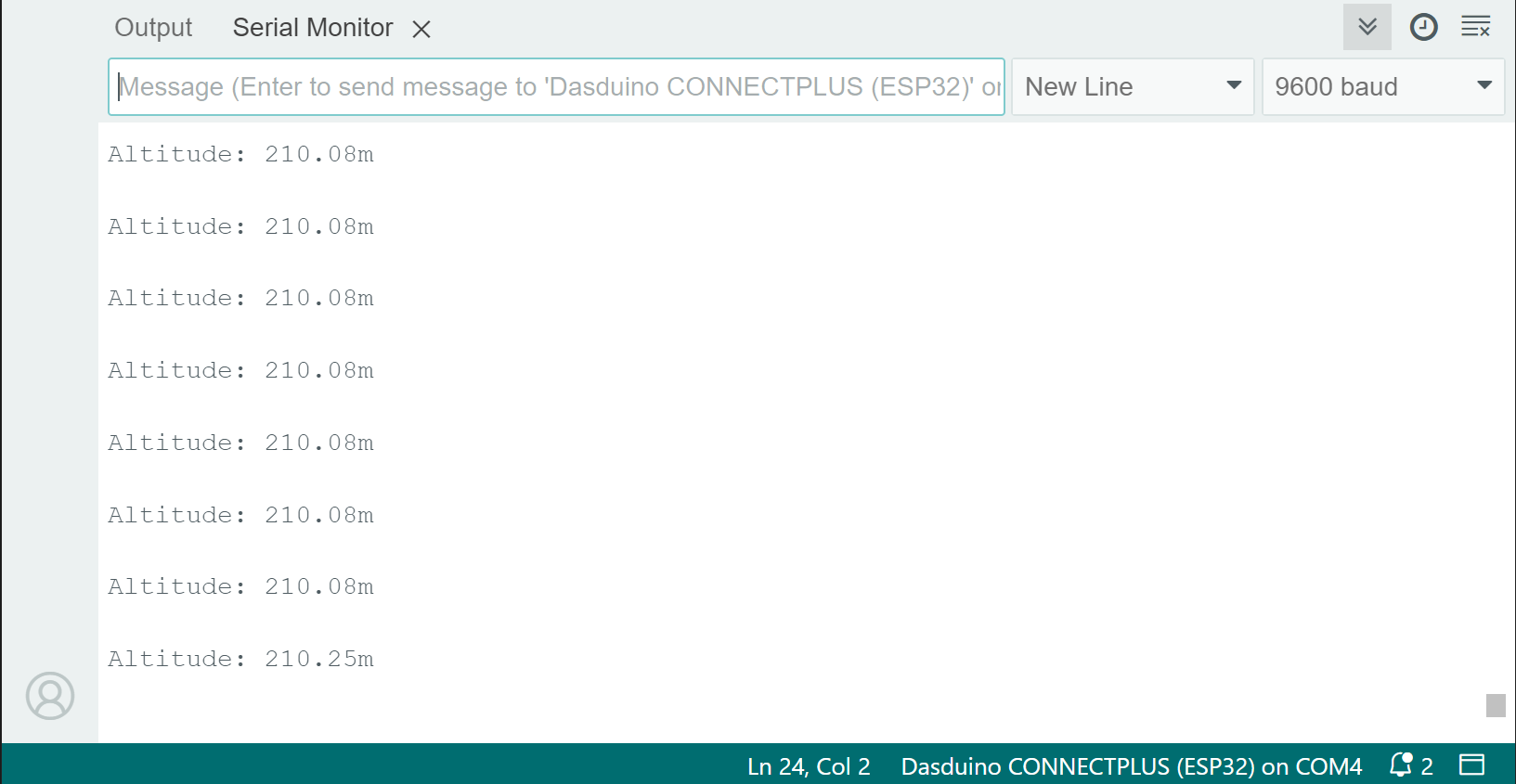
Serial monitor
bme680.readAltitude()
Calculates the altitude by taking the pressure reading
Returns value: Float value of altitude in meters
Based on given pressure value
void loop()
{
  float altitude, pressure;
  // First get a pressure reading
  pressure = bme680.readPressure();
  // Store the calculated result into the variable
  altitude = bme680.calculateAltitude(pressure);
  // Print the value onto the screen
  Serial.println("Altitude: " + String(altitude) + "m \n");
  delay(1000); // 1 second delay between measurements
}
bme680.calculateAltitude(float pressure)
Calculates the altitude based on the given pressure value
Returns value: Float value representing altitude in meters
Function parameters:
| Type | Name | Description |
|---|---|---|
float | pressure | Pressure value in hPa |
Gas Resistance
To get gas resistance readings, use the readGasResistance function. The sensor samples it in mOhms.
void loop()
{
  float gas;
  // Store the sensor data into the variable
  gas = bme680.readGasResistance();
  // Print the value onto the screen
  Serial.println("Gas Resistance: " + String(gas) + "mOhm \n");
  delay(1000); // 1 second delay between measurements
}
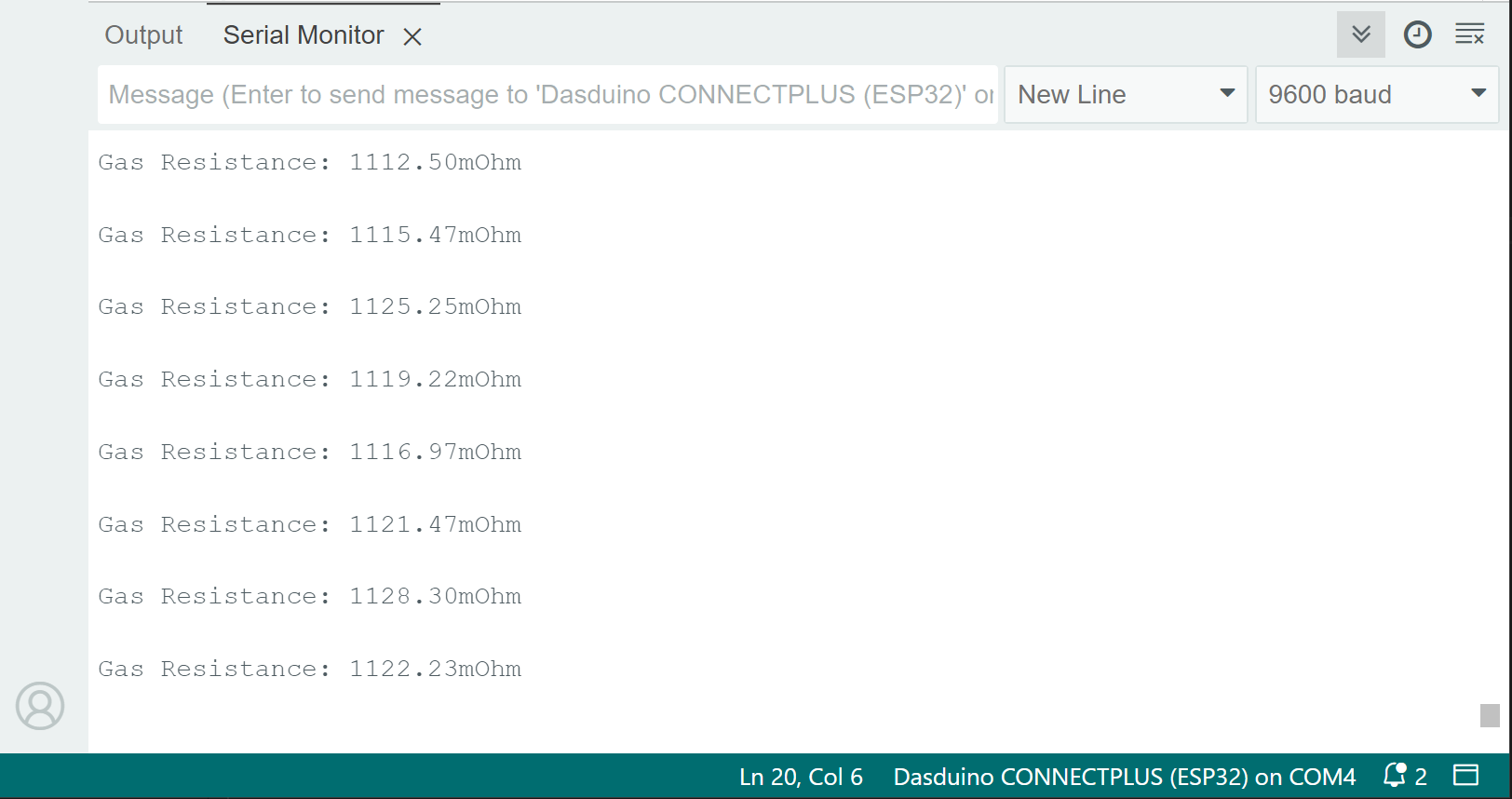
Serial monitor
bme680.readGasResistance()
Reads the value from the sensor and returns the scaled mOhm value
Returns value: Float value of the gas resistance in mOhms