Bme680 - Measuring temperature, humidity and pressure (examples)
All measurements
To get the values for all measurements (temperature, humidity, and pressure), use the readSensorData() function. The sensor retrieves the reading values, stores them in the addresses of the function arguments, and scales the values into the appropriate form.
void loop()
{
  float temperature, humidity, pressure, gas;
  bme680.readSensorData(temperature, humidity, pressure, gas);
  Serial.println(
    "Temperature: "+String(temperature)+"C\n"+
    "Humidity: " + String(humidity) + "%\n" +
    "Pressure: " + String(pressure) + "hPa\n" +
    "Gas: " + String(gas) + "mOhms\n"
  );
  delay(1000); // 1 second delay between measurements
}
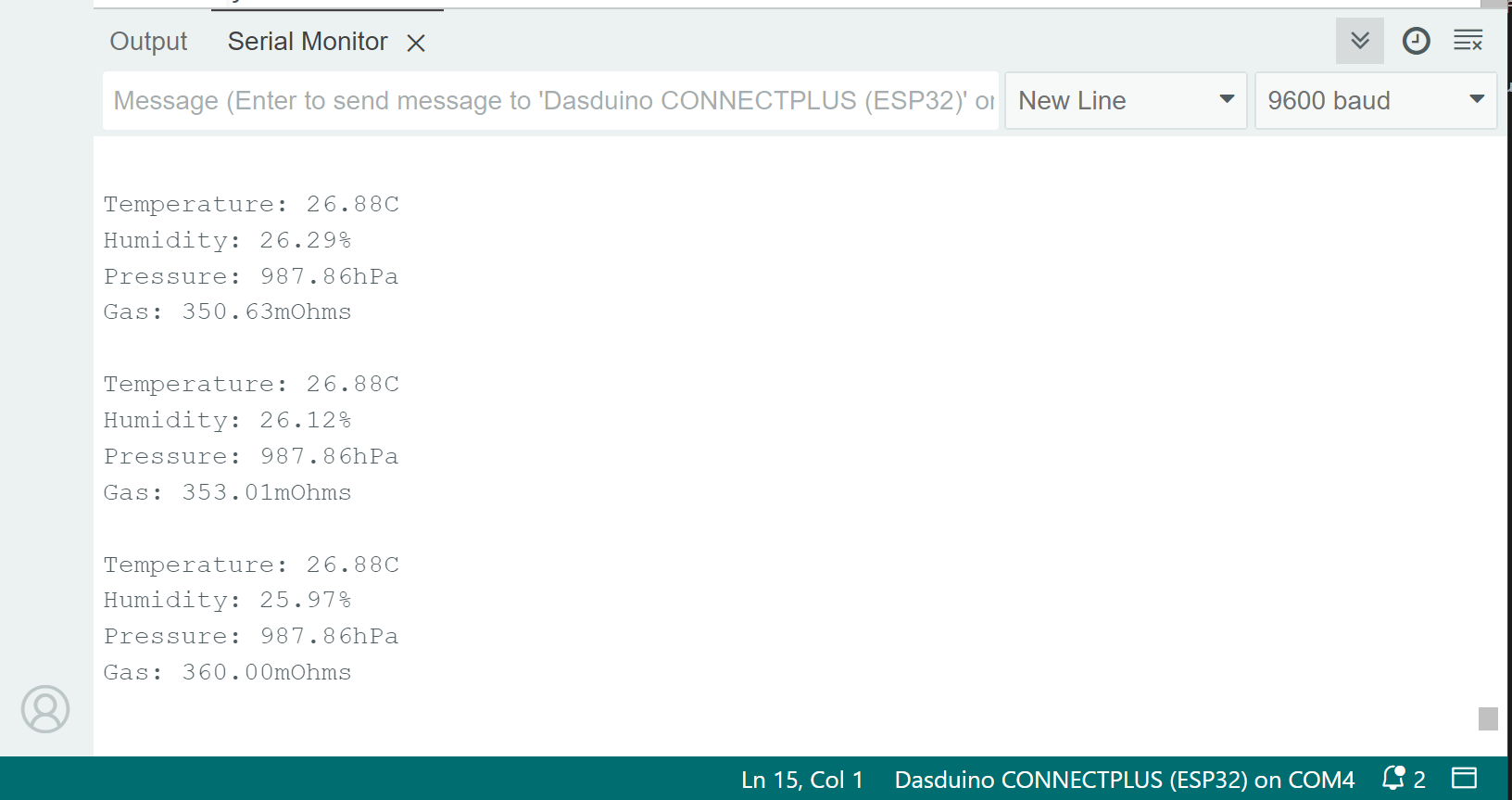
bme680.readSensorData(float &temp, float &humidity, float &pressure, float &gas)
Gets the reading values, stores them in the addresses of the function arguments, and scales the values into the appropriate form.
Returns value: None
Function parameters:
| Type | Name | Description |
|---|---|---|
float | temp | Variable in which the temperature value will be stored |
float | humidity | Variable in which the humidity value will be stored |
float | pressure | Variable in which the pressure value will be stored |
float | gas | Variable in which the gas value will be stored |
Temperature
To get temperature values only, use the readTemperature() function. The sensor samples temperature in degrees Celsius.
void loop()
{
  float temperature;
  // Store the sensor data into the variable
  temperature = bme680.readTemperature();
  // Print the value onto the screen
  Serial.println("Temperature: "+String(temperature)+"C \n");
  delay(1000); // 1 second delay between measurements
}
Because the sensor by itself generates heat, a temperature offset may be needed. Make an independent temperature reading and add an offset if needed:
void loop()
{
  float temperature;
  float offset = 2.5; // If needed, add an offset
  // Store the sensor data into the variable
  temperature = bme680.readTemperature();
  temperature += offset; // Add the offset to the temperature
  // Print the value onto the screen
  Serial.println("Temperature: "+String(temperature)+"C \n");
  delay(1000); // 1 second delay between measurements
}
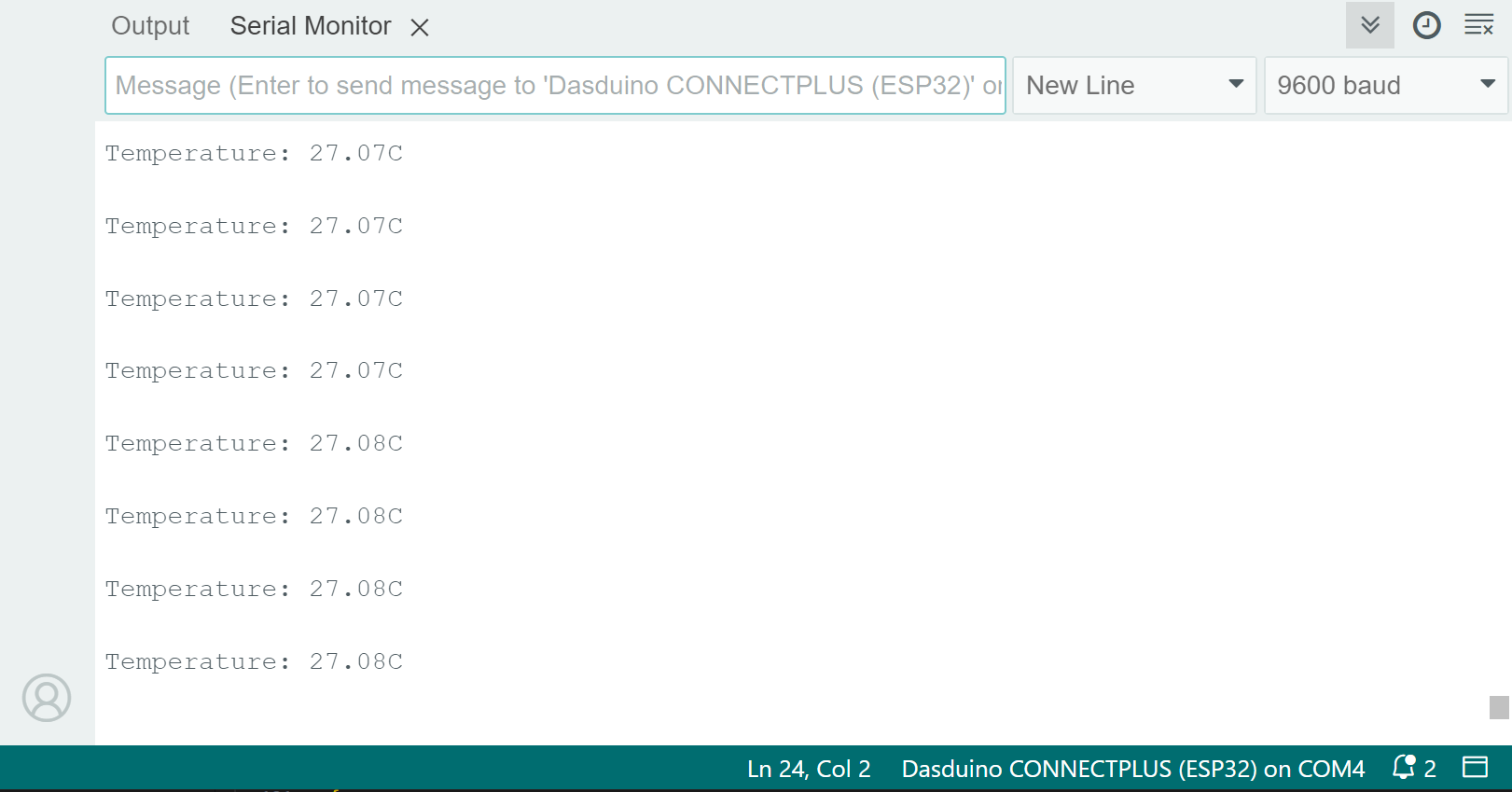
bme680.readTemperature()
Reads the value from the sensor and returns the scaled Celsius value
Returns value: Float value of the temperature reading in degrees Celsius
Pressure
To get pressure values only, use the readPressure() function. The sensor samples the pressure in hPa.
void loop()
{
  float pressure;
  // Store the sensor data into the variable
  pressure = bme680.readPressure();
  // Print the value onto the screen
  Serial.println("Pressure: "+String(pressure)+"hPa \n");
  delay(1000); // 1 second delay between measurements
}
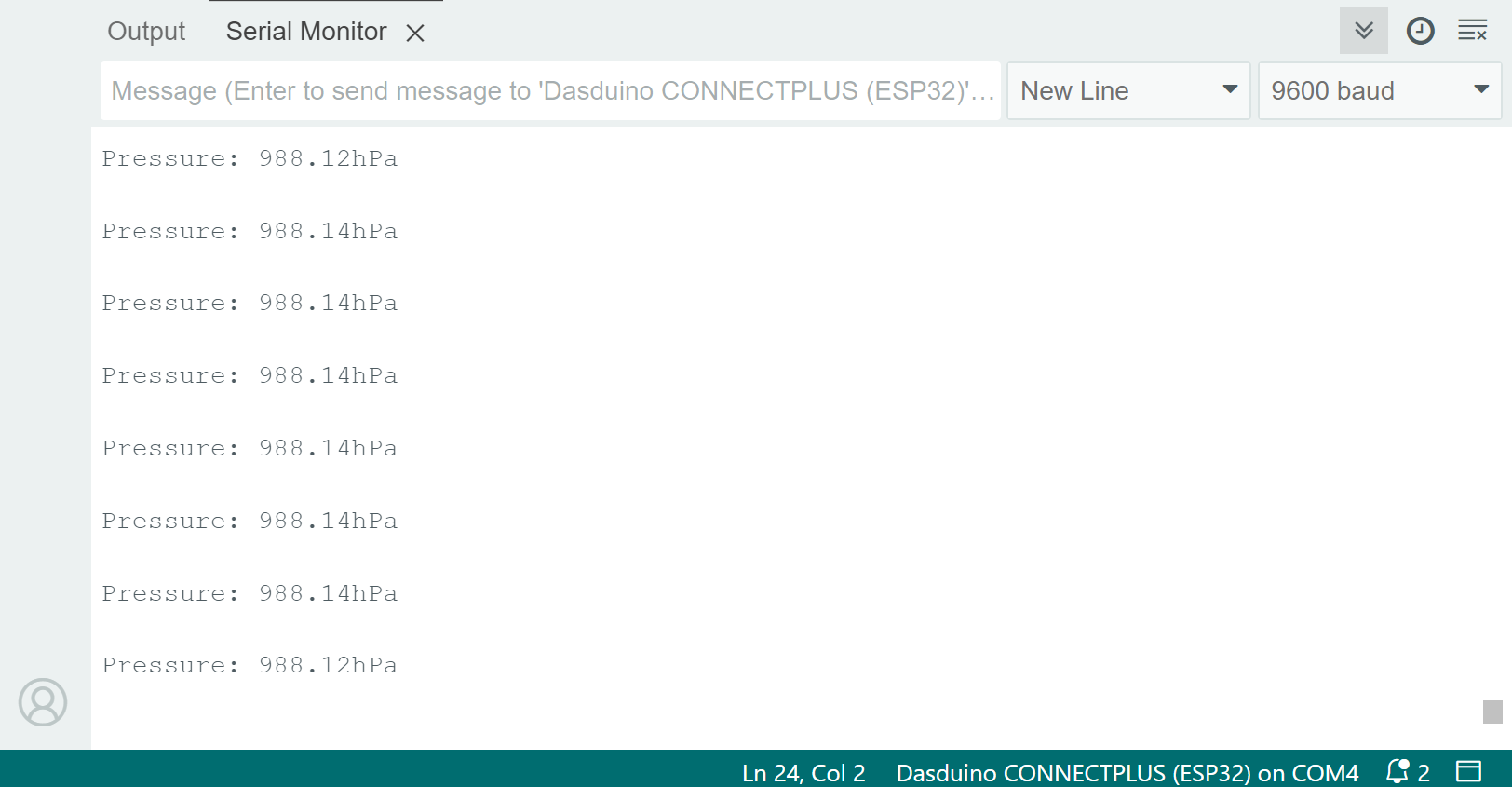
bme680.readPressure()
Reads the value from the sensor and returns the scaled hPa value
Returns value: Float value of the pressure reading in hPa
Humidity
To get humidity values only, use the readHumidity() function. The sensor samples humidity as a percentage.
void loop()
{
  float humidity;
  // Store the sensor data into the variable
  humidity = bme680.readHumidity();
  // Print the value onto the screen
  Serial.println("Humidity: "+String(humidity)+"% \n");
  delay(1000); // 1 second delay between measurements
}
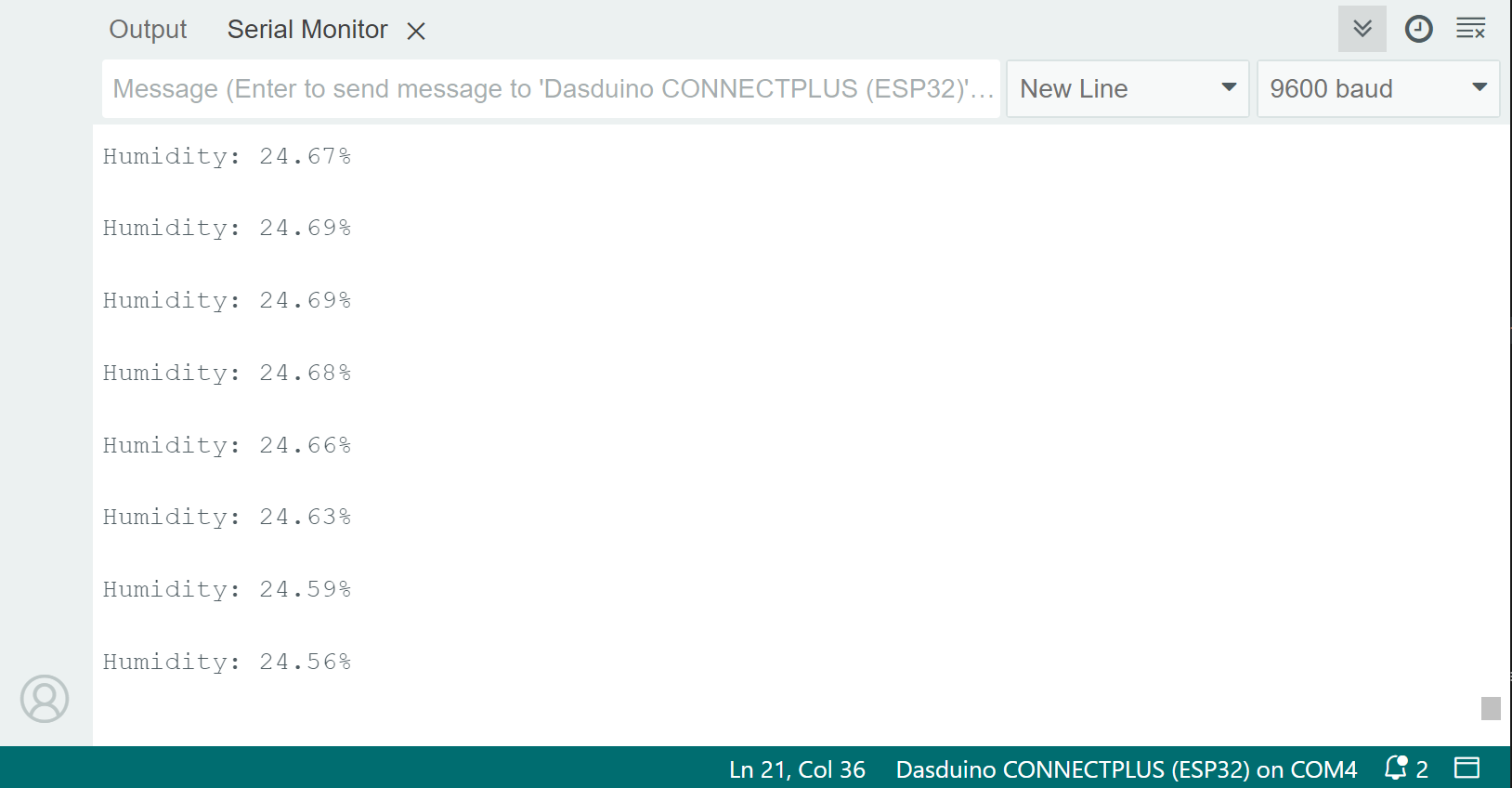
bme680.readHumidity()
Reads the value from the sensor and returns the scaled percentage value
Returns value: Float value of the humidity reading in %