Simple Light Sensor - Detecting and measuring light with Qwiic light sensor (example)
This page contains a simple example with function documentation on how to detect and measure intensity of present light with the sensor.
initialization
To use the sensor, first include the required library, create the sensor object and SimpleFireSensor object, and initialize it in the setup() function. You can use the return value of begin() to check if everything is connected correctly.
#include "Simple-light-sensor-easyC-SOLDERED.h"

SimpleLightSensor sensor;

void setup(){
  sensor.begin();
}
//...
SimpleLightSensor sensor
Creates SimpleLightSensor object
Returns value: none
sensor.begin()
Initializes the sensor.
Returns value: Returns true if initialization is successful, false otherwise.
maesuring with both digital and analog output
In this library, there are two options for displaying the analog value: for a percentage value, call the getRawValue() function, and for the raw value, call the getLux() function. To get the percentage value, call the getValue().
#include "Simple-light-sensor-easyC-SOLDERED.h"

// Declare the sensor object
SimpleLightSensor sensor;

void setup()
{
    // Initialize the serial communication via UART with 115200 baud rate
    // and it is needed to set same baud rate in serial monitor if it is used
    Serial.begin(115200);

    // Initialize the sensor
    // Start I2C communication on default address (0x30)
    sensor.begin();

    // If you want another I2C address, enter it in the bracket
    // You can set another I2C address (0x31 - 0x37) by changing address switches on the breakout
    // NOTE: You have to restart breakout to apply the address change by unplugging and plugging
    // the easyC or USB-c from the Dasduino
    // sensor.begin(0x31);

    // Set threshold value to turn on the LED
    sensor.setThreshold(10); // (10%) or
    // sensor.setRawThreshold(100); // if you set threshold as raw value
}

void loop()
{
    Serial.print("Analog value of LDR: "); // Print information message
    Serial.print(sensor.getValue());       // Print percent value of the LDR
    Serial.print("% ");
    Serial.println(sensor.getRawValue()); // Print raw value of the LDR

    Serial.print("Resistance of a LDR: "); // Print information message
    Serial.print(sensor.getResistance());  // Prints percent value of light sensor
    Serial.println(" Ohms.");              // Print information message

    Serial.print("Light intensity: "); // Print information message
    Serial.print(sensor.getLux());     // Prints raw value of light sensor
    Serial.println(" lux.");           // Print information message
    Serial.println();

    // Wait a bit before next reading
    delay(200);
}
sensor.getValue()
Returns the percent value of the LDR.
Returns value: Returns float representation of percent value of the LDR.
sensor.getResistance()
Returns the percent value of light sensor.
Returns value: Returns float representation of light sensor value.
sensor.getRawValue()
Returns the raw ADC value of the LDR.
Returns value: Returns integer representation of LDR value.
sensor.getLux()
Returns the raw ADC value of the light sensor.
Returns value: Returns integer representation of light value.
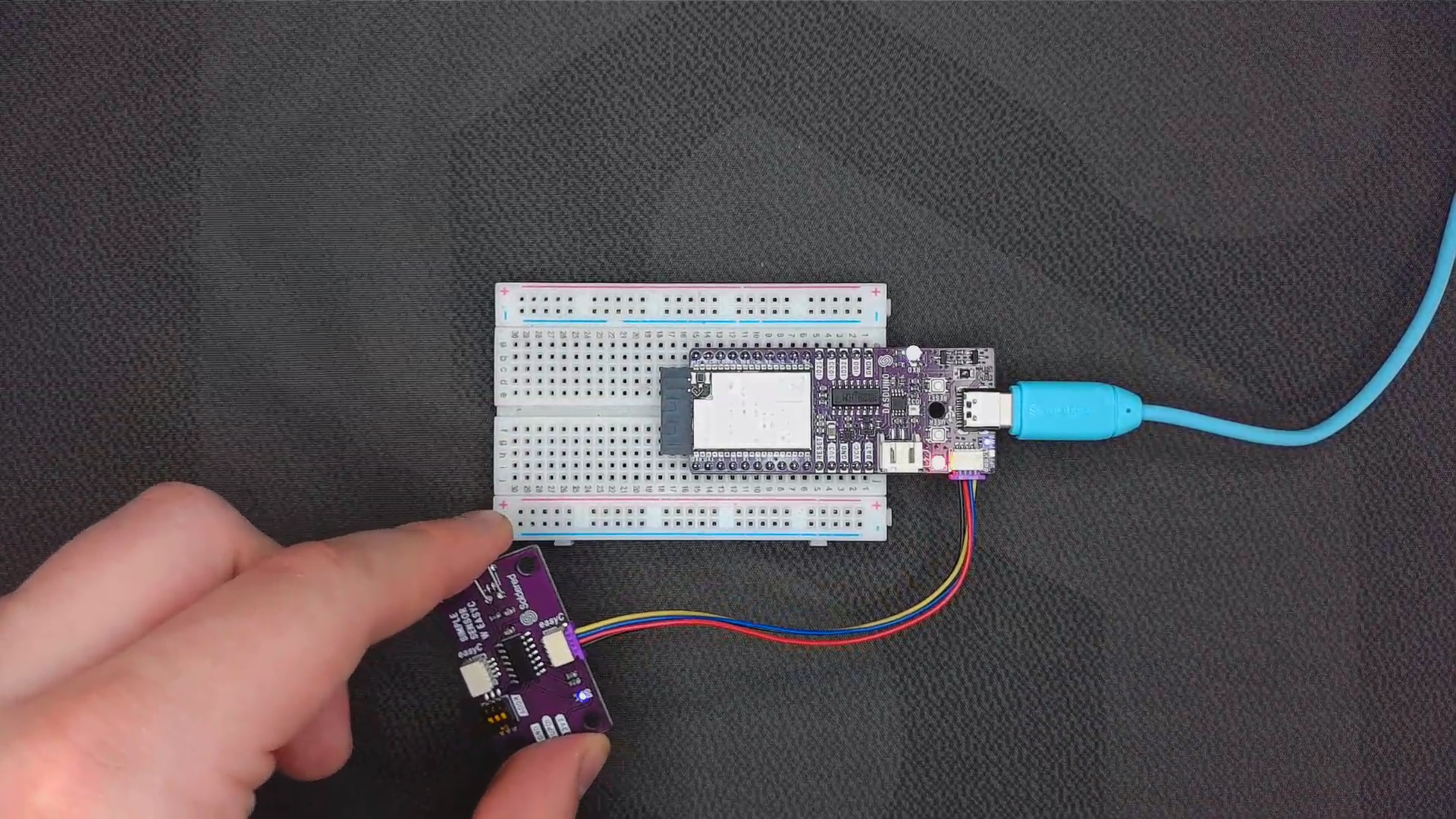
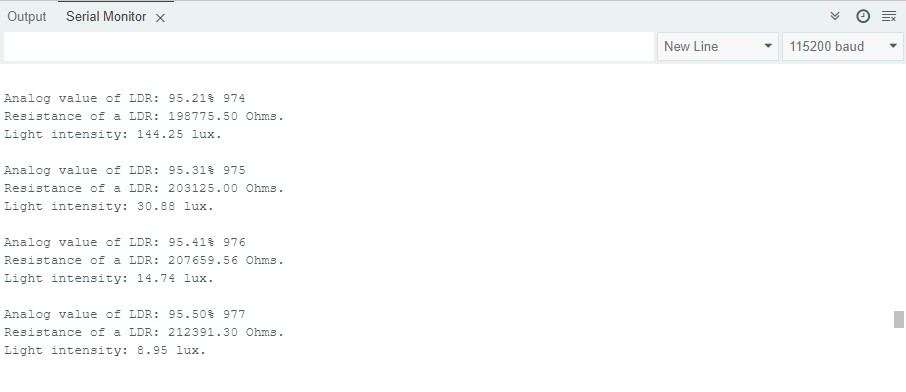
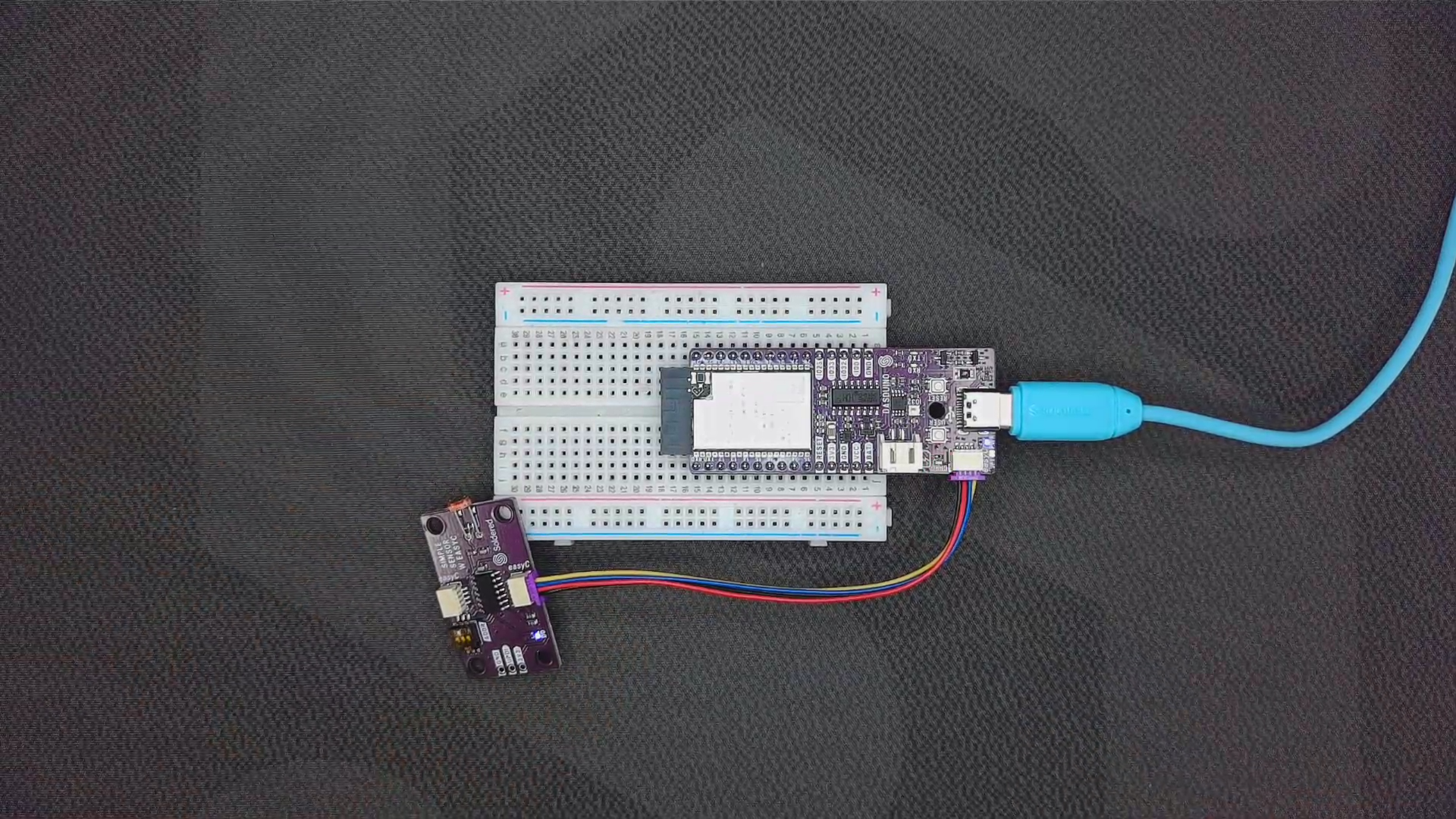
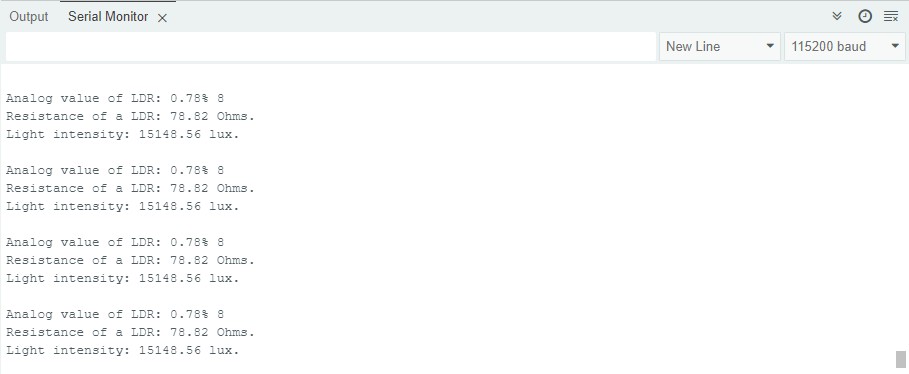
Full example
Try all of the functions mentioned above in the full example below:
Read_values_easyC.ino
Example for using the digital and analog read functions for Simple light sensor with easyC.