Apds 9960 - Proximity Sensor
This page contains simple examples of initialization and proximity detection with the APDS-9960 sensor.
Proximity Sensor
In this code snippet, the loop() function continuously checks if a proximity reading is available from the APDS-9960 sensor using the proximityAvailable() function. If a reading is available, the readProximity() function is called to retrieve the proximity value.
To avoid constantly querying the sensor and overwhelming the Serial Monitor, the delay(100) function is used to pause for 100 milliseconds before the next reading is taken.
void loop()
{
    // check if a proximity reading is available
    if (APDS.proximityAvailable())
    {

        int proximity = APDS.readProximity();

        // print value to the Serial Monitor
        Serial.println(proximity);
    }

    // wait a bit before reading again
    delay(100);
}
APDS.proximityAvailable()
Enables the proximity sensor and verifies the sensor's status.
Returns value: An integer: 1 if proximity data is available, 0 otherwise.
APDS.readProximity()
Reads the proximity data from the APDS9960 sensor and returns the proximity value after processing.
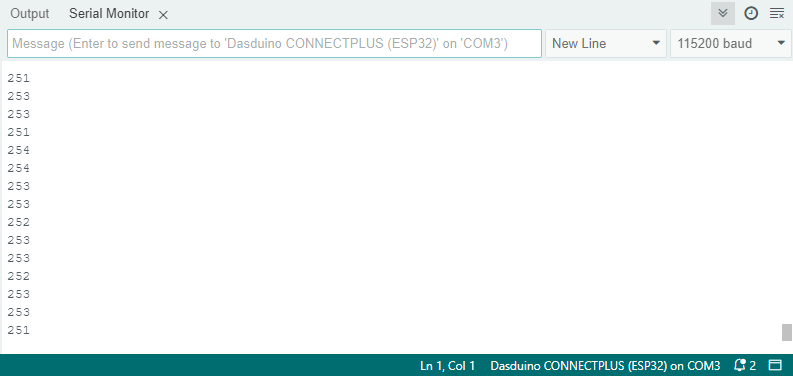
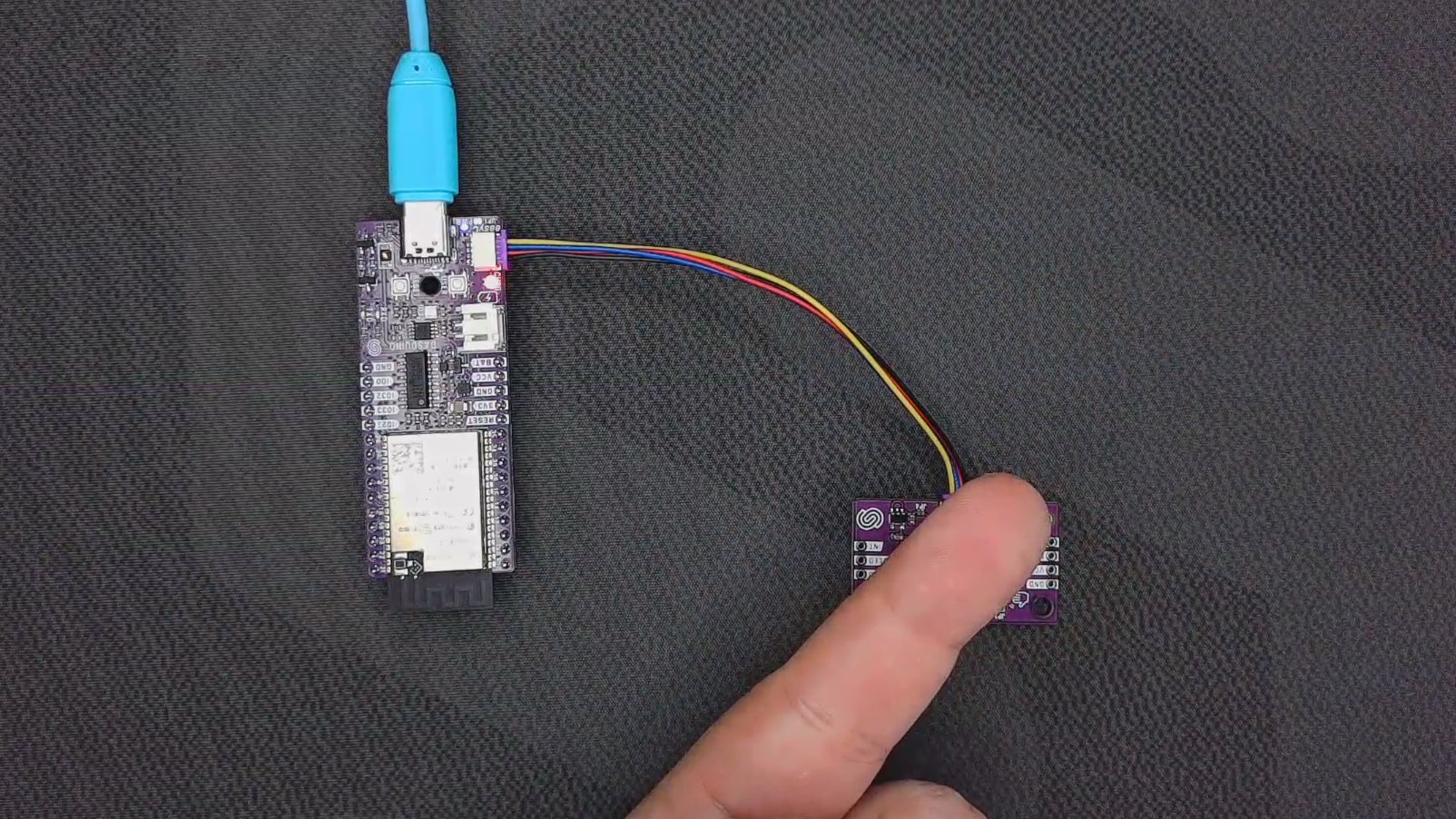
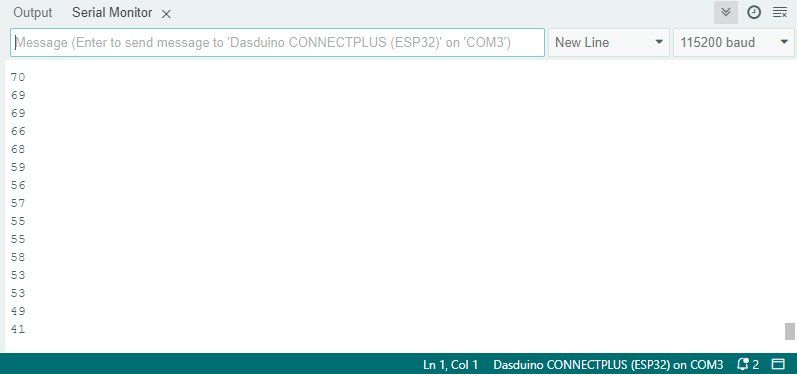
Returns value: An integer representing the processed proximity value. If an error occurs while retrieving the data, it returns -1. The proximity value is calculated as 255 - r, where r is the raw proximity data retrieved from the sensor.
| Integer | Proximity |
|---|---|
| 0 | close |
| 255 | far |
| -1 | error |
Full example
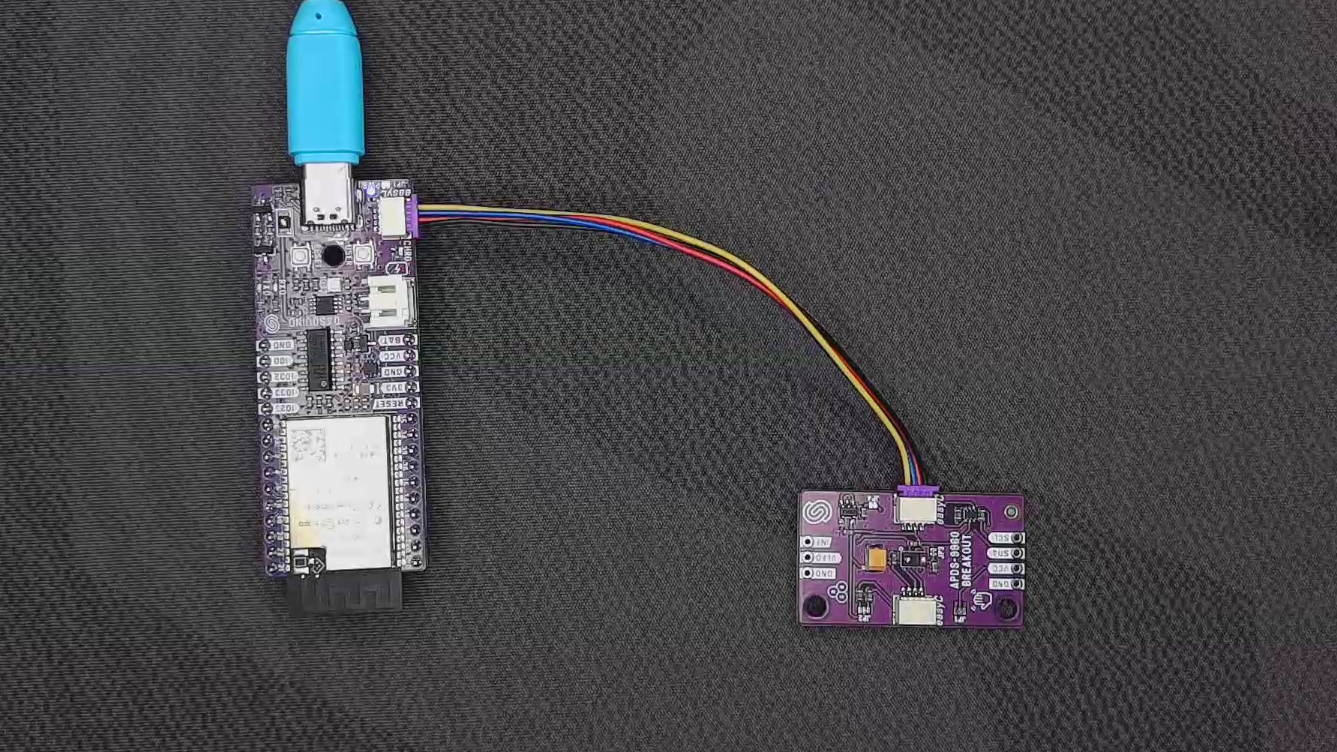
Open the Serial Monitor at 115200 baud to observe the detected proximity values.
// Include the library
#include "APDS9960-SOLDERED.h"

// Create an APDS-9960 object
APDS_9960 APDS;

// Setup function that runs once
void setup()
{
    Serial.begin(115200); // Begin serial communication with PC
    while (!Serial) // Wait until serial becomes active
        ;

    if (!APDS.begin())  // Begin communication with sensor
    {
        Serial.println("Error initializing APDS-9960 sensor!");
        while(1); // Loop forever if sensor is not available
    }

    Serial.println("Sensor initialized.");
}
void loop()
{
    // check if a proximity reading is available
    if (APDS.proximityAvailable())
    {

        int proximity = APDS.readProximity();

        // print value to the Serial Monitor
        Serial.println(proximity);
    }

    // wait a bit before reading again
    delay(100);
}
ProximitySensor.ino
Example file for using the APDS-9960 sensor with easyC/Qwiic/I2C