Bmp180 - Measuring pressure
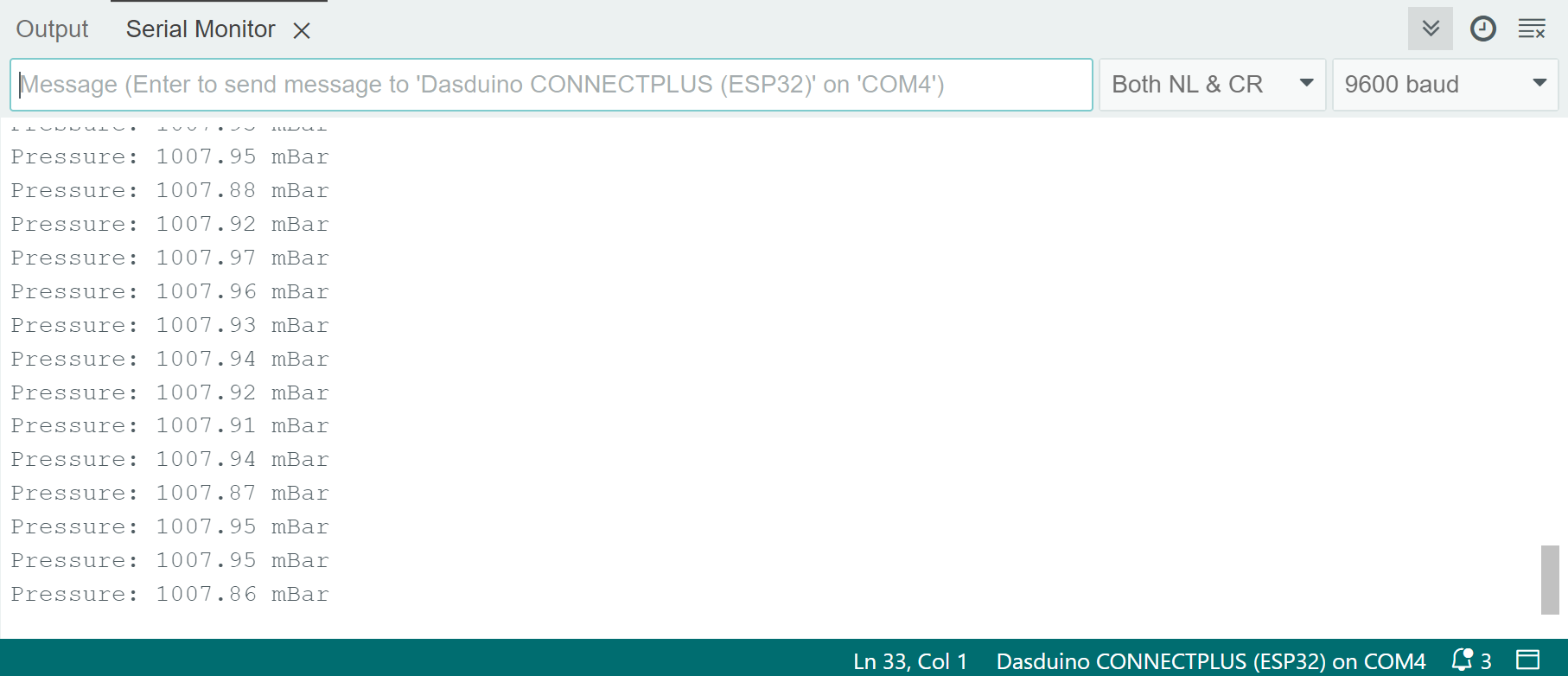
To get pressure values, first begin a reading using the startPressure() function. Then, after a short delay, retrieve the value of that reading using the getPressure() function.
void loop() {
  double temperature;
  double pressure;
  /* Defines how accurate the measurement will be: 0 for fast but less accurate,
     and 3 for the most accurate but slowest */
  char pressure_oversampling = 0;
  // Start temperature reading
  char return_value_temperature = bmp180.startTemperature();
  // Start pressure reading
  char return_value_pressure = bmp180.startPressure(pressure_oversampling);
  // If the return value is 0, then the measurement failed
  if (return_value_temperature == 0)
  {
    Serial.println("Failed to get temperature reading from BMP180!");
  }
  else
  {
    /* If it succeeded, wait for a delay equal to the return value
       of the startTemperature() function before retrieving the temperature */
    delay(return_value_temperature);
    // Store the read value into the temperature variable
    bmp180.getTemperature(temperature);
  }
  // If the return value is 0, then the measurement failed
  if (return_value_pressure == 0)
  {
    Serial.println("Failed to get pressure reading from BMP180!");
  }
  else
  {
    /* If it succeeded, wait for a delay equal to the return value
       of the startPressure() function before retrieving the pressure */
    delay(return_value_pressure);

    bmp180.getPressure(pressure, temperature);

    Serial.println("Pressure: " + String(pressure) + " mBar");
  }

  // Take a measurement every 2s
  delay(2000);
}
bmp180.startPressure(char oversampling)
Begins a pressure reading
Returns value: Char value; returns a nonzero value if the temperature was successfully read (this value should be used as a delay in ms before retrieving the measurement), and 0 if there was a problem communicating with the sensor. The delay duration is determined by the oversampling value.
Function parameters:
| Type | Name | Description |
|---|---|---|
char | oversampling | The degree of oversampling the sensor will take, ranging from 0 to 3. A higher number increases oversampling and the delay before reading the measurement. |
bmp180.getPressure(double &P, double &T)
Retrieves a previously started pressure reading in absolute mBar
Returns value: Char value; returns 1 if data retrieval was successful and 0 otherwise.
Function parameters:
| Type | Name | Description |
|---|---|---|
double | P | Variable in which the pressure measurement will be stored |
double | T | Previously calculated temperature reading |
    bmp180.getPressure(pressure, temperature);
    // Altitude of our office in Osijek :)
    double altitude = 94;
    // Get the relative pressure by using the last pressure measurement and altitude
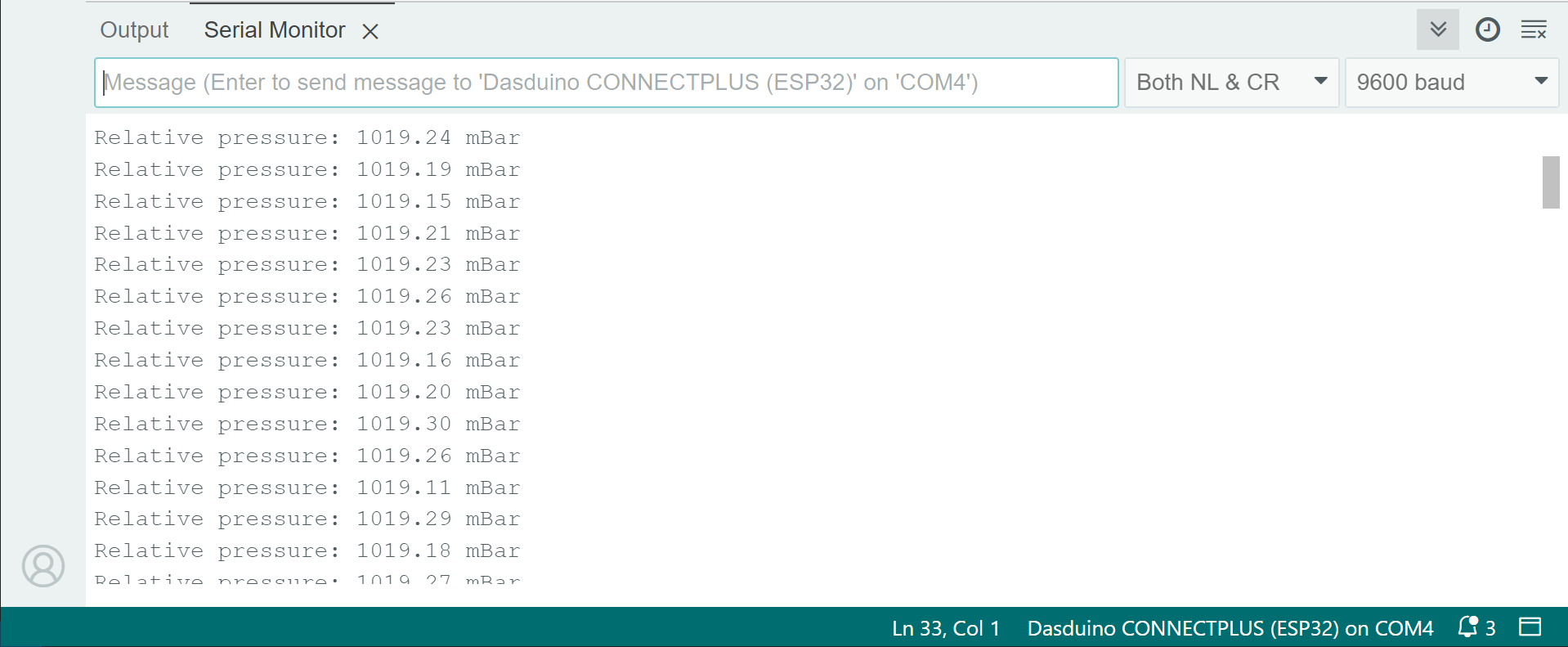
    double relative_pressure = bmp180.sealevel(pressure, altitude);

    Serial.println("Relative pressure: " + String(relative_pressure) + " mBar");
bmp180.sealevel(double P, double A)
Calculates relative pressure based on the absolute pressure and the current altitude
Returns value: Double value representing the relative pressure in mBar
Function parameters:
| Type | Name | Description |
|---|---|---|
double | P | Absolute pressure value in mBar |
double | A | Current altitude in meters |