Bmp180 - Measuring temperature
⚠️
This library uses the char value to return error codes and delay values in the form of numbers. While the char type may seem unintuitive for returning numbers, the char data type is essentially an 8-bit unsigned integer.
To get temperature values, first call the startTemperature() function to begin a reading, and then, after a short delay, retrieve the value of that reading using the getTemperature() function.
void loop() {
  double temperature;
  //Start temperature reading
  char return_value=bmp180.startTemperature();
  //If the return value is 0, then the measurement failed
  if(return_value==0)
  {
    Serial.println("Failed to get temperature reading from BMP180!");
  }
  else
  {
    /*If it succeeded, take a small delay equal to the return value
      of the startTemperature() function before getting value*/
    delay(return_value);
    //Store the read value into temperature variable
    bmp180.getTemperature(temperature);
    Serial.println("Temperature: "+String(temperature)+" C");
  }
  //Take a measurement every 5s
  delay(5000);

}
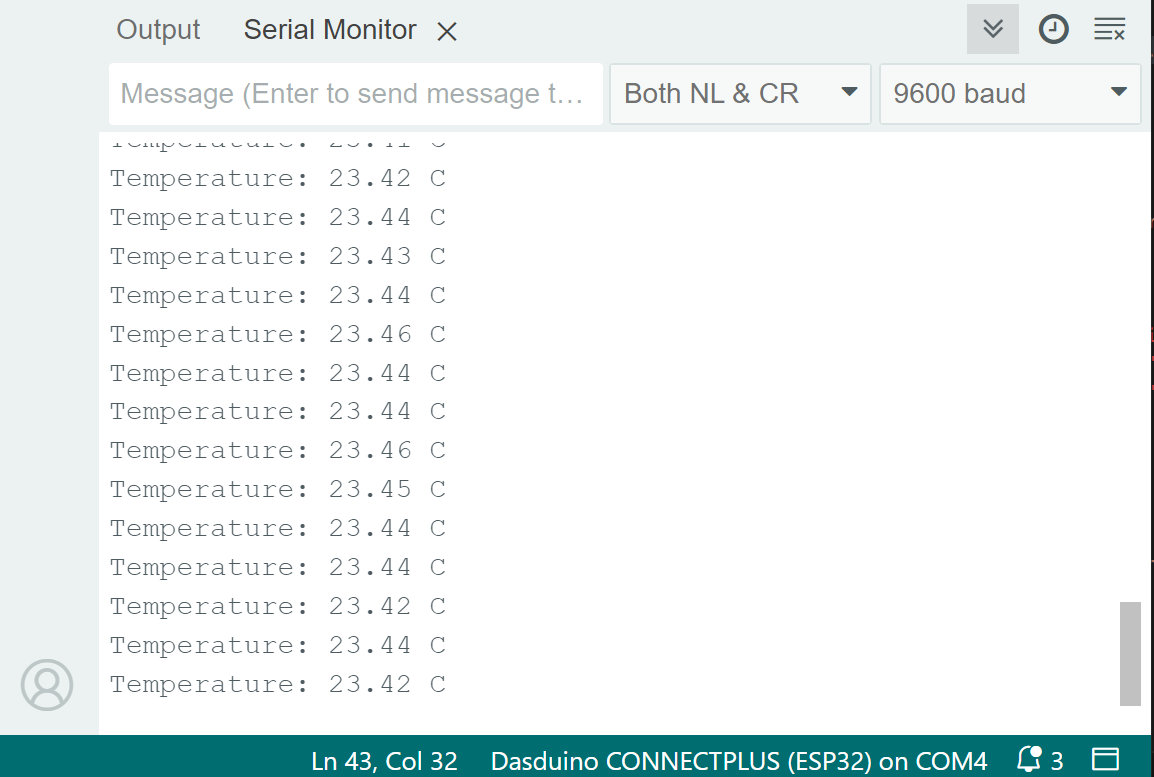
Serial monitor
bmp180.startTemperature()
Begins a temperature reading
Returns value: Char value, returns 5 if the temperature was successfully read, which should be used as a delay value in ms before getting the measurement, and a 0 if there was a problem communicating with the sensor
bmp180.getTemperature(double &T)
Retrieves a previously started temperature reading
Returns value: Char value, returns 1 if the retrieval of data was successful, 0 if not
Function parameters:
| Type | Name | Description |
|---|---|---|
double | T | Variable in which the temperature measurement will be stored |