Inkplate 10 – Soldered Image Converter
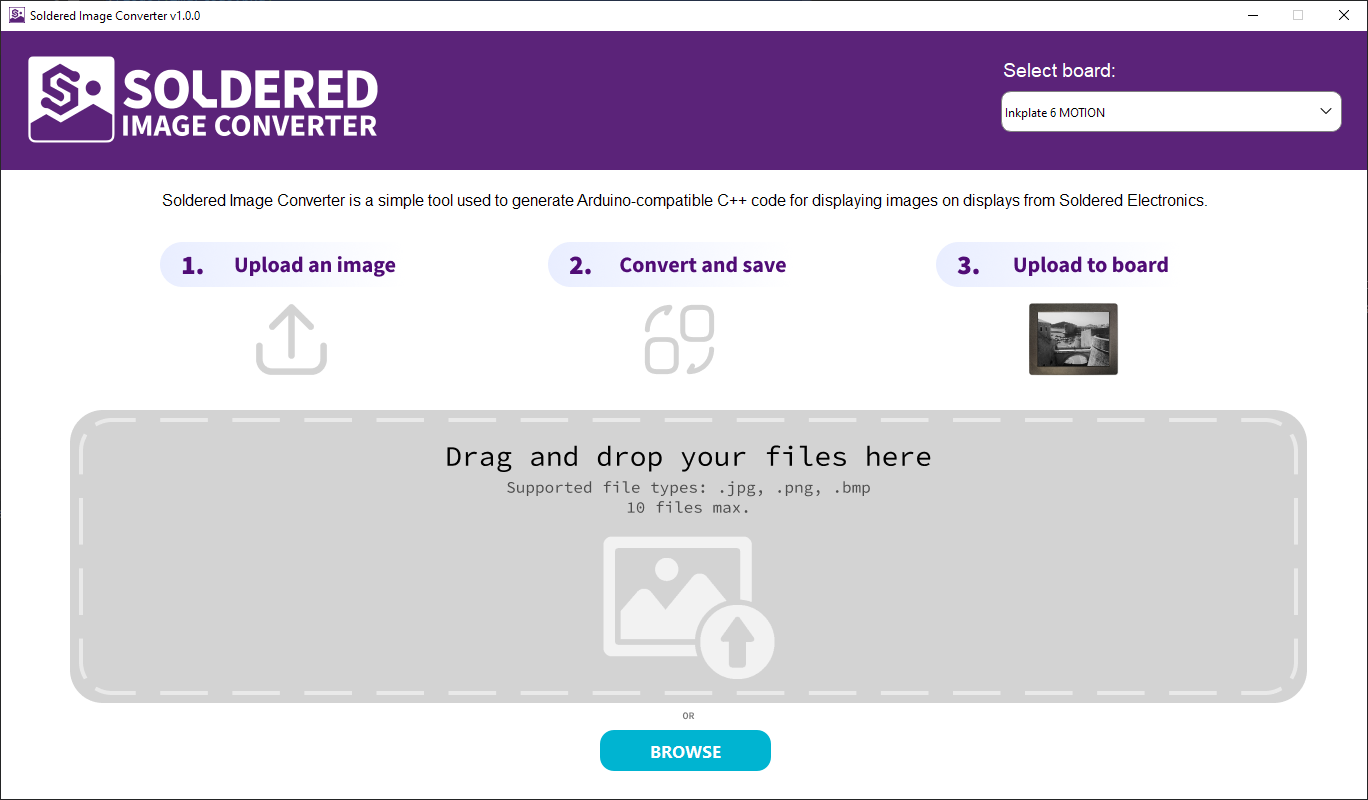
Graphical user interface of the Soldered Image Converter
Soldered Image Converter is an open-source Python program by Soldered. It is used to convert images for Inkplate boards into .h files, which can be included in Arduino sketches for Inkplate and then displayed.
Soldered Image Converter Repository
See the README in this repository for details on how to download and install the Soldered Image Converter.
After converting images, export the .h files and save them in your Inkplate sketch's project folder. To find this folder, go to Sketch -> Show Sketch Folder in Arduino.
Place the exported .h files in that folder, then include them in the sketch and use the drawImage function.