Pir Sensor - Detecting movement (Qwiic)
This page contains a movement detection example for the Qwiic version of the board.
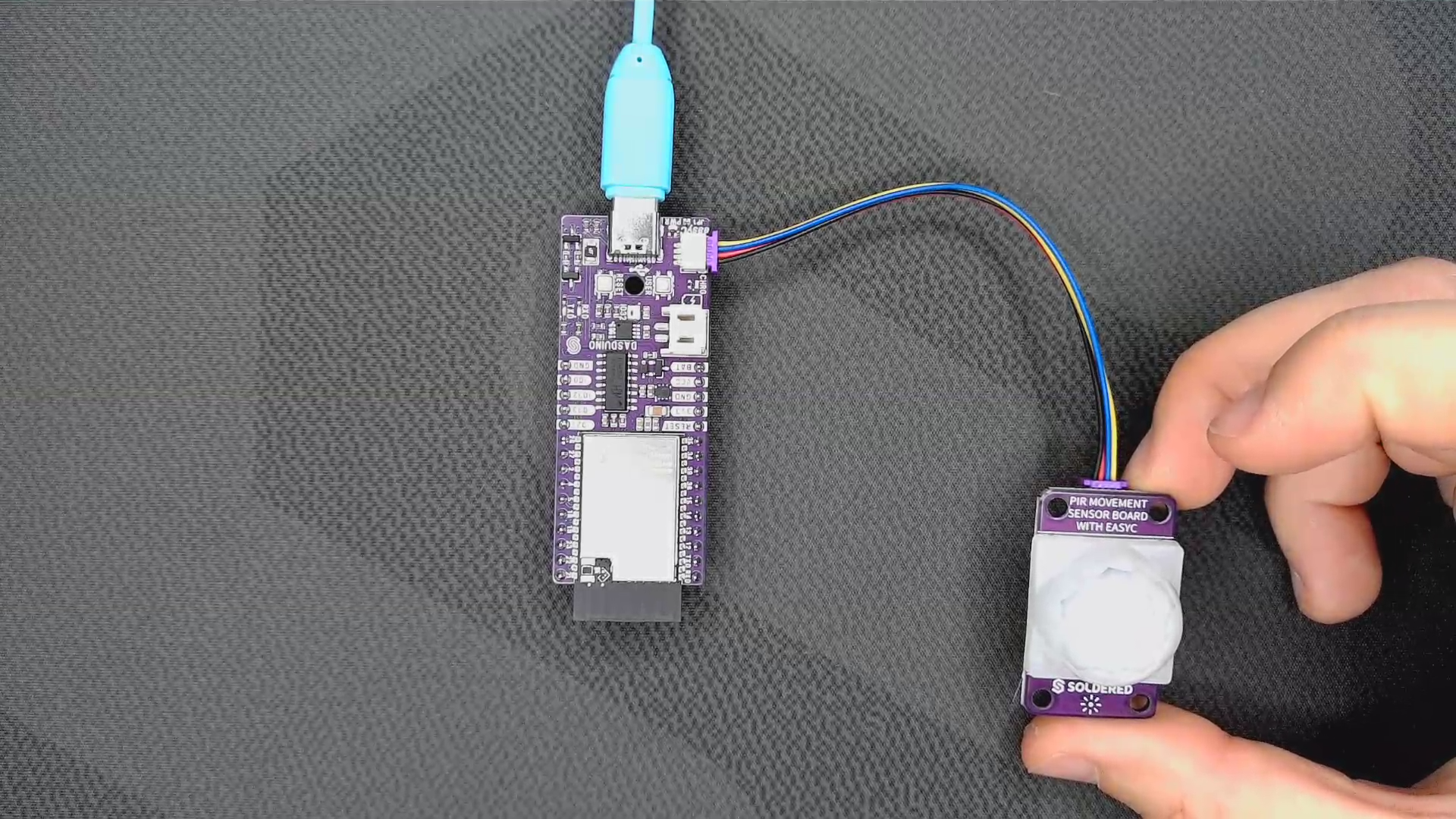
Connections for this example
Initializing the sensor
First, we must include the library and create an instance of the sensor:
#include "PIR-easyC-SOLDERED.h" // Include Soldered PIR library

PIRsensor PIR; // Create an instance of the object
Next, in the setup() function we are initializing the sensor at address 0x30 and setting how long the output will be active:
void setup()
{
    Serial.begin(115200); // Start serial communication on 115200 baud rate
    PIR.begin(0x30);      // Begin I2C communication
    PIR.setDelay(10000); // Set the desired time in milliseconds to keep the PIR output active when movement is detected -
                        // if you leave this line, the default value will be 5 seconds, which is the minimum to work properly
}
PIR.begin(uint8_t address)
Initializes an I2C communication with the sensor
Returns value: None
Function parameters:
| Type | Name | Description |
|---|---|---|
uint8_t | address | Optional, specifies the I2C address of the sensor, if not given it uses the default address of 0x30 |
PIR.setDelay(uint32_t _delayTime)
Set how long the output will be on high when the sensor is triggered.
Returns value: None
Function parameters:
| Type | Name | Description |
|---|---|---|
uint32_t | _delayTime | Time to hold the output on HIGH after triggering the PIR in seconds. Default is 2 seconds. |
Detecting movement
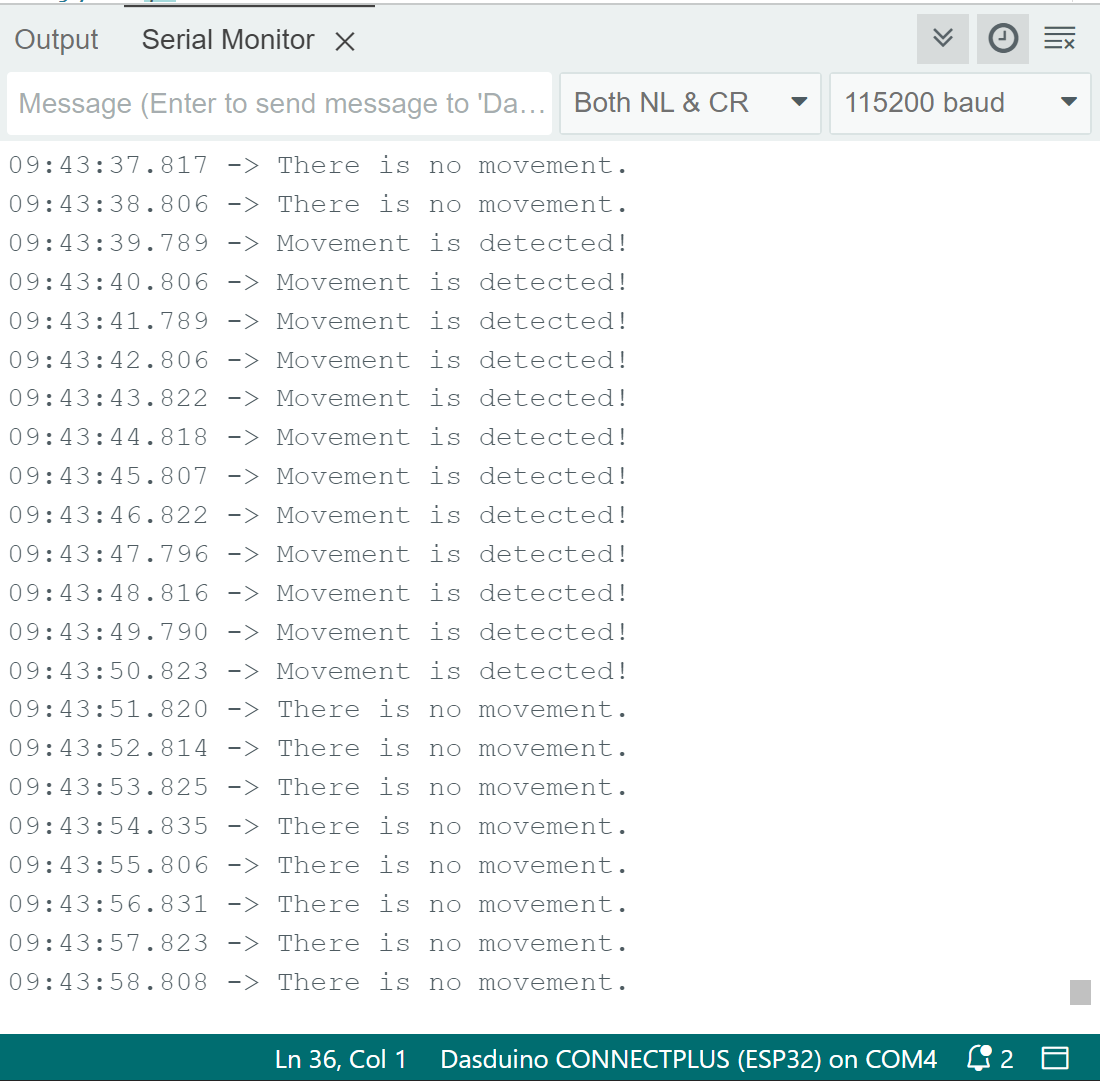
Next, in the loop() function we check if the PIR sensor is available for communication. If it is, we see if there is movement or not and print the state to the serial monitor:
void loop()
{
    // Check if the PIR is available
    if (PIR.available())
    {
        if (PIR.getState() == 1) // If movement is detected
        {
            Serial.println("Movement is detected!");
        }
        else // If no movement is detected
        {
            Serial.println("There is no movement.");
        }
    }
    else // Error reading I2C data
    {
        Serial.println(
            "There is no data to read. Check if your sensor is connected or if you used the wrong I2C address.");
    }

    delay(1000); // Delay 1 second before next reading
}
PIR.available()
The function checks if the PIR is available.
Returns value: Boolean value, True if it is available, False if not
PIR.getState()
The function checks the state of the PIR sensor.
Returns value: Boolean value, True if motion was detected, False if not