Draw Image from Web
Drawing an image from the web on Inkplate 4TEMPERA is simple using the draw function, which supports multiple image formats.
ℹ️
Supported formats: JPG, BMP, and PNG.
⚠️
JPG files without progressive encoding are supported.
ℹ️
If you experience issues displaying an image, try re-saving it with an image editing program. The issue is usually related to the image format.
Drawing an Image from a URL
Let's draw this image of the Eurodom building in Osijek, Croatia, on Inkplate 4TEMPERA:
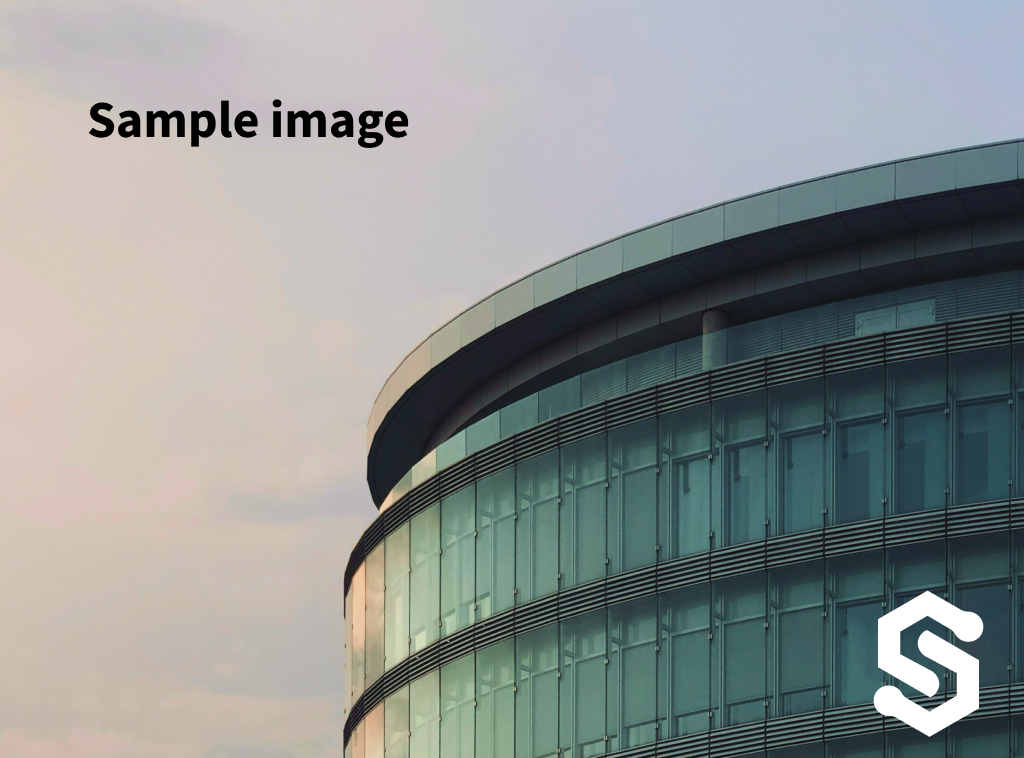
Example image by @filipbaotic on Pexels
#include "Inkplate.h"            // Include the Inkplate library for the sketch
#include "WiFi.h"                // Include the WiFi library
Inkplate display(INKPLATE_3BIT); // Create an Inkplate object and set the library to 3-bit mode (grayscale)

const char ssid[] = "yourssid";                // Your WiFi SSID
const char *password = "yourpassword";         // Your WiFi password

void setup()
{
    display.begin();        // Initialize the Inkplate library (call this function ONLY ONCE)
    display.clearDisplay(); // Clear the display's frame buffer
    display.display();      // Display the cleared image

    display.print("Connecting to WiFi...");
    display.partialUpdate();

    // Connect to the WiFi network.
    WiFi.mode(WIFI_MODE_STA);
    WiFi.begin(ssid, password);
    while (WiFi.status() != WL_CONNECTED)
    {
        delay(500);
        display.print(".");
        display.partialUpdate();
    }
    display.println("\nWiFi OK! Downloading...");
    display.partialUpdate();
    if (!display.drawImage("https://docs.inkplate.com/img/sample_image.jpg", 0, 0, false, false))
    {
        // If something failed (wrong filename or unsupported bitmap format), write an error message on the screen.
        // REMEMBER! You can only use Windows Bitmap files with a color depth of 1, 4, 8, or 24 bits with no compression!
        display.println("Image open error");
        display.display();
    }
    display.display();
    WiFi.mode(WIFI_OFF);
}

void loop()
{
    // Nothing...
}
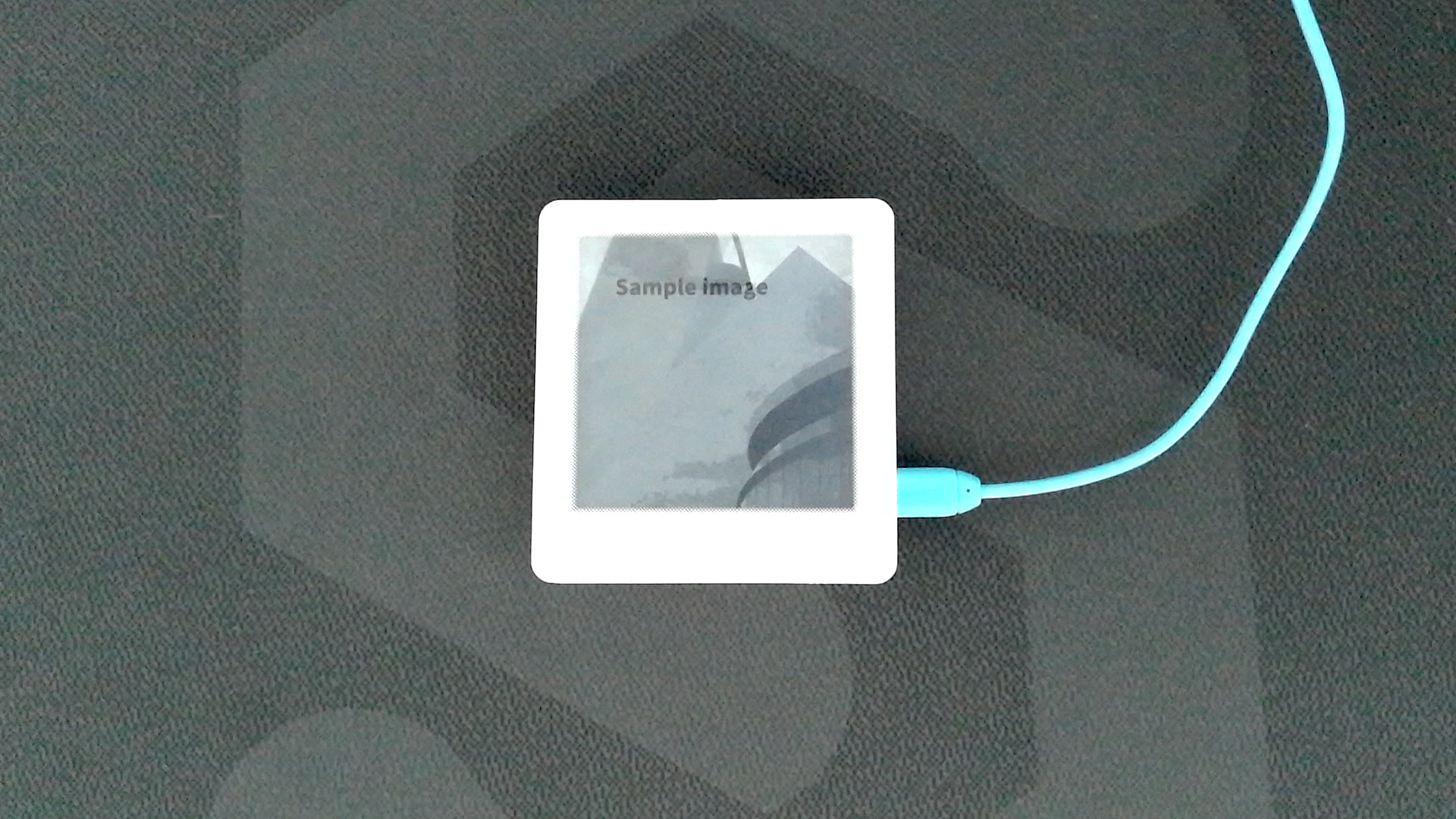
Example image by @filipbaotic on Pexels
inkplate.drawImage()
Function draws an image from the char path.
Returns value: Returns true if the image was successfully drawn, otherwise false.
Function parameters:
| Type | Name | Description |
|---|---|---|
const char* | path | Path and filename of the image. Can be a URL (for web images) or a file path (on the microSD card). |
int | x | X-coordinate of the image's upper-left corner in the framebuffer. |
int | y | Y-coordinate of the image's upper-left corner in the framebuffer. |
uint8_t | dither | Dithering mode: 0 (disabled), 1 (enabled). |
bool | invert | If true, inverts colors. |
Full Example
Inkplate4TEMPERA_Image_From_Web.ino
Connect to WiFi and draw an image from the web.