Printing Text
Printing text on Inkplate 2 is simple and intuitive. With support for three colors (black, white, red) and compatibility with the Adafruit GFX library, text rendering is flexible and customizable.
Basic Text Printing
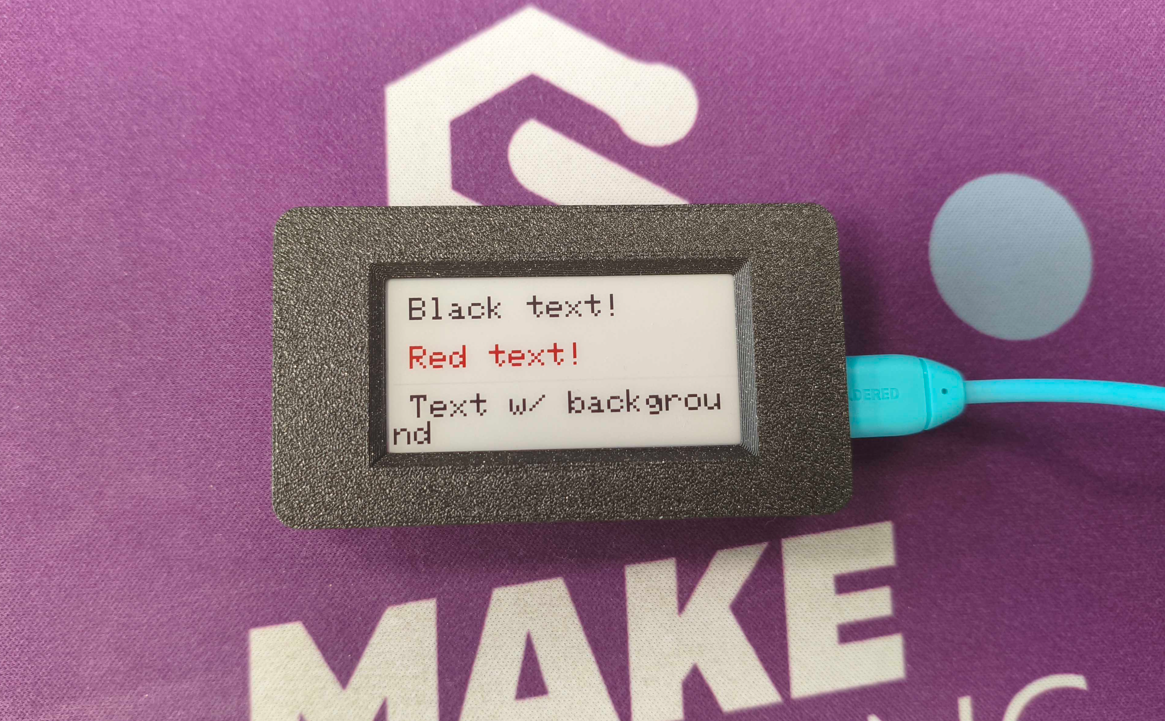
To print text, use setCursor, setTextSize, and print. Below is a basic usage example:
#include "Inkplate.h"
Inkplate inkplate;

void setup() {
  inkplate.begin();
  inkplate.clearDisplay();
  inkplate.setCursor(10, 10);
  inkplate.setTextSize(2);
  inkplate.setTextColor(INKPLATE2_BLACK);
  inkplate.print("Black text!");

  inkplate.setCursor(10, 40);
  inkplate.setTextColor(INKPLATE2_RED);
  inkplate.print("Red text!");

  inkplate.setCursor(10, 70);
  inkplate.setTextColor(INKPLATE2_WHITE, INKPLATE2_BLACK); // white text on black background
  inkplate.print("Text w/ background");

  inkplate.display();
}

void loop() {}
inkplate.setCursor()
Sets the cursor position where the next text will be drawn.
Returns value: none
Function parameters:
| Type | Name | Description |
|---|---|---|
int | x | X coordinate of the cursor. |
int | y | Y coordinate of the cursor. |
inkplate.setTextSize()
Sets the multiplier for text size (1 is default, 2 is double size, etc.).
Returns value: none
Function parameters:
| Type | Name | Description |
|---|---|---|
uint8_t | s | Text size multiplier. |
inkplate.setTextColor()
Sets the text color, with an optional background color.
Returns value: none
Function parameters:
| Type | Name | Description |
|---|---|---|
uint16_t | color | Text color. |
uint16_t | background | Optional background color. |
Custom Fonts
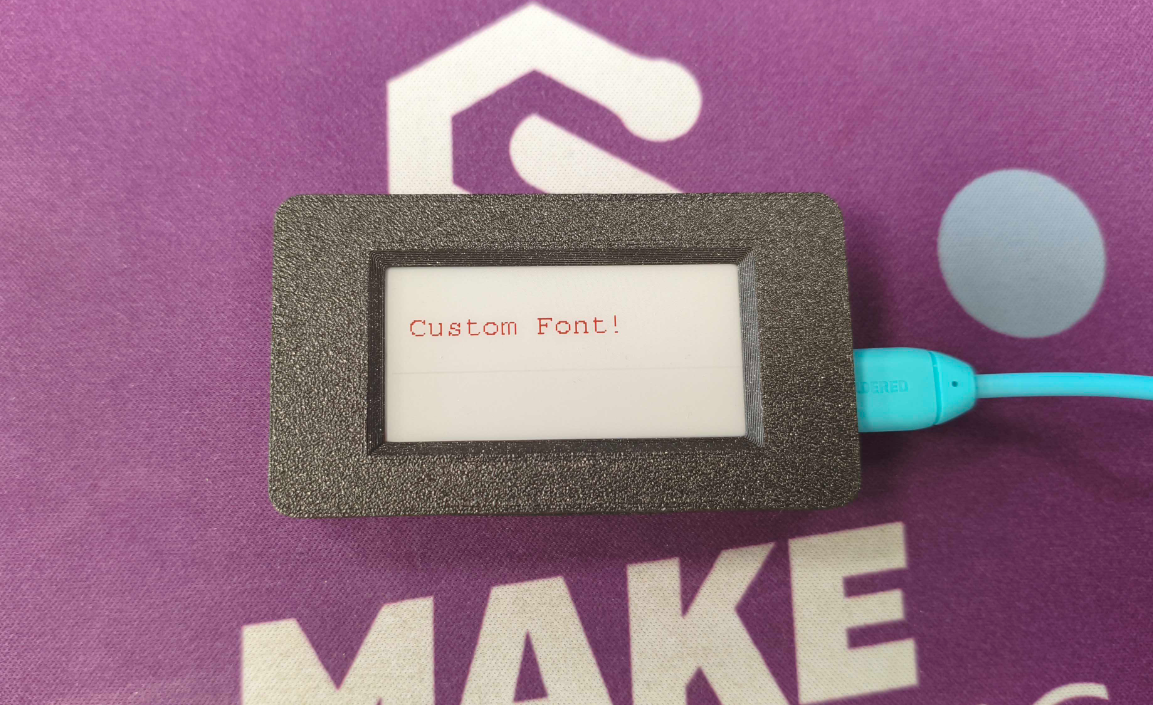
Inkplate 2 also supports custom fonts from the Adafruit GFX library. Download a font, include it in your sketch, and pass it to setFont():
#include "Inkplate.h"
#include "FreeMono9pt7b.h"

Inkplate inkplate;

void setup() {
  inkplate.begin();
  inkplate.clearDisplay();
  inkplate.setFont(&FreeMono9pt7b);
  inkplate.setCursor(10, 40);
  inkplate.setTextColor(INKPLATE2_RED);
  inkplate.print("Custom Font!");
  inkplate.display();
}

void loop() {}
inkplate.setFont()
Sets a custom font from the GFX font collection.
Returns value: none
Function parameters:
| Type | Name | Description |
|---|---|---|
const GFXfont * | font | Pointer to the font struct. |