MicroPython - Getting started with mpremote
What is mpremote?
mpremote is the official MicroPython command-line tool for interacting with MicroPython boards. It allows you to:
- Upload and download files
- Run Python scripts directly
- Access the MicroPython REPL (interactive prompt)
- Manage files on the board (list, delete, etc.)
- Chain commands together for automation
If you're using MicroPython regularly, even for small projects, mpremote is an essential tool that helps you skip repetitive steps and focus on coding.
Installation
Before using mpremote, make sure you have Python 3 installed. Then, install the tool using pip:
pip install mpremote
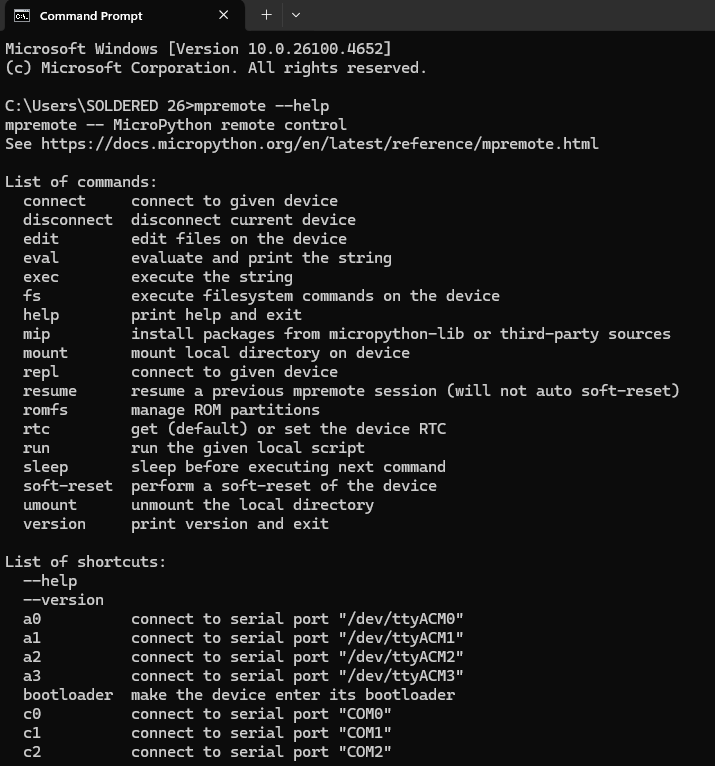
To verify it's working:
mpremote --help
Connecting to Your MicroPython Board
The easiest way to connect:
mpremote connect auto
This will automatically find the first connected MicroPython device.
To specify the port manually:
mpremote connect COM3         # Windows
mpremote connect /dev/ttyUSB0 # Linux/macOS

Uploading and Running Files
To upload a file (e.g. main.py) to your board:
mpremote fs cp main.py :
To run a script directly (without saving it):
mpremote run myscript.py
Upload a full folder of files:
mpremote fs cp src/ :
Managing Files on the Board
List files on the device:
mpremote fs ls
Delete a file from the device:
mpremote fs rm main.py
Using the MicroPython REPL
The REPL allows interactive access to your device:
mpremote repl
To exit safely, press:
Ctrl+A, then Ctrl+D
Combining Commands
You can chain commands in one line:
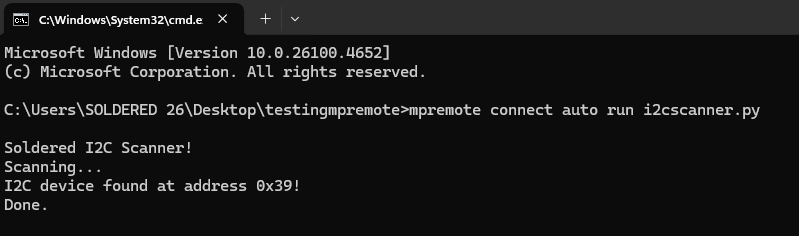
mpremote connect auto run myscript.py
This will connect and immediately execute the script.