Inkplate 13SPECTRA MicroPython - Battery voltage
Inkplate 13SPECTRA includes built-in functions for measuring battery voltage. This example shows how to read this value and display it on screen.
⚠️
You need a Li-ion battery for this example to work, to learn more, check out [LINK PLACEHOLDER - 13 spectra batteries].
from inkplate13SPECTRA import Inkplate

# Creates an Inkplate object
inkplate = Inkplate()

# Initialize the display, needs to be called only once
inkplate.begin()

# Get the battery reading as a string
battery = str(inkplate.readBattery())

# Set text size to double from the original size, so we can see the text better
inkplate.setTextSize(2)

# Print the text at coordinates 100,100 (from the upper left corner)
inkplate.printText(100, 100, "Battery voltage: " + battery + "V")

# Show it on the display
inkplate.display()
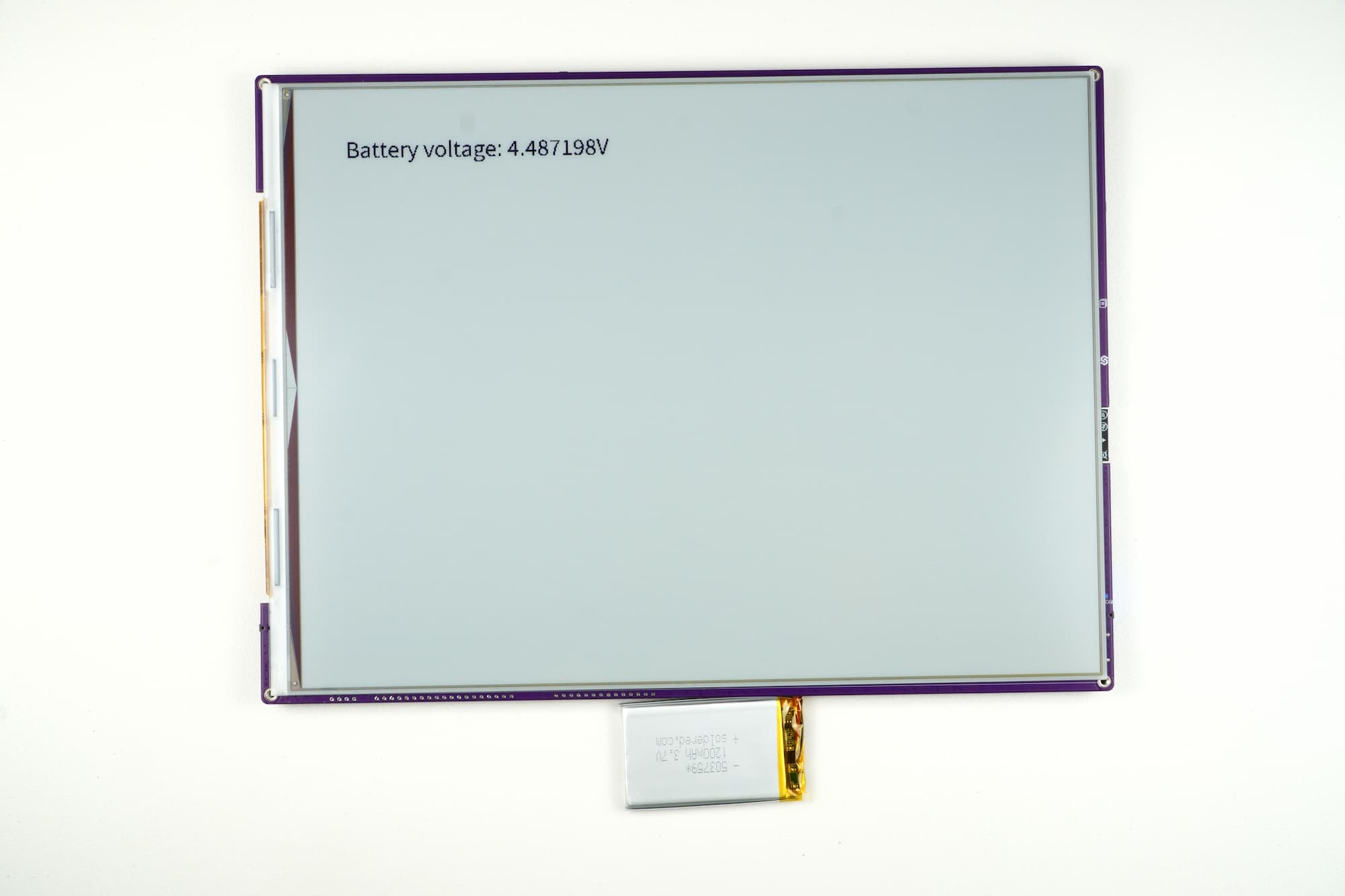
Example output displayed on e-paper display
inkplate.readBattery()
Measure the current battery voltage of the Inkplate board.
Returns type: float
Returns value: Battery voltage in volts.