Inkplate 13SPECTRA MicroPython - Initialization and connection
Inkplate 13SPECTRA can use its built-in ESP32-S3 WiFi capabilities to connect to the internet. This page demonstrates a simple way to connect to a WiFi network.
Connecting to WiFi
Below is a simple example demonstrating how to connect to a WiFi network.
ℹ️
You only need to enter your SSID and password in the code example.
# Include needed libraries
import network
import time
from inkplate13_spectra import Inkplate

# Enter your WiFi credentials here
ssid = "YOUR_SSID_HERE"
password = "YOUR_PASSWORD_HERE"

# Function which connects to WiFi
# More info here: https://docs.micropython.org/en/latest/esp8266/tutorial/network_basics.html
def do_connect():
    import network
    sta_if = network.WLAN(network.STA_IF)
    if not sta_if.isconnected():
        print("connecting to network...")
        sta_if.active(True)
        sta_if.connect(ssid, password)
        while not sta_if.isconnected():
            pass
    print("network config:", sta_if.ifconfig())
    return True

inkplate = Inkplate()
inkplate.begin()
inkplate.set_text_size(2)

if do_connect():
    inkplate.print("Wifi connected")
else:
    inkplate.print("Wifi failed")

inkplate.display()
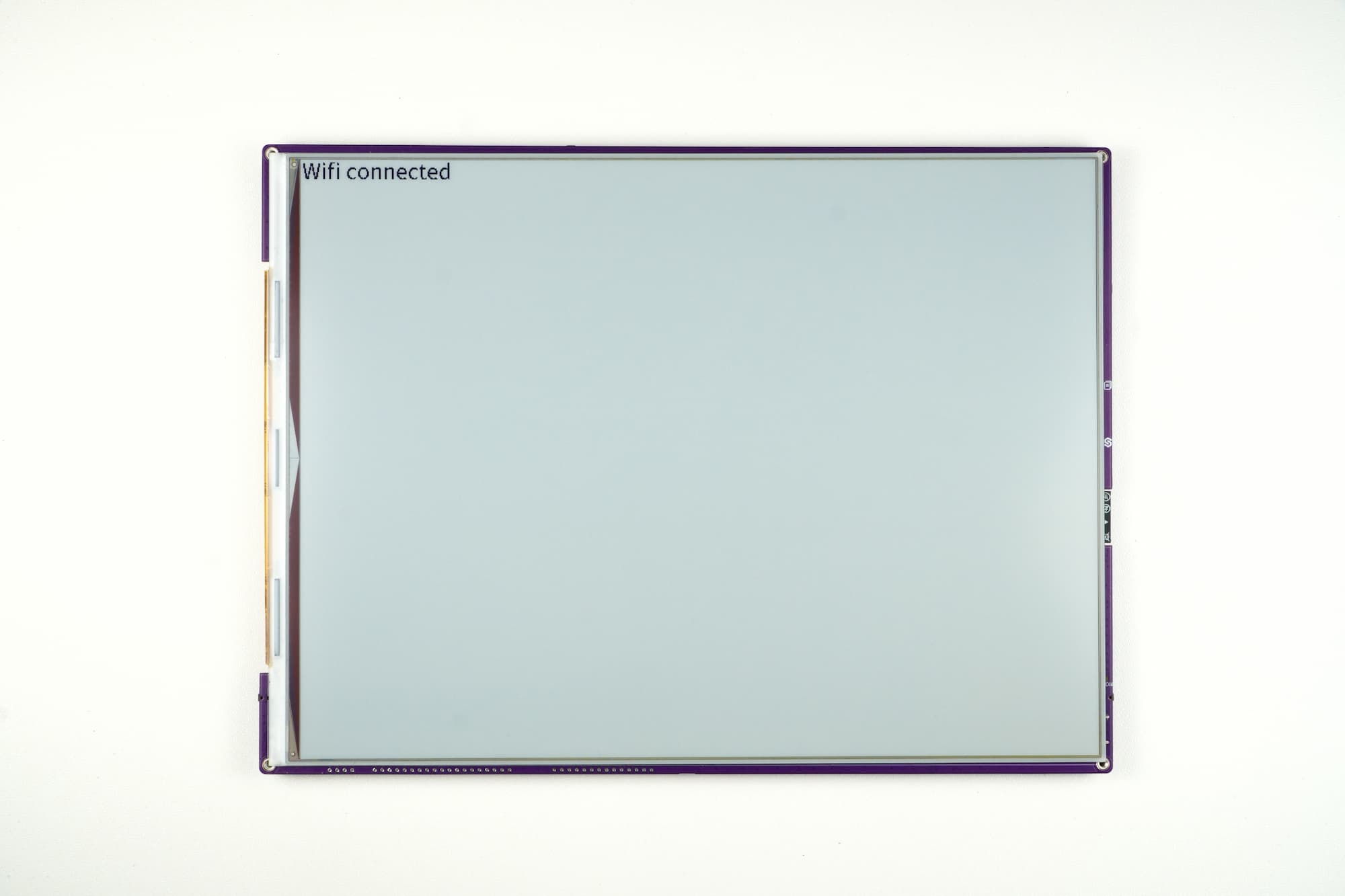
Example output displayed on e-paper display
wifi_connect.py
Full example showing how to connect to a WiFi network and show the connection status on the display.
network.WLAN()
Create or access a WiFi network interface object.
Function parameters:
| Type | Name | Description |
|---|---|---|
Constant | network.STA_IF | Use WiFi in station (client) mode. |
sta_if.connect()
Connects to a WiFi network with the given SSID and password.
Function parameters:
| Type | Name | Description |
|---|---|---|
String | SSID | The WiFi network name. |
String | PASSWORD | The WiFi password. |