MicroSD basics
The built-in microSD card slot on Inkplate 13SPECTRA is useful for storing large numbers of quality images to display, and for reading and writing data between deep sleeps. This page covers basic examples to get you started.
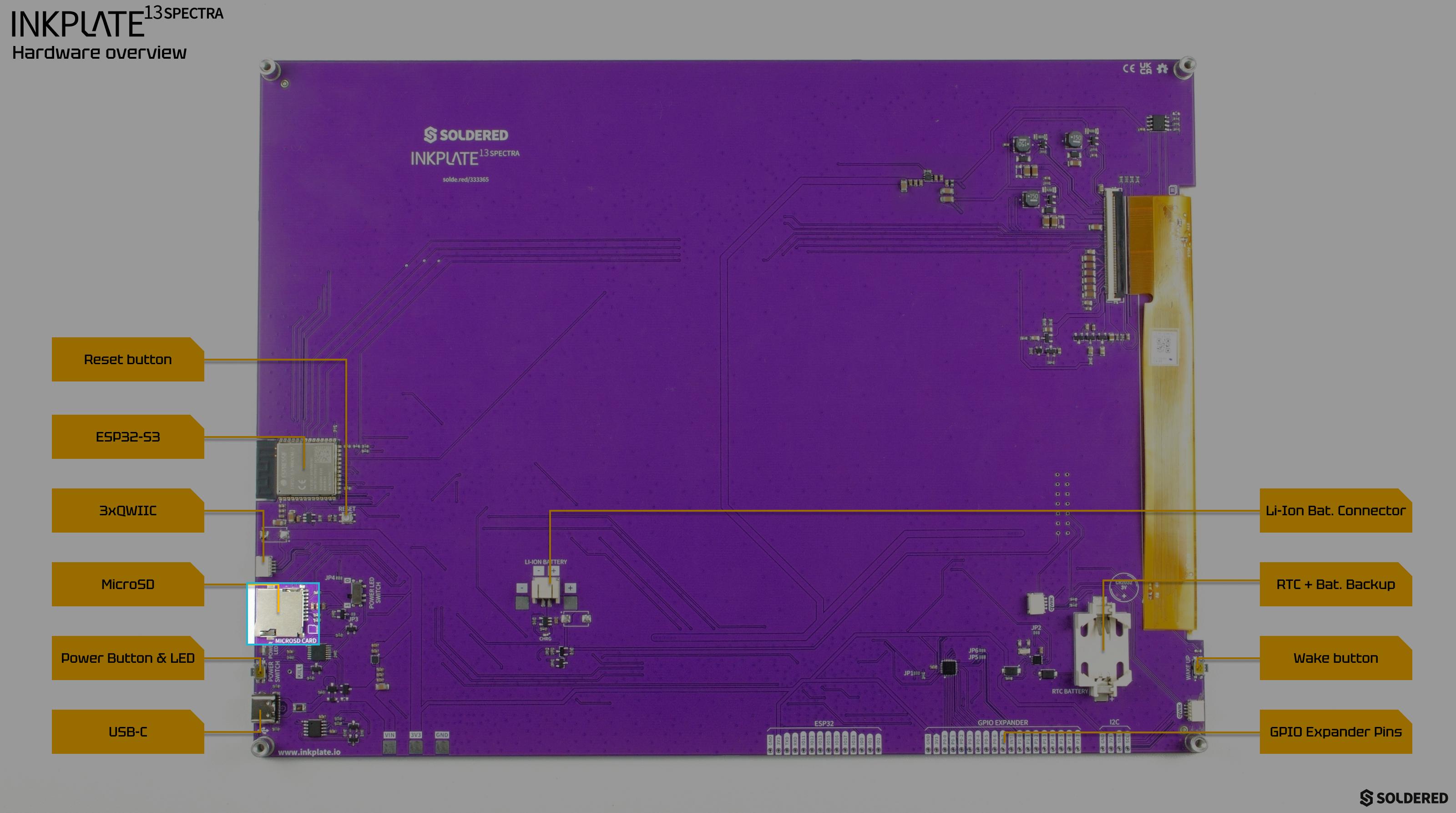
Preparing the microSD card before usage
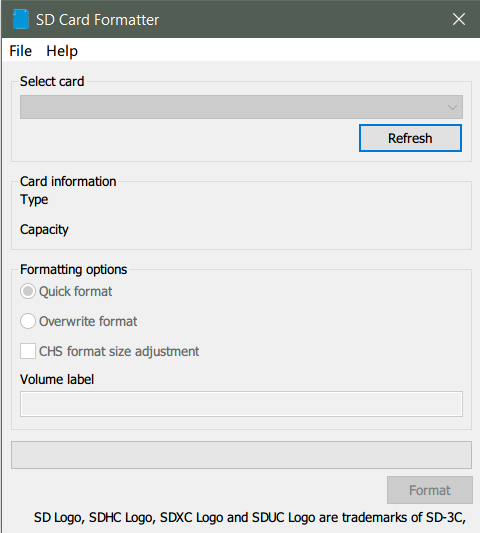
For best results, use the official SD card formatter to format the card to FAT32 before usage.
Initializing
Before the microSD card can be used in code, it must first be initialized, this powers on the microSD card circutry and does all the necessary memory allocations. In this code snipper, the microSD card is initialized and the result of the initialization is checked:
from inkplate13SPECTRA import Inkplate
import time
from os import listdir

inkplate=Inkplate()
inkplate.begin()

# Note:
# - This function must be called before accessing files on the SD card.
# - The fastboot option has no effect if the device is already running.
inkplate.initSDCard(fastBoot=True)

inkplate.SDCardSleep()
inkplate.initSDCard()
Initialize the onboard microSD card interface, allowing images, fonts, and data files to be loaded from the SD card.
Returns value: Boolean, True if the SD card was successfully initialized, otherwise False.
Function parameters:
| Type | Name | Description |
|---|---|---|
Boolean | fastBoot | Optional. If True (default), use faster initialization to reduce startup time. |
inkplate.SDCardSleep()
Puts the microSD card circuitry into low-power sleep mode to save energy when the card is not in use.