HTTPS Client example
This page contains a modified, pre-existing HTTPS Client example from X-CUBE-ST67W61 Expansion Software Package. The project file which will be used is based on SMT32-U575ZI board.
Setting up the project
Import the original project
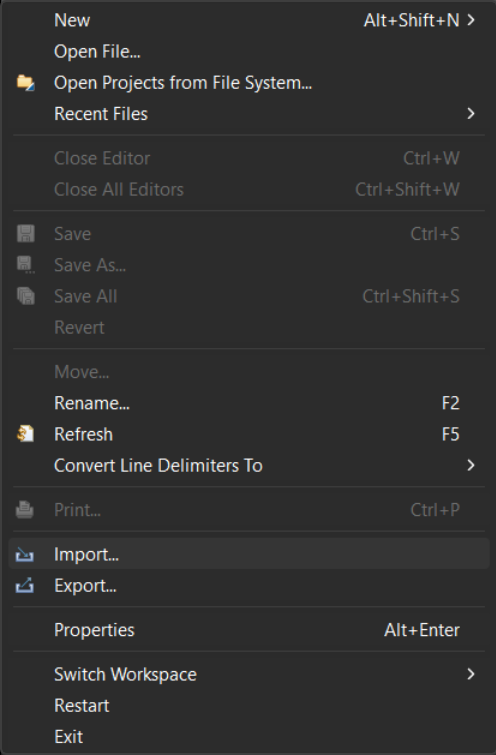
In STM32CubeIDE, navigate to File -> Import. Expand the General tab and select Existing Projects into Workspace.
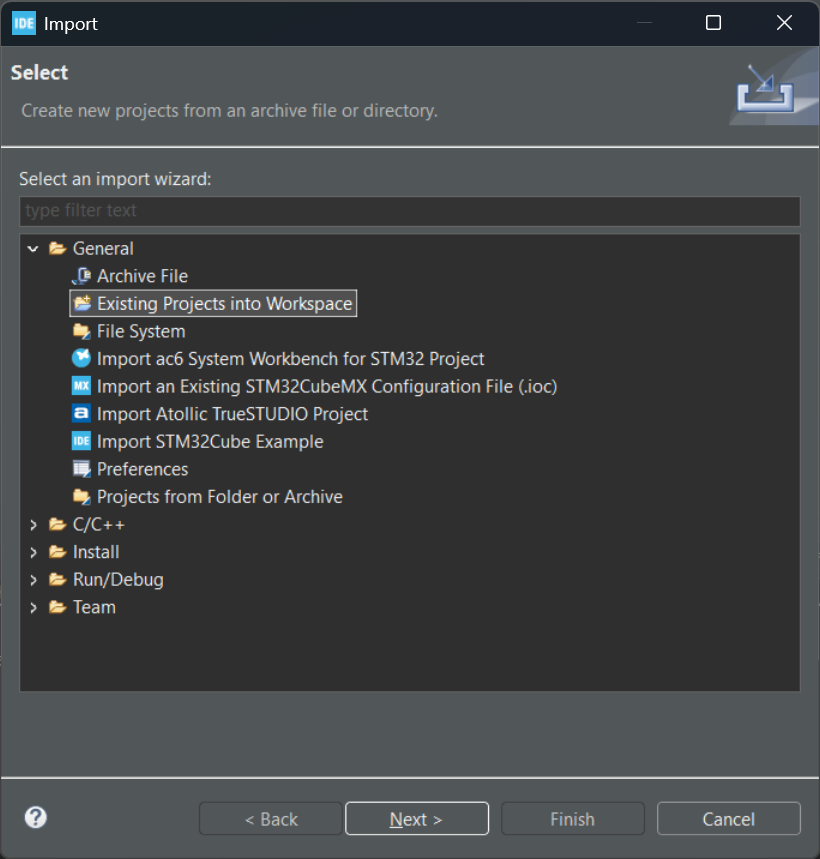
In the Import window, Select the root directory and locate the project file by navigating to: ..\STM32Cube\Repository\Packs\STMicroelectronics\X-CUBE-ST67W61\1.2.0\Projects\NUCLEO-U575ZI-Q\Applications\ST67W6X\ST67W6X_HTTPS_Client. Import the folder and in the Import window press finish.
Download the modified project.
Download the modified project folder from our GitHub page.
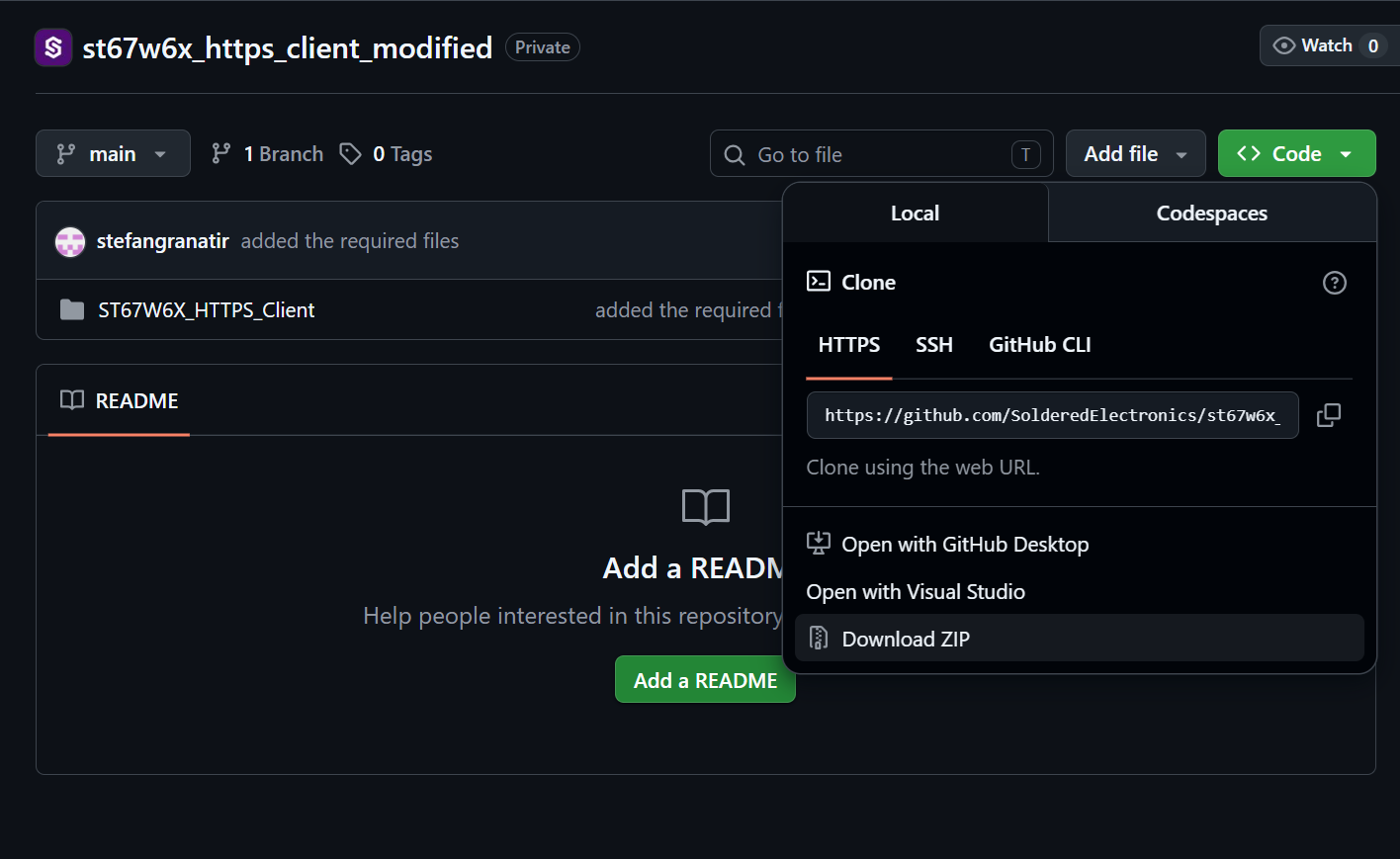
Replacing the flies
Delete the existing ST67W6X_HTTPS_Client.ioc file in the original project and replace it with the same file from the modified project.
Modifying required variables
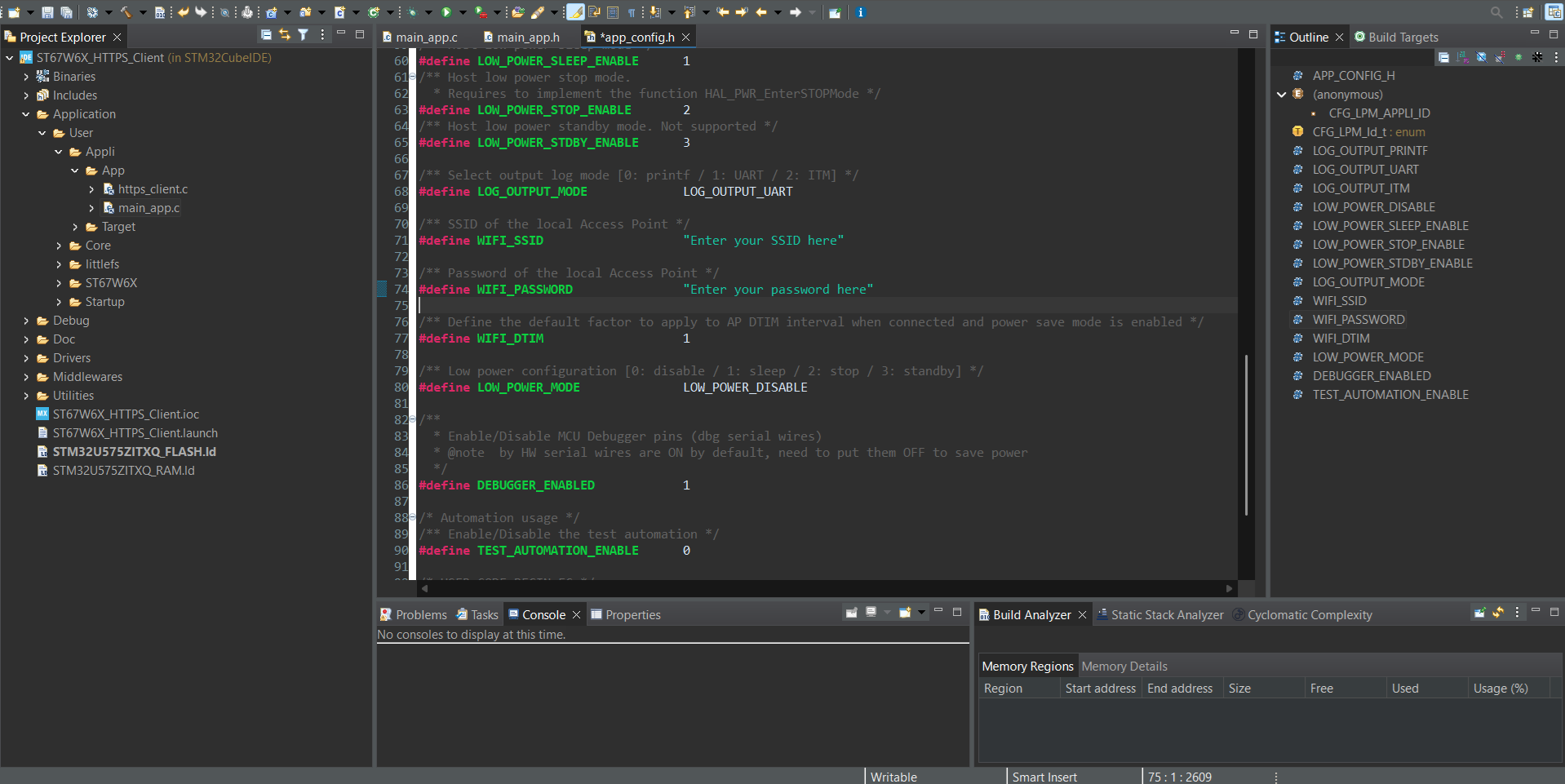
In order for this example to work, you need to modify the wifi ssid and password variables in the code. The easiest way to do that is by navigating to: Application -> User -> Appli -> App -> main_app.c inside the project file and clicking on app_config.h while pressing ctrl+c. Locate defines WIFI_SSID and WIFI_PASSWORD and replace them to the values that your network uses.
Run the project
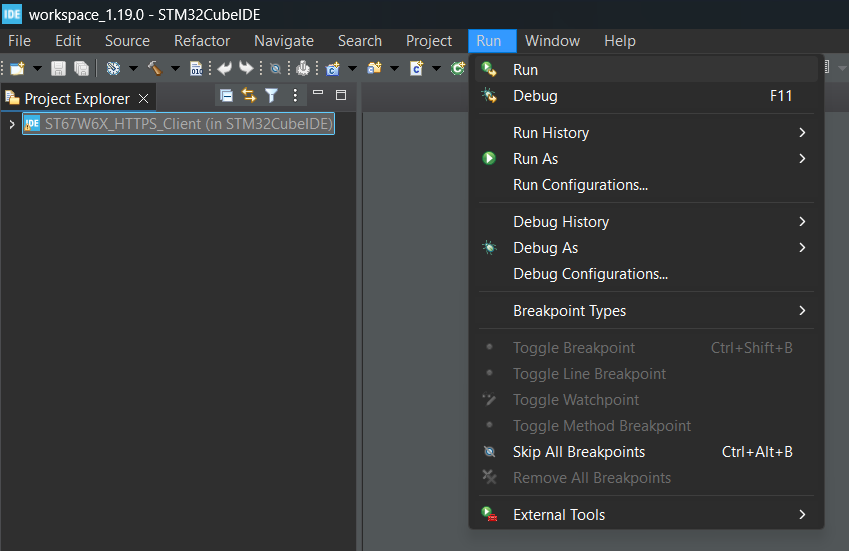
Click on the root directory of the project and press the run button:
Program output
If everything was done correctly, you can open any tool that lets you read Serial Communication, the easiest way is to open Arduino's Serial Monitor: