Battery
Inkplate 2 includes soldering pads for connecting a 3.7V Li-ion battery directly to the board. The onboard charging IC, MCP73831, automatically charges the battery when Inkplate 2 is connected via USB-C and switches to battery power when unplugged. This lets it run for a long time on battery power, especially in low-power applications.
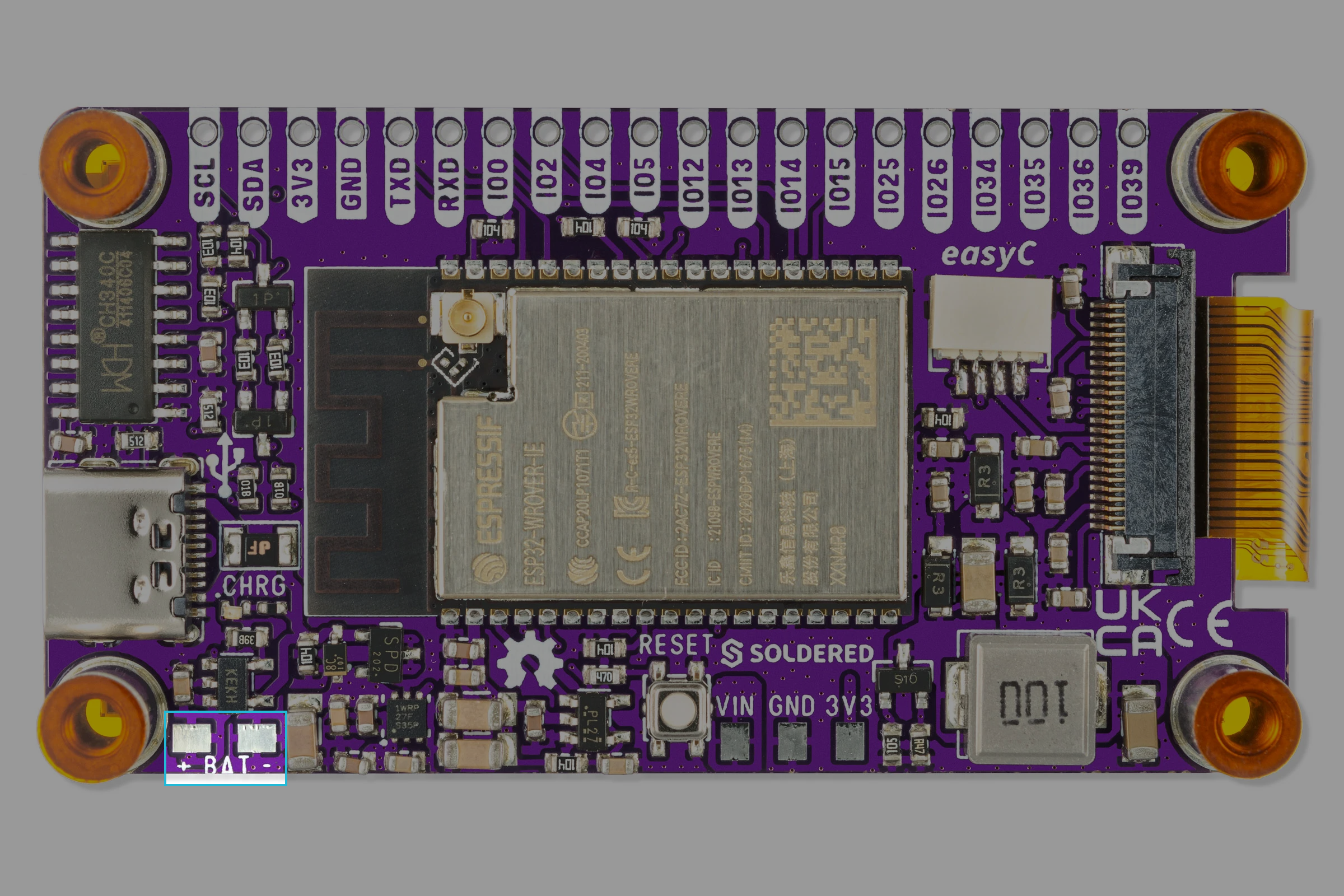
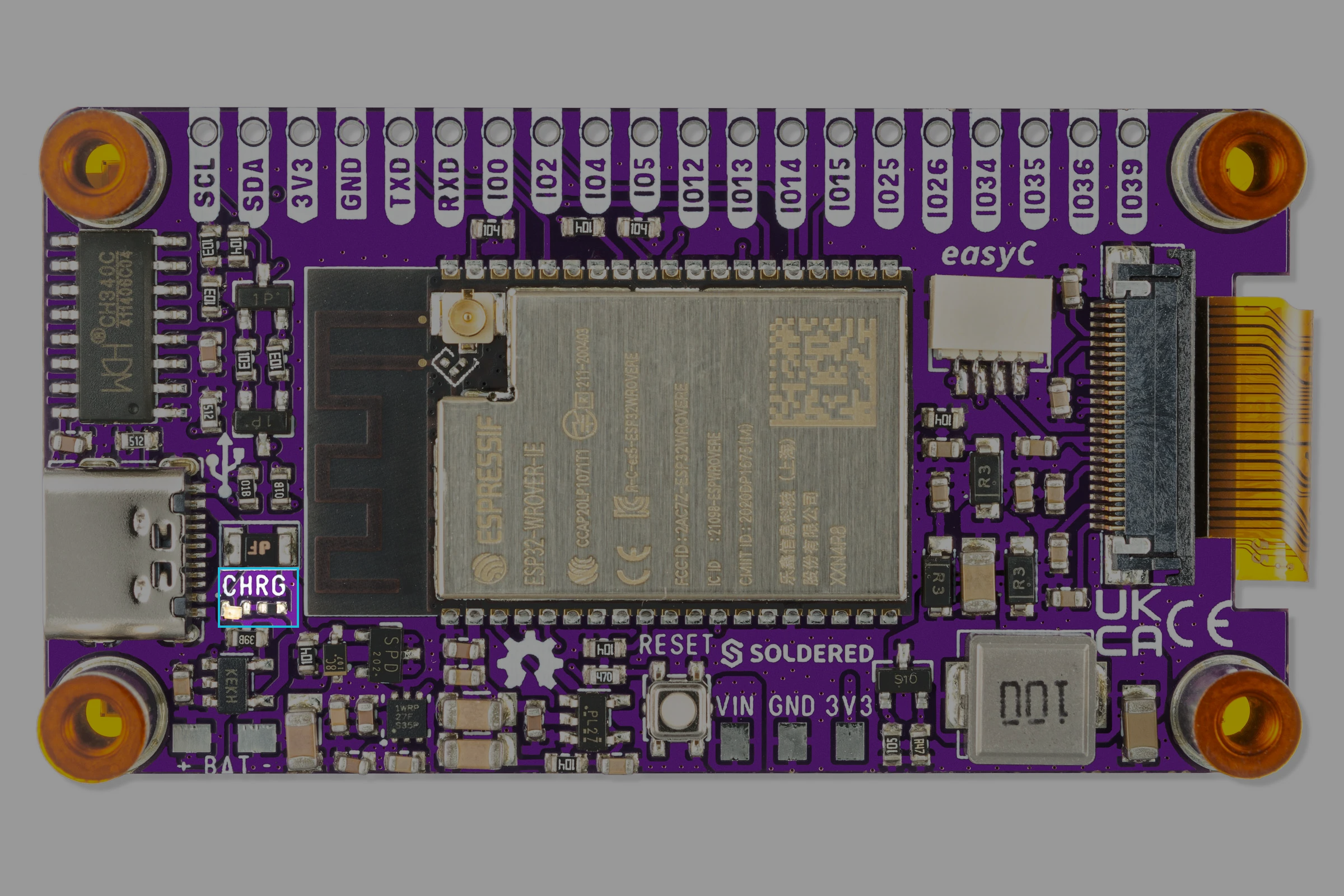
Battery connection
Unlike larger Inkplate boards, the Inkplate 2 does not include a JST connector for battery attachment. Instead, it provides clearly marked soldering pads on the PCB for manual connection of your Li-ion battery wires:
Supported battery types
Inkplate 2 is compatible with 3.7V Li-ion batteries, ideally with built-in protection circuits. These can be sourced from your preferred electronics supplier or from the Soldered online store.
Some recommended battery specs:
- Voltage: 3.7V
- Capacity: 300 mAh–1000 mAh for typical use
- Protection Circuit: Required
- Connector: No connector required (battery must be soldered)
Charging circuit: MCP73831
The MCP73831 is a compact Li-ion/Li-Polymer charge management controller. It's preconfigured on Inkplate 2 to manage charging safely and efficiently.
Key features:
- USB-powered charging (via USB-C)
- Automatic charge termination
- Reverse discharge protection and automatic power-down when USB power is removed
- Preconditioning (trickle) charging for deeply discharged cells before fast charging begins
- Compatible with single-cell 3.7V Li-ion batteries
MCP73831
Single-cell Li-ion battery charge controller used on Inkplate 2
Returns value: Hardware only, automatic operation without user configuration
Battery safety guidelines
- Always check battery polarity before soldering.
- Use batteries with protection circuits to avoid over-discharge.
- Do not charge damaged batteries.
- Avoid short circuits on the battery pads during assembly.