Inkplate 13SPECTRA MicroPython - GET and POST requests
Inkplate 13SPECTRA can connect to the internet and make HTTP requests. This example demonstrates how to perform a simple GET and POST request using the 'urequests' library, with webhook.site as the test server.
Making a GET request
This example below fetches data from a webhook.site endpoint and prints the response.
http:// instead of https:// (many MicroPython build do not include TLS support). # Include needed libraries
import network
import time
import urequests
from inkplate13_spectra import Inkplate
# Enter your WiFi credentials here
ssid = "your ssid"
password = "your password"
#Your personal webhook.site URL (use http://, no leading spaces!)
WEBHOOK_URL ="yout webhook id"
# Function which connects to WiFi
# More info here: https://docs.micropython.org/en/latest/esp8266/tutorial/network_basics.html
def do_connect():
import network
sta_if = network.WLAN(network.STA_IF)
if not sta_if.isconnected():
print("connecting to network...")
sta_if.active(True)
sta_if.connect(ssid, password)
while not sta_if.isconnected():
pass
print("network config:", sta_if.ifconfig())
return True
inkplate=Inkplate()
inkplate.begin()
inkplate.set_text_size(2)
if do_connect():
inkplate.print("Wifi connected")
response=urequests.get(WEBHOOK_URL)
print("GET status:", response.status_code)
print("GET body",response.text)
response.close()
else:
inkplate.print("Wifi failed")
inkplate.display()
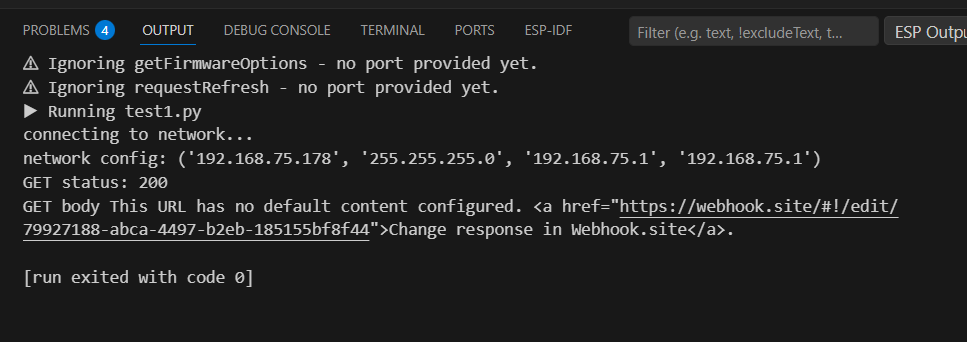
get_request.py
Full example showing how to connect to WiFi and perform an HTTP GET request using urequests.
urequests.get()
Perform an HTTP GET request to the given URL.
Returns type: Response
Returns value: Response object with .status_code and .text.
Function parameters:
| Type | Name | Description |
|---|---|---|
String | url | The target URL (must start with http://). |
Making a POST request
You can also send data to the server. In this example we will send JSON payload to the webhook URL.
import network
import time
import urequests
import ujson
from inkplate13_spectra import Inkplate

# Enter your WiFi credentials here
ssid = ""
password = ""

#Your personal webhook.site URL (use http://, no leading spaces!)
WEBHOOK_URL =""
# Function which connects to WiFi
# More info here: https://docs.micropython.org/en/latest/esp8266/tutorial/network_basics.html
def do_connect():
    import network
    sta_if = network.WLAN(network.STA_IF)
    if not sta_if.isconnected():
        print("connecting to network...")
        sta_if.active(True)
        sta_if.connect(ssid, password)
        while not sta_if.isconnected():
            pass
    print("network config:", sta_if.ifconfig())
    return True

inkplate=Inkplate()
inkplate.begin()
inkplate.set_text_size(2)

if do_connect():
    data = {"message": "Hello from Inkplate 13SPECTRA!"}

    # Perform POST request
    try:
        response = urequests.post(WEBHOOK_URL, json=data)
        print("POST status:", response.status_code)
        print("POST body:", response.text)

        inkplate.print("POST OK!")
        inkplate.display()

        response.close()

    except Exception as e:
        print("POST failed:", e)
        inkplate.print("POST failed!")
        inkplate.display()

else:
    inkplate.print("Wifi failed")
    inkplate.display()
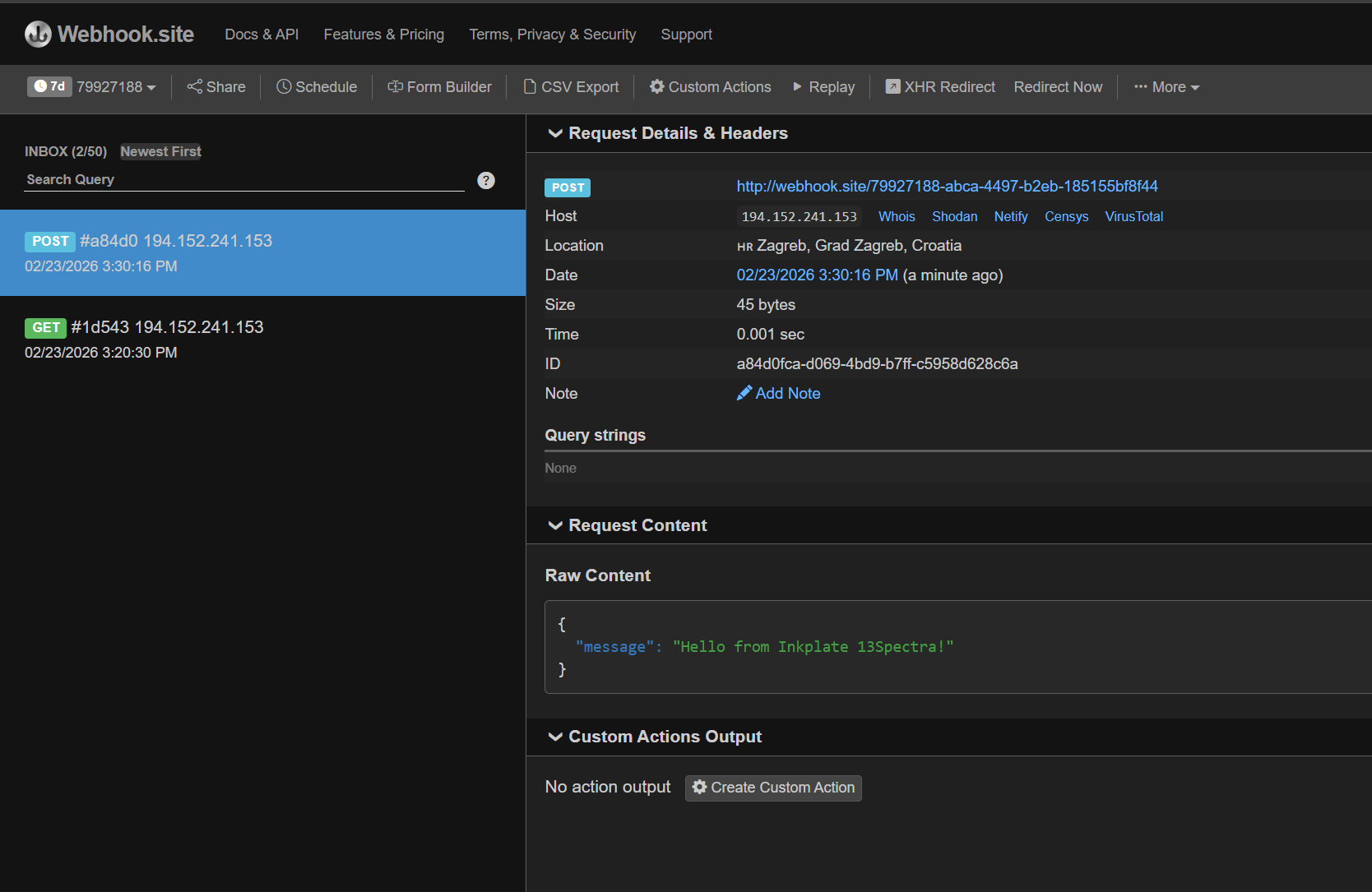
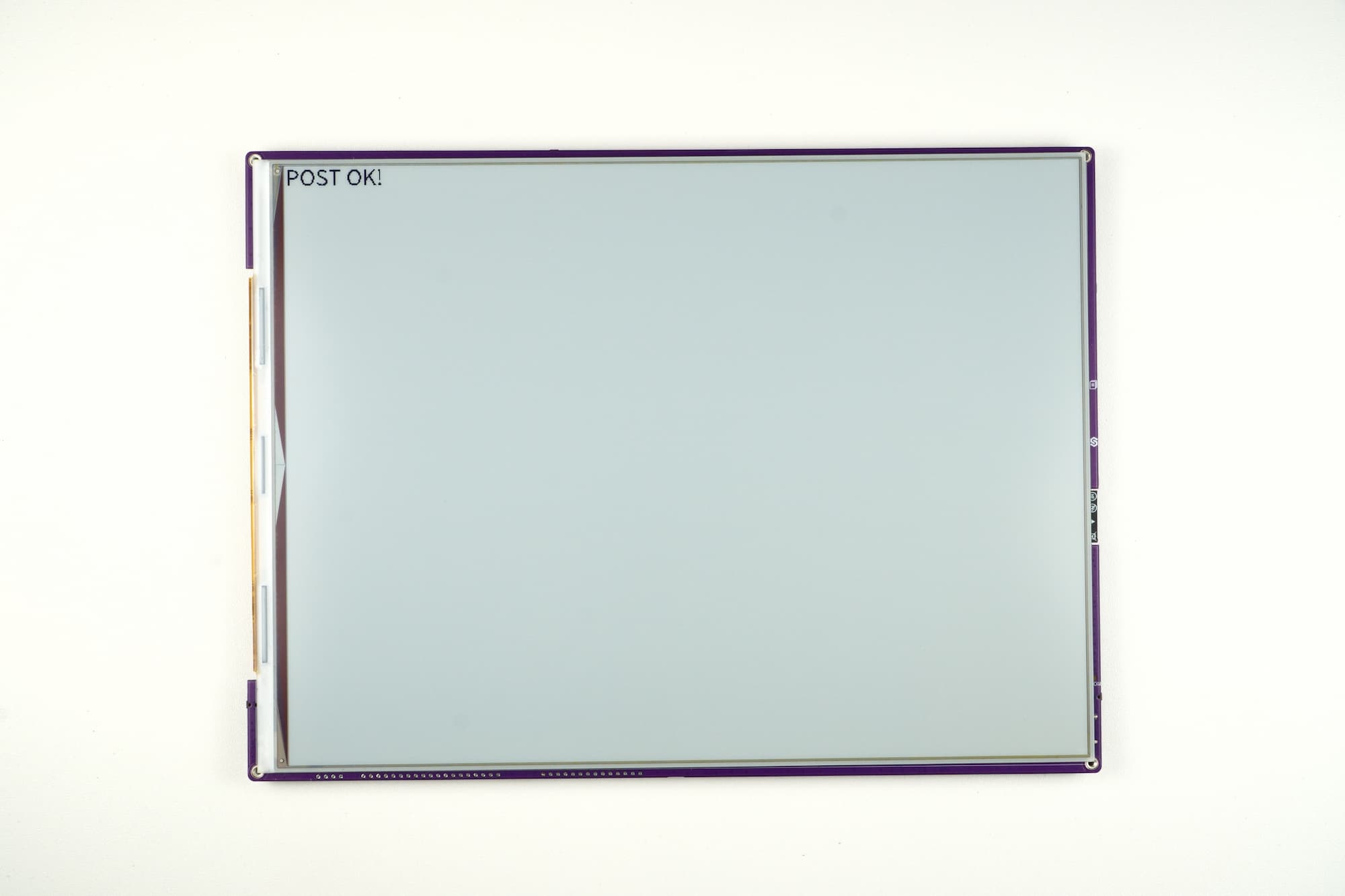
post_request.py
Full example showing how to connect to WiFi and perform an HTTP POST request with a JSON payload using urequests.
urequests.post()
Perform an HTTP POST request to the given URL.
Returns type: Response
Returns value: Response object with .status_code and .text.
Function parameters:
| Type | Name | Description |
|---|---|---|
String | url | The target URL (must start with http://). |
Dict | json | Dictionary to send as JSON in the request body. |