Inkplate 6 MicroPython - Basic RTC usage
Inkplate 6 comes with an onboard RTC (Real-Time Clock), which allows the board to keep track of the time and date even across reboots (as long as the backup battery is present).
To preserve time while the Inkplate is powered off, make sure a coin cell battery (CR2032) is installed in the RTC holder. Without it, the clock will reset when power is lost.
This example shows how to set the RTC time and date, and then continuously display the current time on the screen.
Basic RTC example
# Include all the required libraries
from inkplate6 import Inkplate
import time

# Create Inkplate object in 1-bit mode, black and white colors only
# For 8-level grayscale, see basic_grayscale.py
inkplate = Inkplate(Inkplate.INKPLATE_1BIT)


# Initialize the display, needs to be called only once
inkplate.begin()

# Clear the frame buffer
inkplate.clear_display()

# This has to be called every time you want to update the screen
# Drawing or printing text will have no effect on the display itself before you call this function
inkplate.display()

inkplate.set_text_size(3)

# This is how to set the RTC's time
# Arguments are hour, minute, seconds
inkplate.rtc_set_time(9, 39, 10)
# And this is the date
# Arguments are weekday, day in month, month and year
inkplate.rtc_set_date(5, 9, 2, 2024)

# Infinite loop
while True:
    inkplate.clear_display()
    rtc_data = inkplate.rtc_get_data()

    hour = rtc_data["hour"]
    minute = rtc_data["minute"]
    second = rtc_data["second"]

    if hour < 10:
        hour = "0" + str(hour)
    if minute < 10:
        minute = "0" + str(minute)
    if second < 10:
        second = "0" + str(second)

    inkplate.set_cursor(280, 300)
    current_time = str(hour) + ":" + str(minute) + ":" + str(second)
    inkplate.print(current_time)
    inkplate.partial_update()
inkplate.rtc_set_time()
Set the RTC's current time.
Function parameters:
| Type | Name | Description |
|---|---|---|
Number | hour | Hour (0-23). |
Number | minute | Minute (0-59). |
Number | second | Second (0-59). |
inkplate.rtc_set_date()
Set the RTC's current date.
Function parameters:
| Type | Name | Description |
|---|---|---|
Number | weekday | Day of the week (0 = Sunday, 1 = Monday, … 6 = Saturday). |
Number | day | Day of the month (1-31). |
Number | month | Month (1-12). |
Number | year | Full year (e.g., 2025). |
inkplate.rtc_get_data()
Read the current RTC date and time.
Returns value: Dictionary containing keys: `hour`, `minute`, `second`, `weekday`, `day`, `month`, `year`.
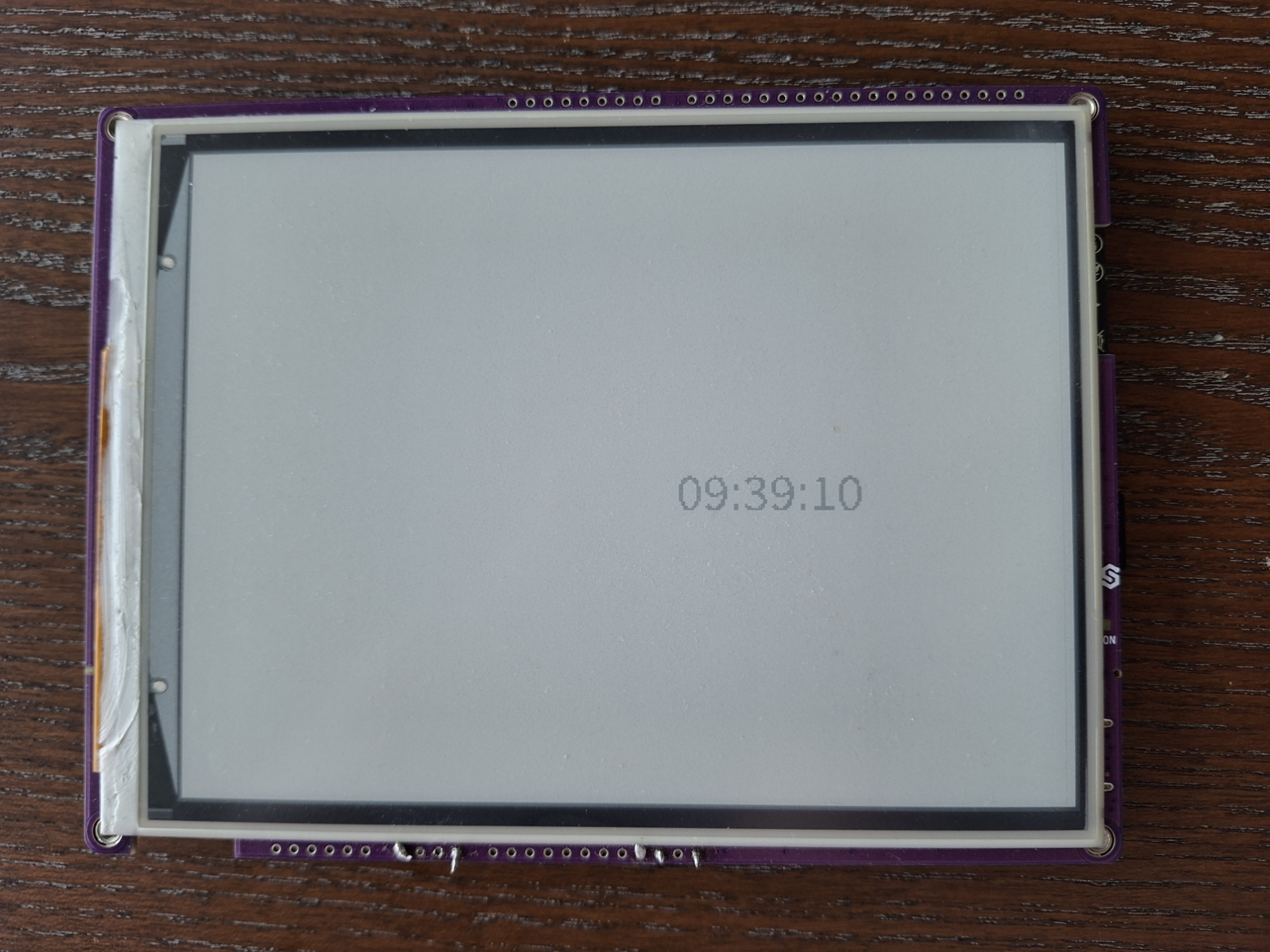
Full example
rtc.py
An example showing how to set and read time/date using the onboard RTC, and display it continuously on the screen.