Inkplate 2 – Draw Image from Web
This example shows how to connect to WiFi and render an image fetched from a URL using drawImage.
ℹ️
Supported image formats: JPG, BMP, and PNG.
⚠️
JPG files without progressive encoding are supported.
ℹ️
If you experience issues displaying an image, try re-saving it with an image editing program. The issue is usually related to the image format.
Drawing an Image
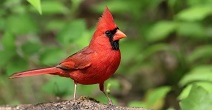
Example image to display on Inkplate
from inkplate2 import Inkplate
import network
import time

# WiFi credentials (replace with your own)
SSID = "YOUR_SSID_HERE"
PASSWORD = "YOUR_PASSWORD_HERE"

# Create Inkplate object in 2-bit (grayscale) mode
inkplate = Inkplate()

# Initialize the display, needs to be called only once
inkplate.begin()

# Connect to WiFi (process explained on previous pages)
if not do_connect():
    raise SystemExit("WiFi connection failed")

# Example usage
drawLenght=time.ticks_ms()
inkplate.draw_image(
    "https://i.imgur.com/VSRtgBr.jpeg",  # URL to image
    0, 0,                                # X, Y position
    dither = True						 # Enable/Disable dithering
)

# Show the image from the internal buffer
inkplate.display()
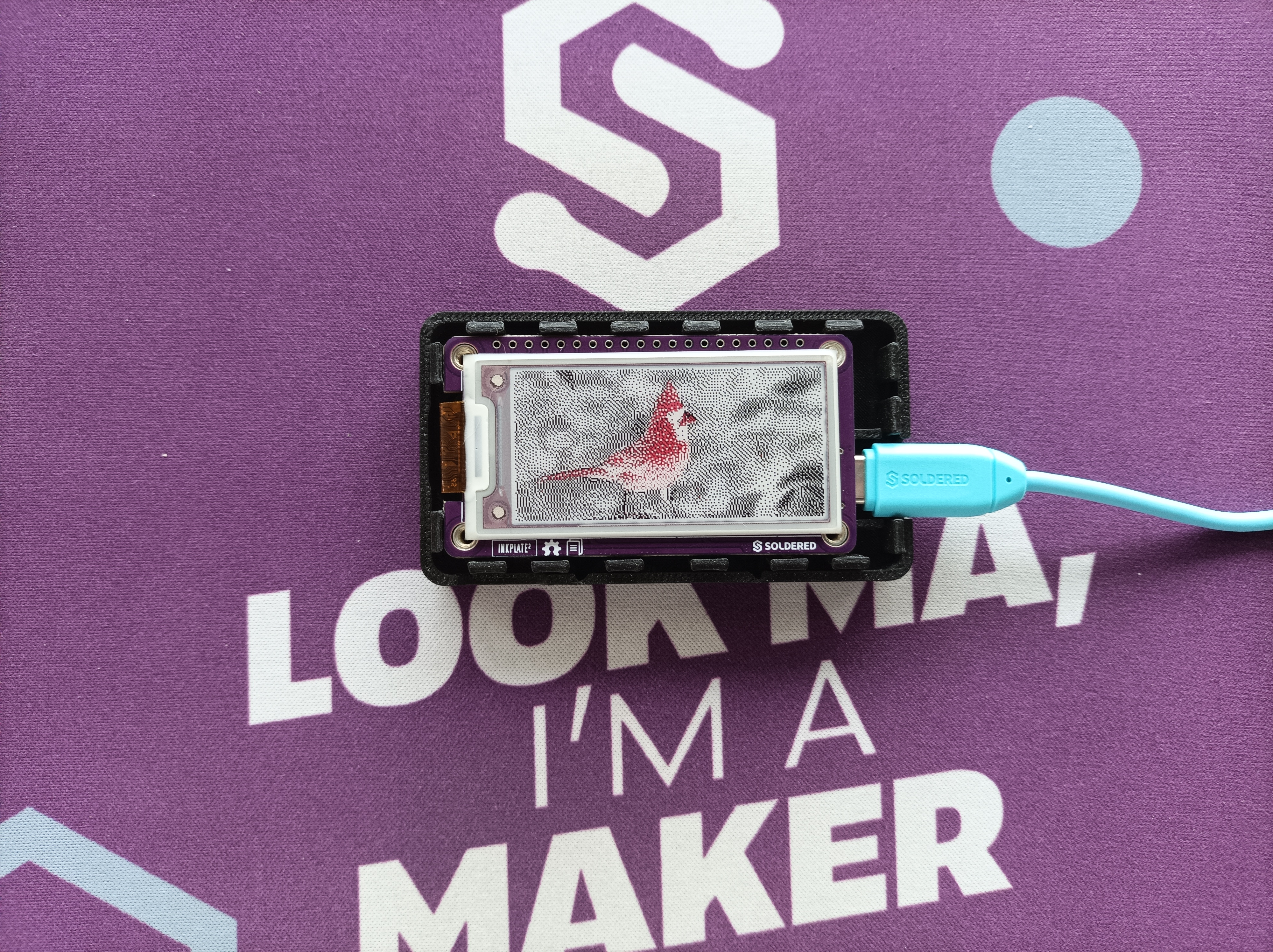
Example image displayed on Inkplate with Dithering enabled
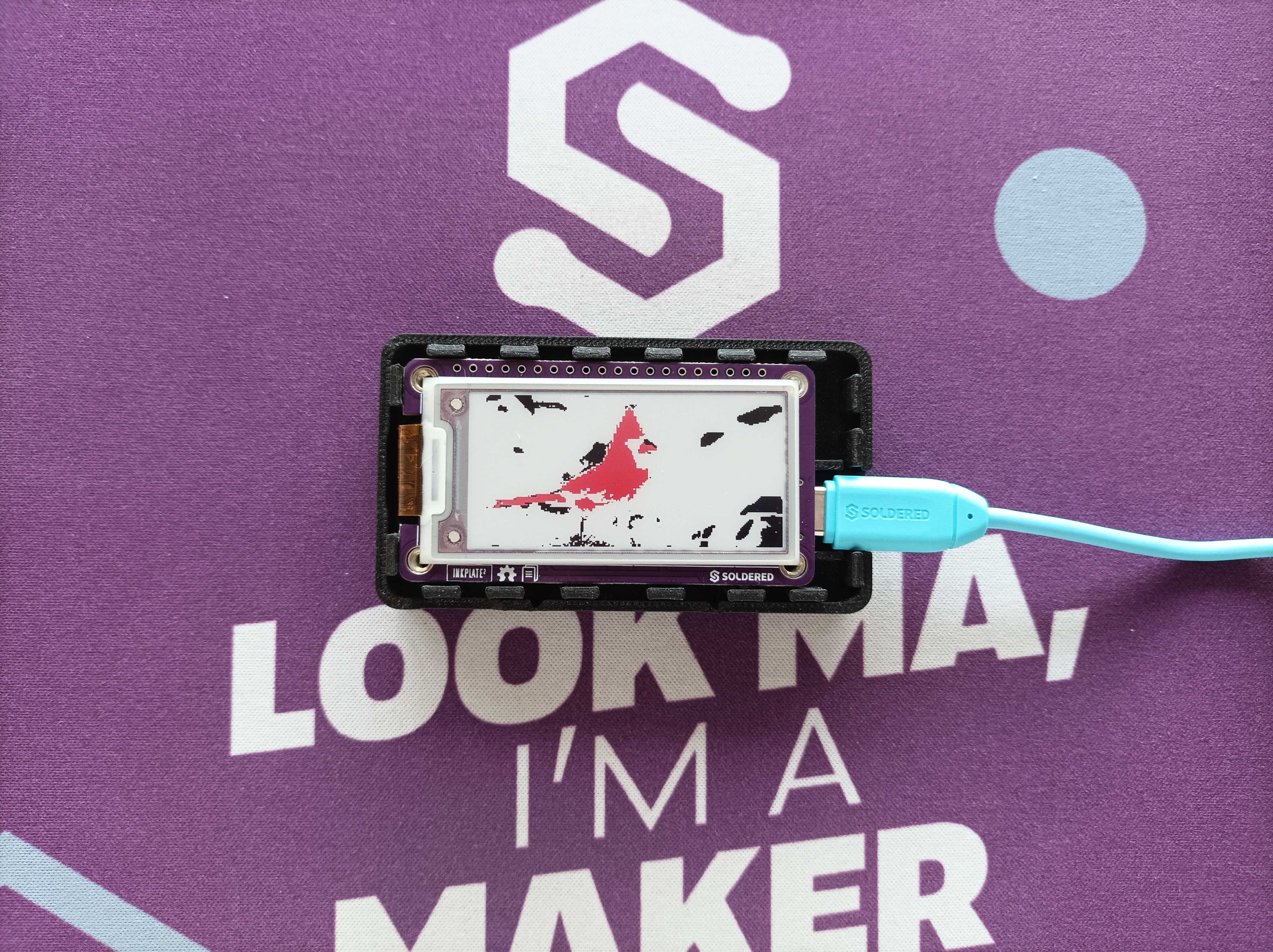
Example image displayed on Inkplate without Dithering
inkplate.draw_image()
This function draws an image from the specified char path (either web URL or local file path)
Returns value: None
Function parameters:
| Type | Name | Description |
|---|---|---|
string | path | Path and filename of the image. Can be a URL (for web images) or a local file path. |
int | x0 | X-coordinate of the image's upper-left corner in the framebuffer. |
int | y0 | Y-coordinate of the image's upper-left corner in the framebuffer. |
bool | invert | If true, inverts colors. |
bool | dither | Dithering mode: 0 (disabled), 1 (enabled). |
int | kernel_type | Specifies dithering algorithm to use. |
ℹ️
Available options for dithering algorithm:
| Algorithm | Value |
|---|---|
Inkplate.KERNEL_FLOYD_STEINBERG | 0 |
Inkplate.KERNEL_JJN | 1 |
Inkplate.KERNEL_STUCKI | 2 |
Inkplate.KERNEL_BURKES | 3 |
Performance Notes
- JPG: ~3 seconds (or ~5s with dithering)
- PNG: ~4 seconds (or ~6s with dithering)
- BMP: ~6 seconds (or ~7s with dithering)
- Maximum image file size: ~800kB
Full example
display_image_web.py
Connects to WiFi and renders an image fetched from a URL.