Inkplate 5v2 MicroPython - Basic RTC usage
Inkplate 5v2 has an onboard RTC (real-time clock), which keeps track of time and date across reboots, as long as the backup battery is present.
ℹ️
To keep time while the Inkplate is powered off, install a CR2032 coin cell battery in the RTC holder. Without it, the clock resets when power is lost.
This example sets the RTC time and date, then continuously displays the current time on the screen.
Basic RTC example
# Include all the required libraries
from inkplate5v2 import Inkplate
import time

# Create Inkplate object in 1-bit mode, black and white colors only
# For 8-level grayscale, see basic_grayscale.py
inkplate = Inkplate(Inkplate.INKPLATE_1BIT)


# Initialize the display, needs to be called only once
inkplate.begin()

inkplate.clear_display()

inkplate.display()

inkplate.set_text_size(2)

# This is how to set the RTC's time
# Arguments are hour, minute, seconds
inkplate.rtc_set_time(9,39,10)
# And this is the date
# Arguments are weekday, day in month, month and year
inkplate.rtc_set_date(5,9,2,2024)

# Infinite loop
while True:
    inkplate.clear_display()
    rtcData = inkplate.rtc_get_data()

    hour = rtcData['hour']
    minute = rtcData['minute']
    second = rtcData['second']

    if hour < 10:
        hour="0"+str(hour)
    if minute < 10:
        minute="0"+str(minute)
    if second < 10:
        second="0"+str(second)

    inkplate.set_cursor(450,300)
    current_time=str(hour)+":"+str(minute)+":"+str(second)
    inkplate.print(current_time)
    inkplate.partial_update()
inkplate.rtc_set_time()
Set the RTC's current time.
Function parameters:
| Type | Name | Description |
|---|---|---|
Number | hour | Hour (0-23). |
Number | minute | Minute (0-59). |
Number | second | Second (0-59). |
inkplate.rtc_set_date()
Set the RTC's current date.
Function parameters:
| Type | Name | Description |
|---|---|---|
Number | weekday | Day of the week (1 = Monday to 7 = Sunday). |
Number | day | Day of the month (1-31). |
Number | month | Month (1-12). |
Number | year | Full year, for example 2025. |
inkplate.rtc_get_data()
Read the current RTC date and time.
Returns value: Dictionary containing keys: `hour`, `minute`, `second`, `weekday`, `day`, `month`, `year`.
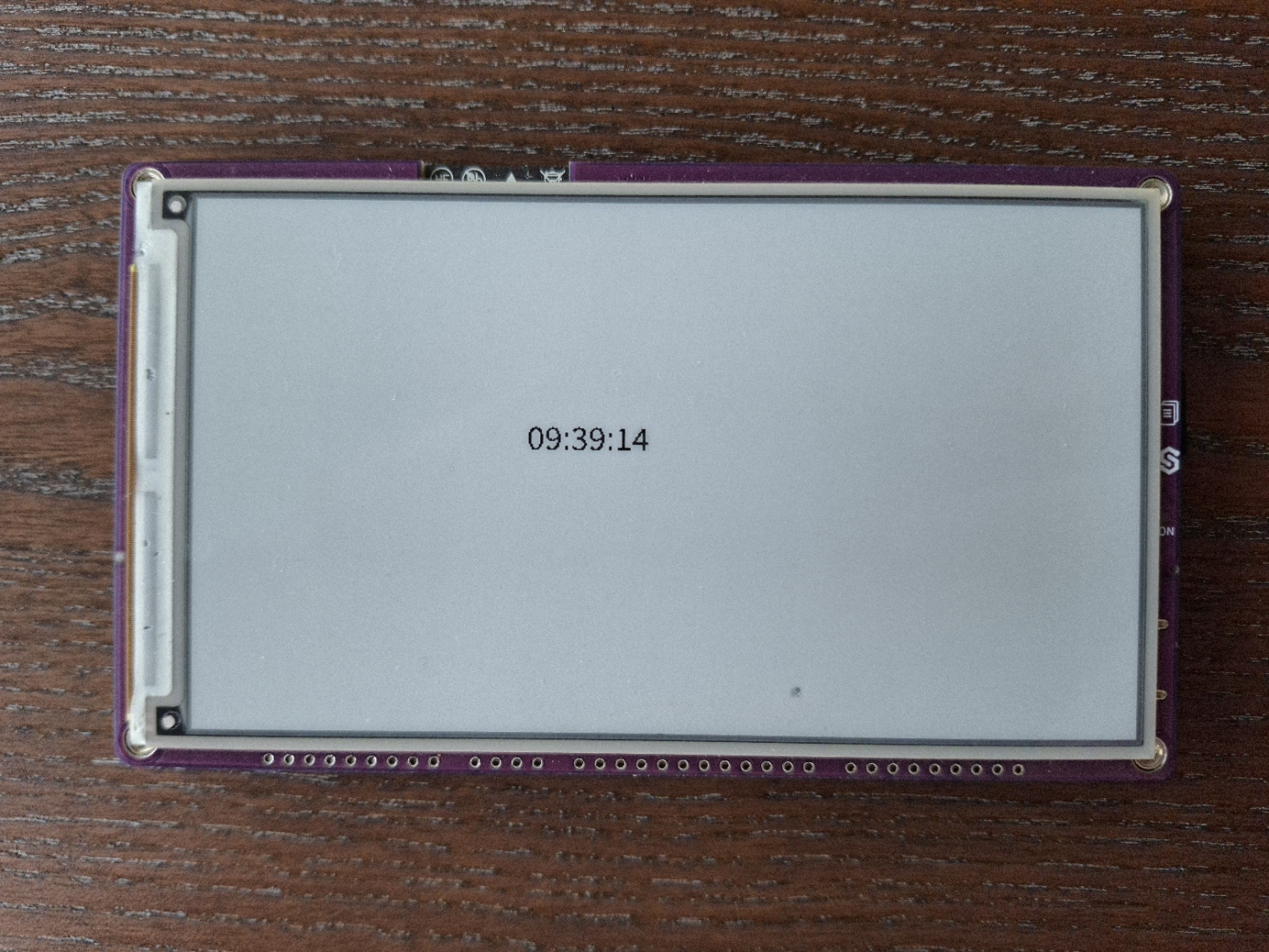
Inkplate 5v2 running the example code
Full example
rtc.py
An example that sets and reads the time and date using the onboard RTC, and displays it continuously on the screen.