Inkplate 5v2 MicroPython - Formatting the microSD card
The built-in microSD card slot on the back of Inkplate 5v2 is useful for storing a large number of high-quality images to display, or for reading and writing data between deep sleep cycles.
Preparing the microSD card before usage
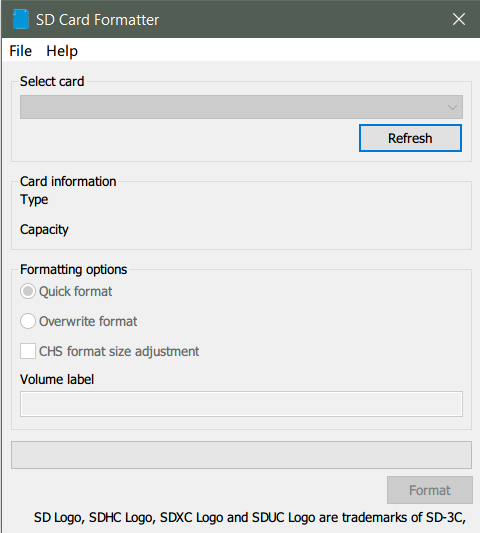
For best results, use the official SD card formatter to format the card to FAT32 before use.
Initialization
The microSD card has to be initialized before you can use it. This powers on the microSD card circuitry and performs the necessary memory allocations:
from inkplate5v2 import Inkplate

inkplate=Inkplate(Inkplate.INKPLATE_1BIT)
inkplate.begin()

# Note:
# - This function must be called before accessing files on the SD card.
# - fast_boot performs a soft reboot right after mounting the card, which speeds up
#   later reads. On a cold start the script restarts from the top when it runs, so
#   anything below this line only executes on the second pass. Leave it out if that
#   is not what you want.
inkplate.init_sd_card()

inkplate.sd_card_sleep()
inkplate.init_sd_card()
Initialize the onboard microSD card interface, allowing images, fonts, and data files to be loaded from the SD card.
Returns type: None
Returns value: Nothing. If the card cannot be read, the error is only printed over serial.
Function parameters:
| Type | Name | Description |
|---|---|---|
Boolean | fast_boot | Optional, defaults to False. If True, performs a soft reboot right after the card is mounted (only on a cold start or hard reset), which improves later SD read speeds. |
inkplate.sd_card_sleep()
Puts the microSD card circuitry into low-power sleep mode to save energy when the card is not in use.
Returns type: None