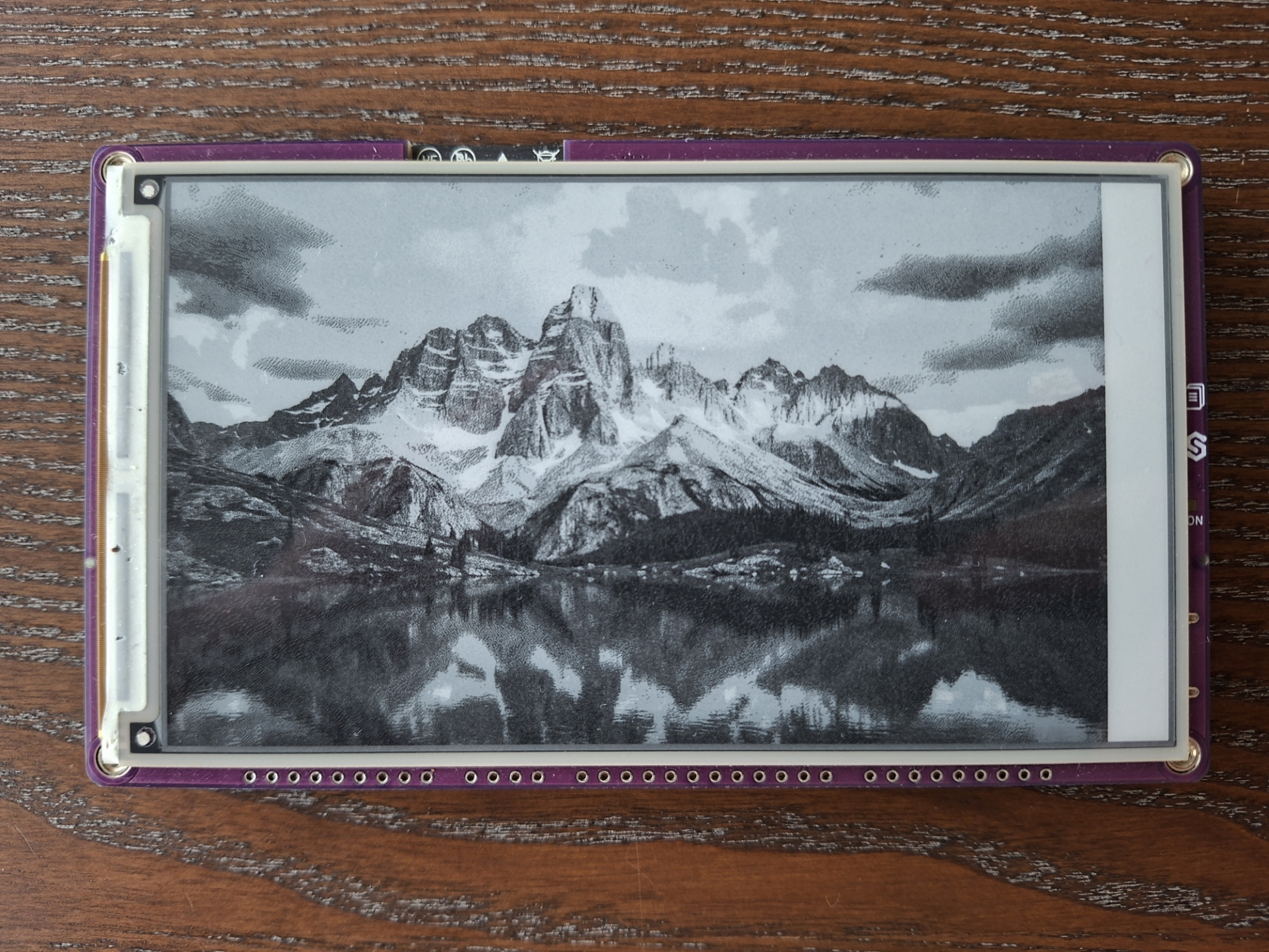
Inkplate 5v2 MicroPython - Draw Image from microSD card
Inkplate 5v2 can load and render images directly from the onboard microSD card. This example initializes the SD card, lists its contents and displays a JPEG, PNG or BMP image on screen.
Displaying an image from the SD card
Before running this example, make sure your SD card is formatted as FAT16, FAT32 or exFAT and inserted into Inkplate 5v2. To learn how to format the microSD card, see preparing the microSD card before usage.
The example does not ship with an image, so copy any JPG, PNG or BMP file you like onto the card and set the path in draw_image() to match its filename. The full example script is available in the Inkplate MicroPython library.
from inkplate5v2 import Inkplate
import time
from os import listdir

inkplate = Inkplate(Inkplate.INKPLATE_2BIT)
inkplate.begin()
inkplate.init_sd_card(fast_boot=True)
print(listdir("/sd"))

# Draw image onto the buffer
drawLength = time.ticks_ms()
inkplate.draw_image(
    "sd/image.png",
    0, 0,
    invert=False,
    dither=True,
    kernel_type=Inkplate.KERNEL_FLOYD_STEINBERG
)
drawLength = time.ticks_diff(time.ticks_ms(), drawLength)
print("Time it took to draw to buffer: {} ms".format(drawLength))
inkplate.display()

# Put SD card interface to sleep
inkplate.sd_card_sleep()
# To wake it again, use: inkplate.sd_card_wake()
inkplate.draw_image()
Draw an image from a file path or URL into the display buffer.
Function parameters:
| Type | Name | Description |
|---|---|---|
String | path | Path to image (e.g. "sd/image.png") or URL. |
Number | x0 | X coordinate of the top-left corner. |
Number | y0 | Y coordinate of the top-left corner. |
Boolean | invert | If True, invert image colors. |
Boolean | dither | If True, apply dithering for better grayscale rendering. |
Constant | kernel_type | Dithering algorithm. Options: Inkplate.KERNEL_FLOYD_STEINBERG, Inkplate.KERNEL_JJN, Inkplate.KERNEL_STUCKI, Inkplate.KERNEL_BURKES. |
Available options for dithering algorithm:
| Algorithm | Value |
|---|---|
Inkplate.KERNEL_FLOYD_STEINBERG | 0 |
Inkplate.KERNEL_JJN | 1 |
Inkplate.KERNEL_STUCKI | 2 |
Inkplate.KERNEL_BURKES | 3 |
Performance notes
- JPG: ~3 seconds (or ~7s with dithering)
- PNG: ~10 seconds (or ~14s with dithering)
- BMP: ~15 seconds (or ~20s with dithering)
- Maximum image file size: ~800kB