Inkplate 6 – Battery
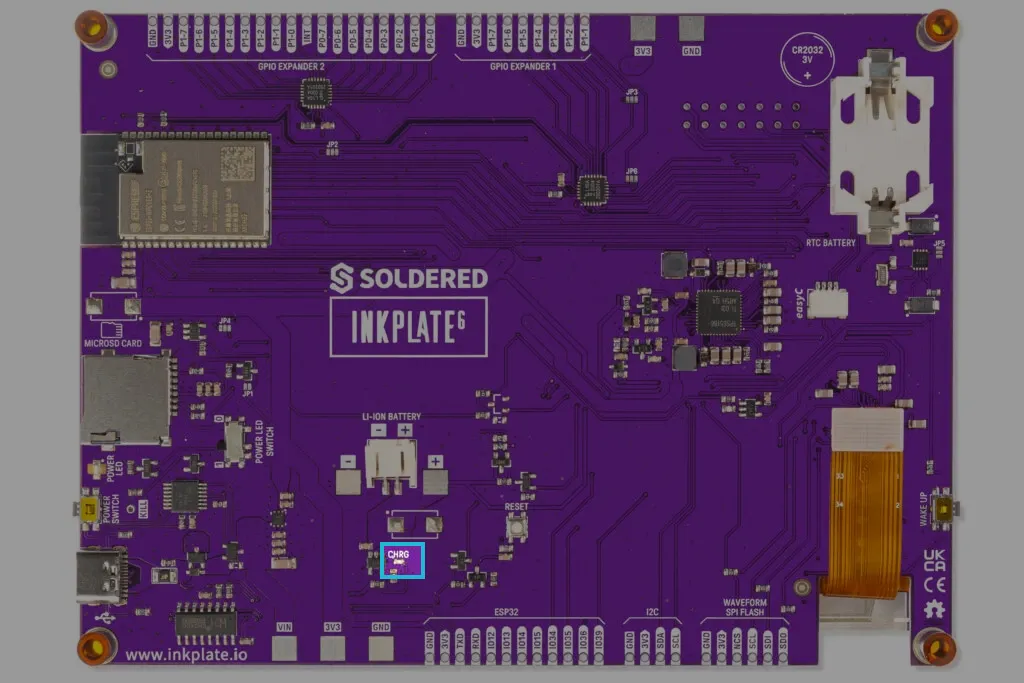
Inkplate 6 includes a 2-pin, 2mm JST connector that allows you to connect a 3.7V Li-ion battery. The onboard charging IC, MCP73831, automatically charges the battery when Inkplate is plugged into USB-C and switches to battery power when unplugged. A charging indicator LED provides real-time charging status.
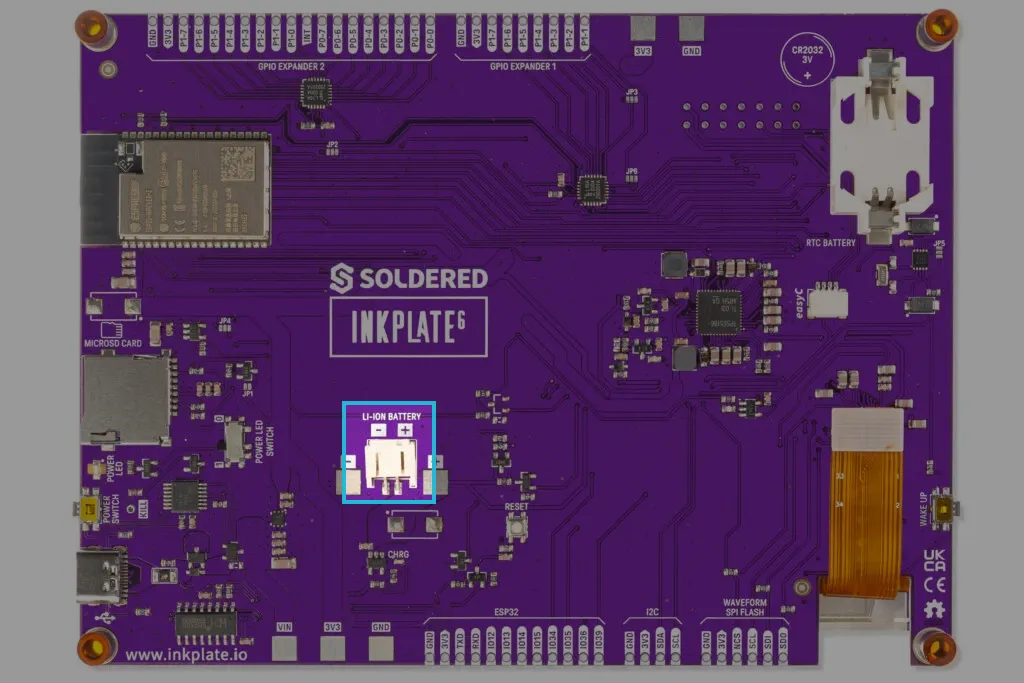
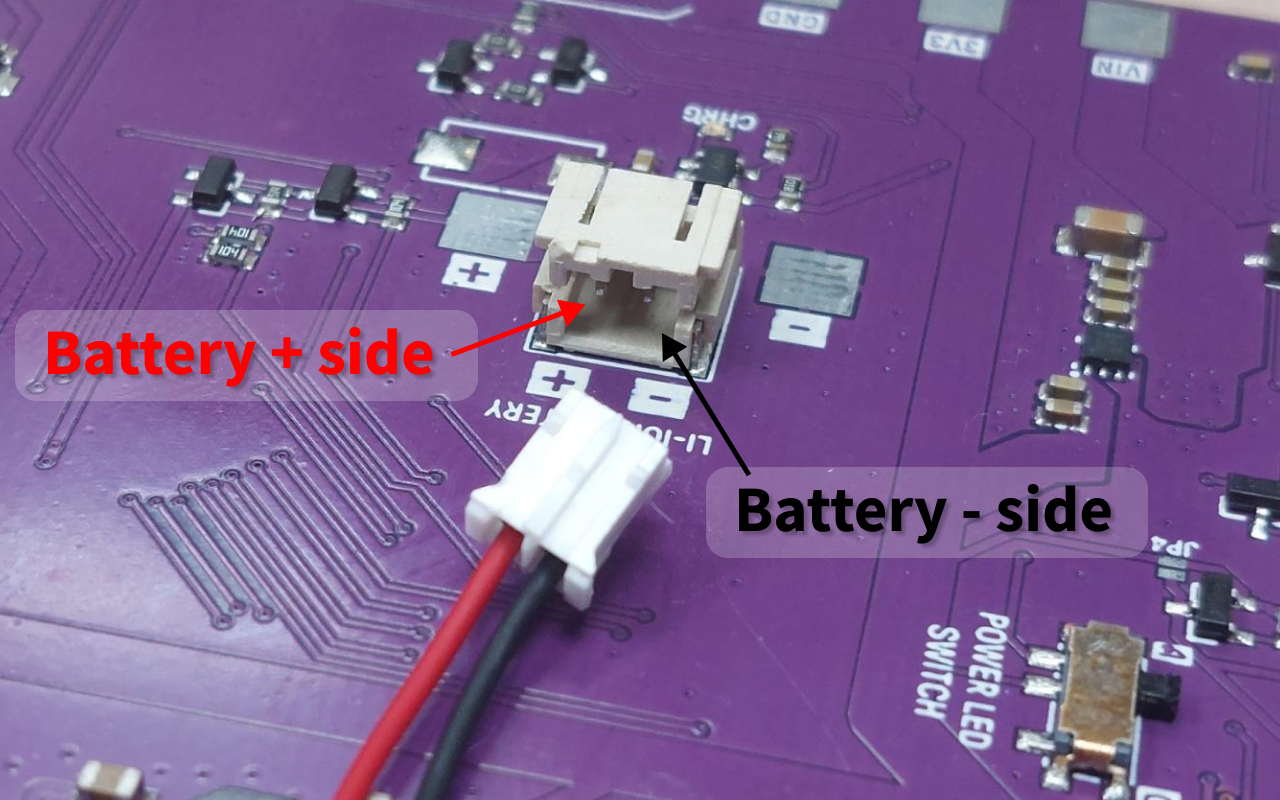
Compatible batteries
Inkplate 6 is compatible with 3.7V Li-ion batteries with protection. If you purchased the Inkplate 6 enclosure and battery kit, it includes a 1200mAh 3.7V Li-ion battery with a built-in protection circuit.
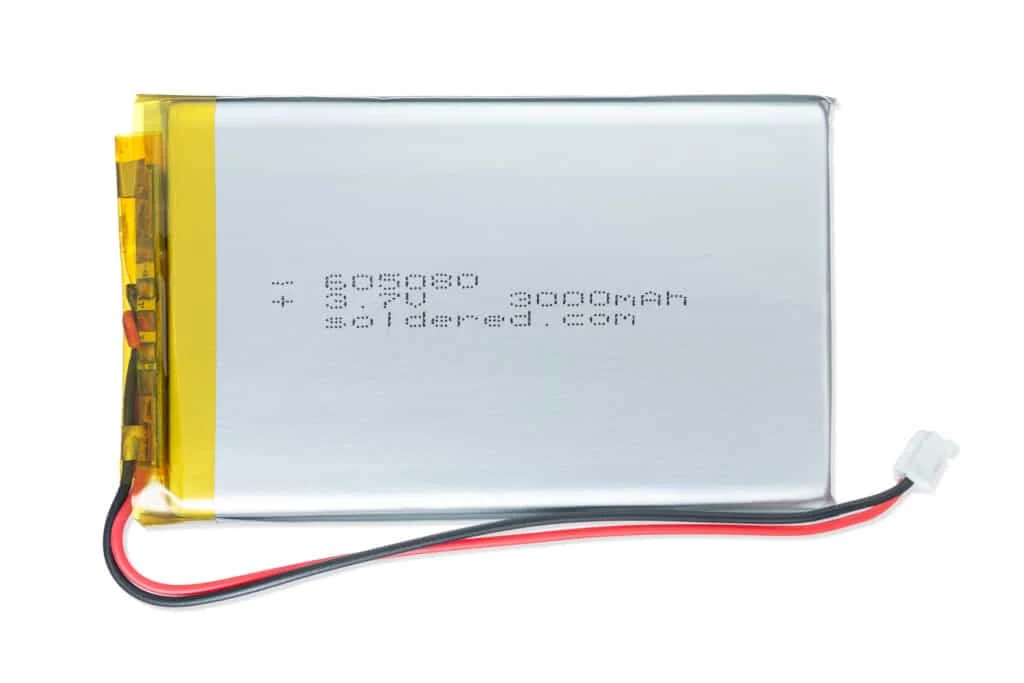
Any of Soldered's 3.7V Li-ion batteries will work as long as they fit inside your enclosure.
Check out our battery documentation page.
Charging IC (MCP73831)
The MCP73831 is a single-cell Li-ion/Li-Polymer charge controller. It manages the whole charge cycle over USB so you do not have to. The chip uses a constant-current / constant-voltage (CC/CV) profile: a deeply discharged cell first gets a low preconditioning (trickle) current, then the full charge current until the cell reaches its regulation voltage, and finally constant voltage until the charge terminates.
On Inkplate 6 the charge current is set by resistor R10 (2.49 kΩ) on the charger's PROG pin. The datasheet's equation is I = 1000 / R_PROG(kΩ) in mA, which works out to a charge current of roughly 400 mA.
Key features:
- Automatic charge termination when the battery is full
- Reverse discharge protection, so the battery does not drain back into the charger
- Thermal regulation, which reduces the charge current if the chip gets hot
- Charge status indicator (connected to the onboard red LED)
MCP73831/2 Data Sheet
Official data sheet for MCP73831/2 charger by Microchip