Inkplate 13SPECTRA – Draw Image from Web
Drawing an image from the web on Inkplate 13SPECTRA is simple using the draw function, which supports multiple image formats.
ℹ️
Supported formats: JPG, BMP, and PNG.
⚠️
JPG files without progressive encoding are supported.
ℹ️
If you experience issues displaying an image, try re-saving it with an image editing program. The issue is usually related to the image format.
Draw an Image from a URL
Let's draw this image on Inkplate 13SPECTRA:
#include "HTTPClient.h" //Include library for HTTPClient
#include "Inkplate.h"   //Include Inkplate library to the sketch
#include "WiFi.h"       //Include library for WiFi
Inkplate inkplate;       // Create an object on Inkplate library

const char ssid[] = "Soldered Electronics"; // Your WiFi SSID
const char *password = "dasduino";     // Your WiFi password

void setup()
{
    Serial.begin(115200);    // Init serial communication so we can see debug messages
    inkplate.begin();        // Init Inkplate library (you should call this function ONLY ONCE)
    inkplate.clearDisplay(); // Clear frame buffer of display
    inkplate.display();      // Put clear image on display

    Serial.print("Connecting to WiFi...");

    // Connect to the WiFi network.
    WiFi.mode(WIFI_MODE_STA);
    WiFi.begin(ssid, password);
    while (WiFi.status() != WL_CONNECTED)
    {
        delay(500);
        Serial.print(".");
    }
    Serial.println("\nWiFi OK! Downloading...");

    // Draw the first image from web.
    // This image is 1600x1200px, matching Inkplate 13SPECTRA's native resolution exactly,
    // so drawing it at (0, 0) fills the entire screen.
    // NOTE: Both drawImage methods allow for an optional fifth "invert" parameter. Setting this parameter to true
    // will flip all colors on the image, making black white and white black. This may be necessary when exporting
    // bitmaps from certain softwares. Forth parameter will dither the image.
    if (!inkplate.image.draw("https://i.imgur.com/ESkX8xU.jpeg", 0, 0, true, false))
    {
        // If is something failed (wrong filename or wrong bitmap format), write error message on the screen.
        // REMEMBER! You can only use Windows Bitmap file with color depth of 1, 4, 8 or 24 bits with no compression!
        inkplate.println("Image open error");
        inkplate.display();
    }
    inkplate.display();
    WiFi.mode(WIFI_OFF);
}

void loop()
{
    // Nothing...
}
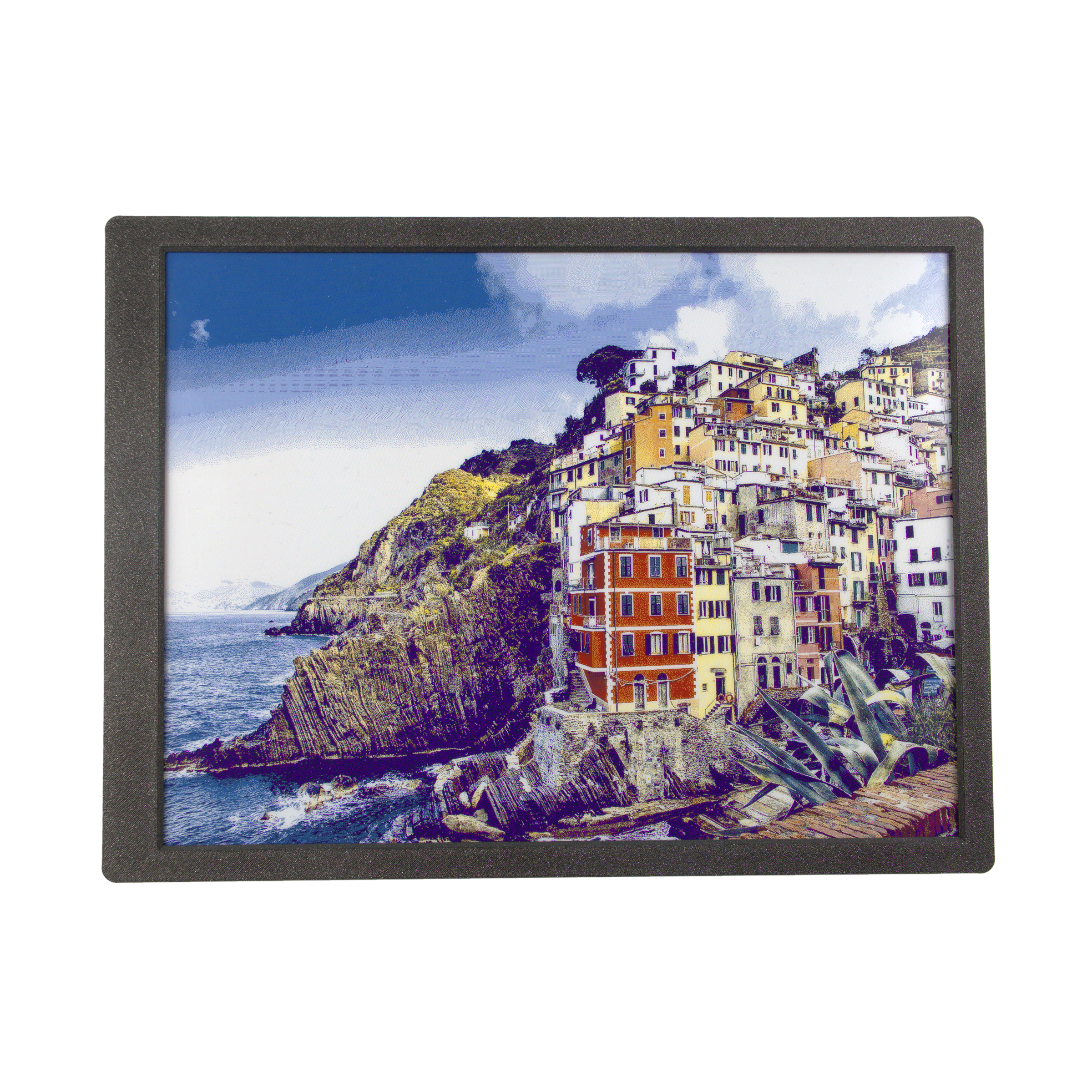
Example output displayed on e-paper display
Inkplate13SPECTRA_Show_Pictures_From_Web.ino
Full example showing how to download an image from the web and display it on Inkplate 13SPECTRA.
inkplate.image.draw()
This function draws an image from the specified char path.
Returns value: Returns true if the image was successfully drawn, otherwise false.
Function parameters:
| Type | Name | Description |
|---|---|---|
const char* | path | Path and filename of the image. Can be a URL (for web images) or a file path (on the microSD card). |
int | x | X-coordinate of the image's upper-left corner in the framebuffer. |
int | y | Y-coordinate of the image's upper-left corner in the framebuffer. |
uint8_t | dither | Dithering mode: 0 (disabled), 1 (enabled). |
bool | invert | If true, inverts colors. |