WiFi basics
On Inkplate 13SPECTRA, WiFi is handled by the onboard ESP32 processor; these pages contain tutorials on how to use this processor to implement WiFi into your projects.
Connecting to WiFi
These are the basic steps to connecting to WiFi, followed by the key function explanations:
#include "Inkplate.h"   //Include Inkplate library to the sketch
#include "WiFi.h"       //Include library for WiFi

Inkplate inkplate;
const char ssid[]="YOUR_SSID_HERE";  // Your WiFi SSID
const char *password="YOUR_PASSWORD_HERE";   // Your WiFi password

void setup(){
    inkplate.begin();   // Init Inkplate library (you should call this function ONLY ONCE)
    inkplate.clearDisplay();    // Clear frame buffer of display
    inkplate.setTextColor(INKPLATE_BLACK); //Set the text color to black
    inkplate.setTextSize(5);    // Set text to be 5 times bigger than classic 5x7 px text
    inkplate.setCursor(80, 500); // Set position of the text
    WiFi.begin(ssid, password);
    inkplate.print("Connecting to WiFi...");
    while(WiFi.status()!=WL_CONNECTED){
        delay(500);
    }
    inkplate.setCursor(80, 600);
    inkplate.println("Successfully connected to WiFi");
    inkplate.display();
}
void loop(){}
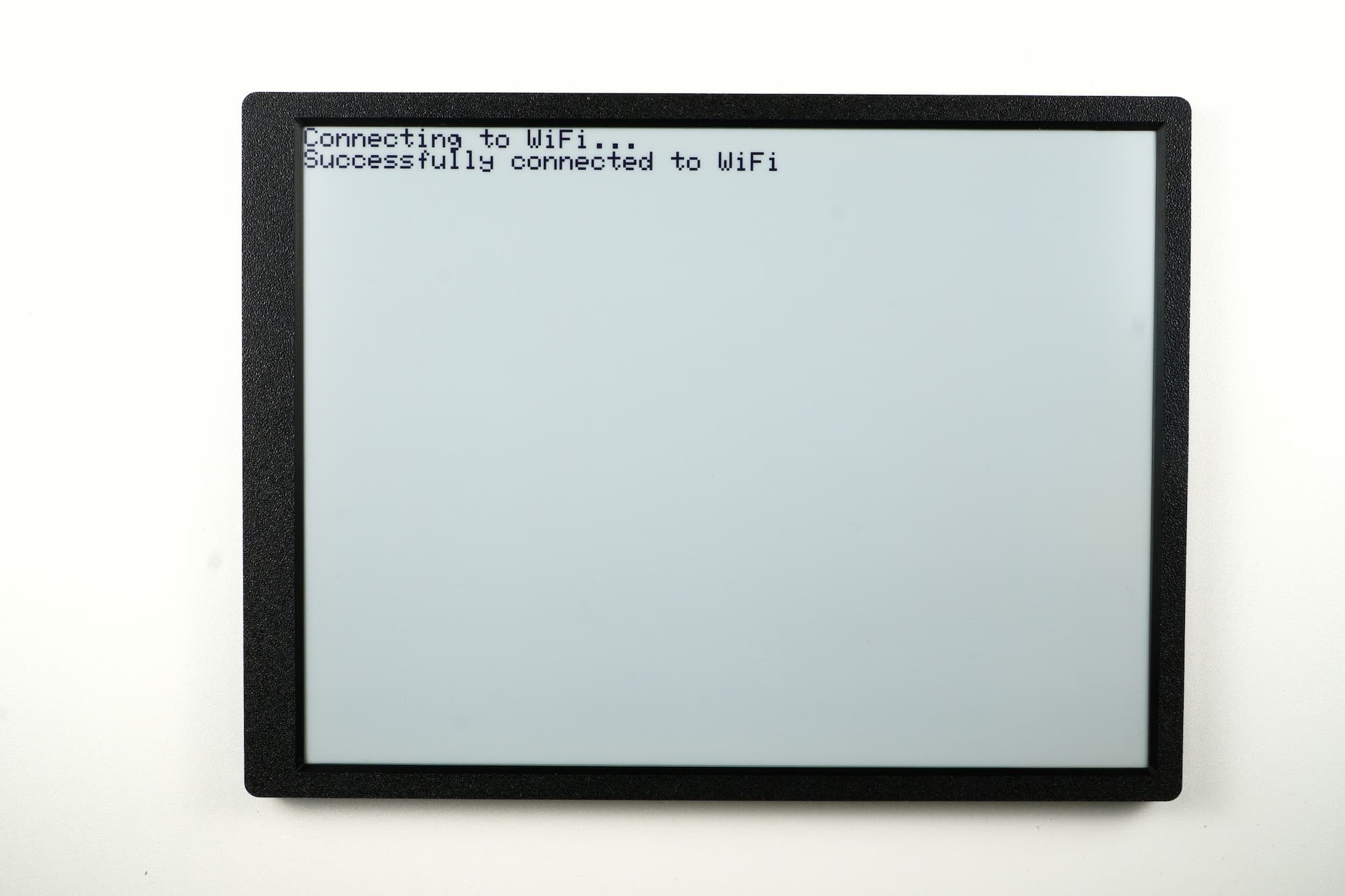
Inkplate13SPECTRA_WiFi_Connect.ino
Full example showing how to connect the Inkplate 13SPECTRA to a WiFi network.
WiFi.begin()
Connects to a WiFi access point using the specified SSID and password. Sends an AT command to establish the connection. Avoid using the following characters in SSID and password: , {, }, \\
Returns value: Returns true if the command execution was successful, otherwise returns false.
Function parameters:
| Type | Name | Description |
|---|---|---|
char* | _ssid | Pointer to the SSID (AP name). Must be a valid UTF-8 string. |
char* | _pass | Pointer to the AP password. Maximum length is 63 characters. |
WiFi.status()
Checks the connection status of the ESP32 WiFi module. Returns whether the module is connected to an access point.
Returns value: Returns true if the ESP32 is connected to the AP, otherwise returns false.