Inkplate 5v2 MicroPython - Draw image from WiFi
Inkplate 5v2 can connect to WiFi and fetch images directly from the internet. This example downloads a JPEG file from a URL and renders it on the e-paper display.
Downloading and displaying an image
Here is a complete example that connects to WiFi and loads an image from the web. Replace the SSID and password with your own WiFi credentials.
import network
import time
from inkplate5v2 import Inkplate

SSID = "ENTER_SSID_HERE"
PASSWORD = "ENTER_PASSWORD_HERE"

def do_connect():
    sta_if = network.WLAN(network.STA_IF)
    if not sta_if.isconnected():
        print("Connecting to network...")
        sta_if.active(True)
        sta_if.connect(SSID, PASSWORD)

        timeout = 30
        start = time.ticks_ms()
        while not sta_if.isconnected():
            if time.ticks_diff(time.ticks_ms(), start) > timeout * 1000:
                print("Failed to connect within timeout")
                return False
            time.sleep(0.5)
    print("Network config:", sta_if.ifconfig())
    return True

# Create Inkplate in 2-bit grayscale mode
inkplate = Inkplate(Inkplate.INKPLATE_2BIT)
inkplate.begin()

if not do_connect():
    raise SystemExit("WiFi connection failed")

inkplate.draw_image(
    "https://i.imgur.com/8yvGmvs.jpeg",
    0, 0,
    invert=False,
    dither=True,
    kernel_type=Inkplate.KERNEL_FLOYD_STEINBERG
)

inkplate.display()
inkplate.draw_image()
Download and draw an image from a URL or local file path onto the display buffer.
Function parameters:
| Type | Name | Description |
|---|---|---|
String | path | Image URL or local file path. |
Number | x0 | X coordinate of top-left corner where image will be placed. |
Number | y0 | Y coordinate of top-left corner where image will be placed. |
Boolean | invert | If True, invert black and white colors. |
Boolean | dither | Enable or disable dithering for grayscale images. |
Constant | kernel_type | Dithering algorithm to use (e.g., Inkplate.KERNEL_FLOYD_STEINBERG). |
ℹ️
Available options for dithering algorithm:
| Algorithm | Value |
|---|---|
Inkplate.KERNEL_FLOYD_STEINBERG | 0 |
Inkplate.KERNEL_JJN | 1 |
Inkplate.KERNEL_STUCKI | 2 |
Inkplate.KERNEL_BURKES | 3 |
Performance notes
- JPG: ~3 seconds (or ~7s with dithering)
- PNG: ~10 seconds (or ~14s with dithering)
- BMP: ~15 seconds (or ~20s with dithering)
- Maximum image file size: ~800kB
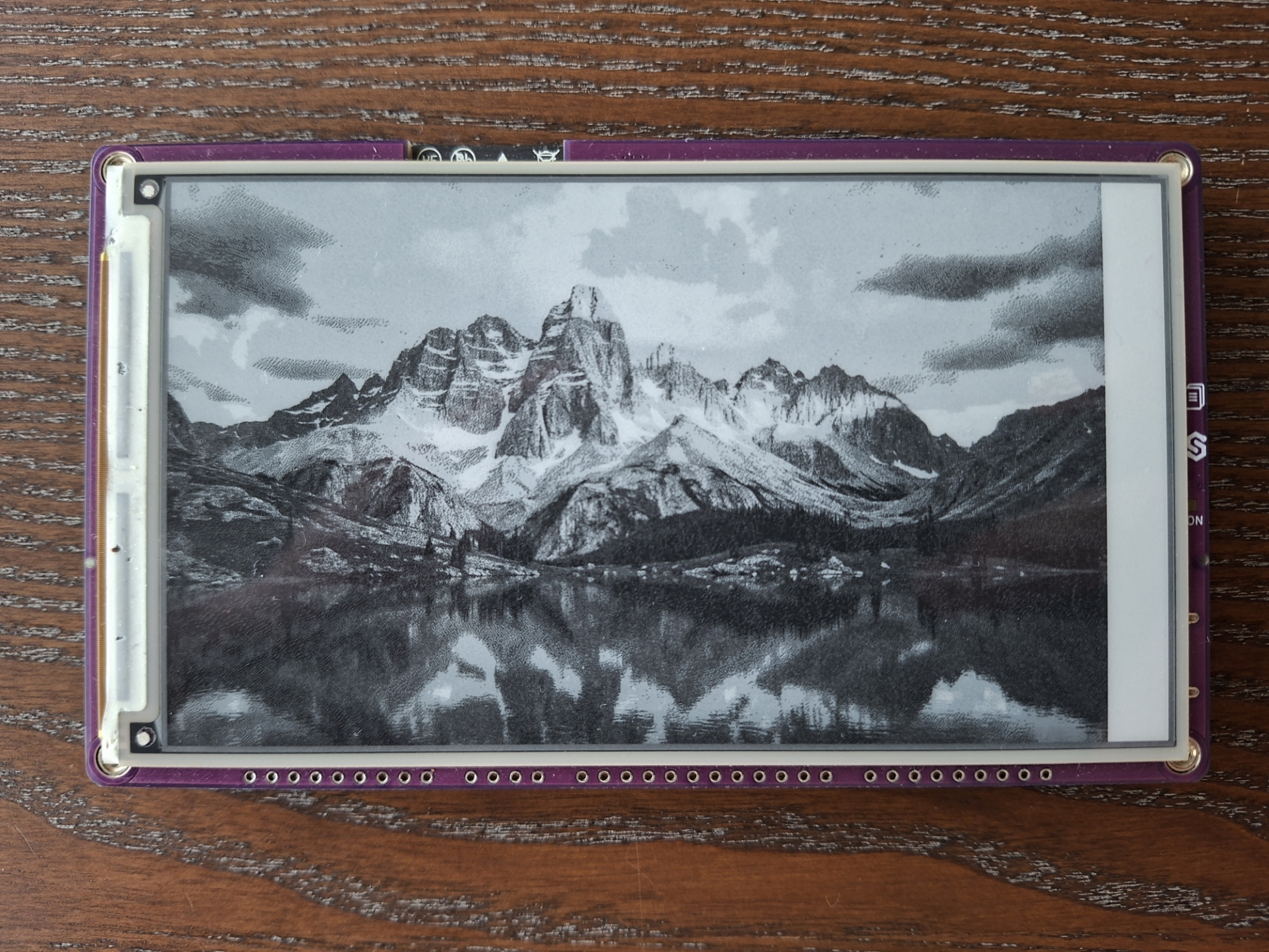
Displaying an image from web.
Full example
display_image_web.py
Connect to WiFi and render an image from a URL.