Formatting MicroSD
The built-in microSD card slot on the back of Inkplate 6COLOR can be a great asset for your projects, either for storing a very large number of high-quality images which can be displayed or reading and writing data between deep sleep cycles. This page covers formatting the card and initializing it in code.
⚠️
All supported card formats are: FAT16, FAT32, exFAT
⚠️
All supported card types are: SD, SDHC and SDXC
Preparing the microSD card before usage
For best results, use the official SD card formatter to format the card to FAT32 before usage.
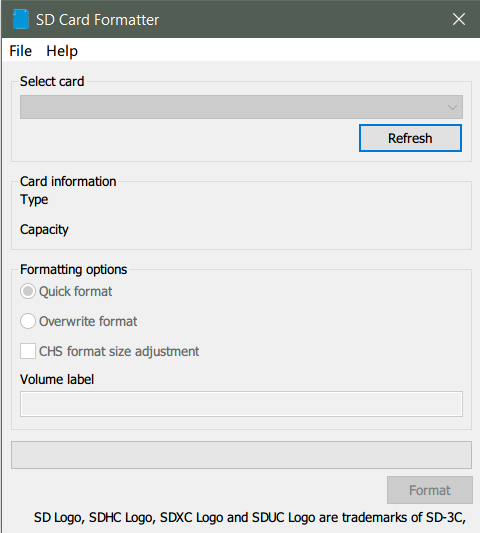
The official SD Card formatter
Initialization
Before the microSD card can be used, it must first be initialized. This powers on the microSD card circuitry and performs all the necessary memory allocations:
from inkplate6_color import Inkplate

from os import listdir

# Create Inkplate object
inkplate = Inkplate()

# Initialize the display, needs to be called only once
inkplate.begin()

# Initialize the SD card.
# This function must be called before accessing files on the SD card.
# The fastboot option has no effect if the device is already running.
inkplate.init_sd_card(fast_boot=True)
inkplate.init_sd_card()
Initializes SD card through SPI
Function parameters:
| Type | Name | Description |
|---|---|---|
bool | fast_boot | If True, does a soft reset straight after mounting the card, but only when the board came up from a power-on, hard or watchdog reset. This gives noticeably faster reads afterwards. |