Read Battery Voltage
When running your Inkplate 6COLOR board on a Li-ion battery, it's helpful to know the battery's condition. Inkplate 6COLOR lets you measure the battery voltage directly, giving you an estimate of remaining capacity and help you decide if it's time to recharge.
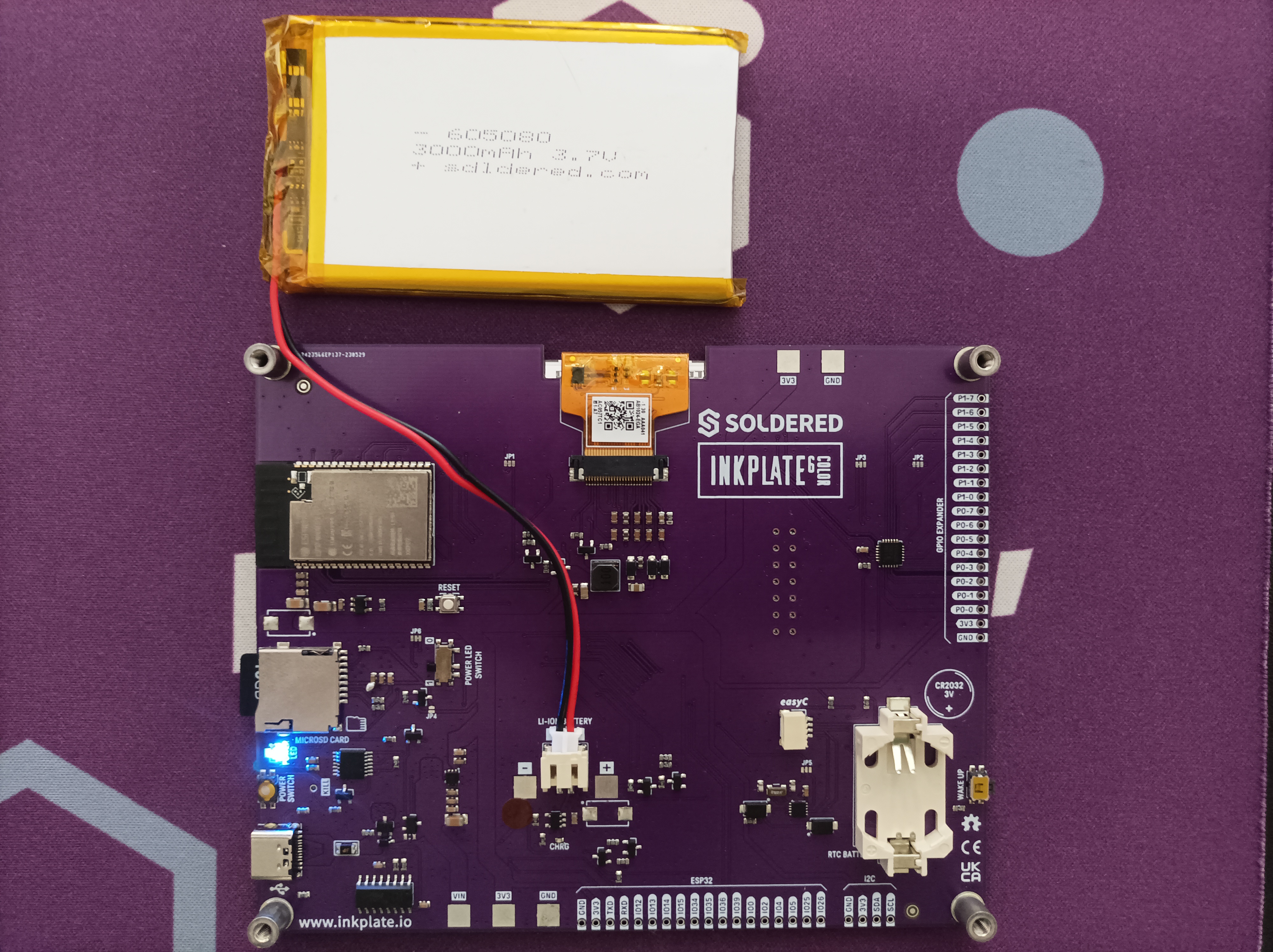
Battery connection
⚠️
Connecting and using the battery correctly is important! Please refer to the battery usage page for guidance before use.
Reading battery voltage
# Include needed libraries
from inkplate6_color import Inkplate

# Creates an Inkplate object
inkplate = Inkplate()

# Initialize the display, needs to be called only once
inkplate.begin()

# Clear the frame buffer
inkplate.clear_display()

# Get the battery reading as a string
battery = str(inkplate.read_battery())

# Keep the text at its original size
inkplate.set_text_size(1)

# Print the text at coordinates 150,190 (from the upper left corner)
inkplate.print_text(150, 190, "Battery voltage: " + battery + "V")

# Show it on the display
inkplate.display()
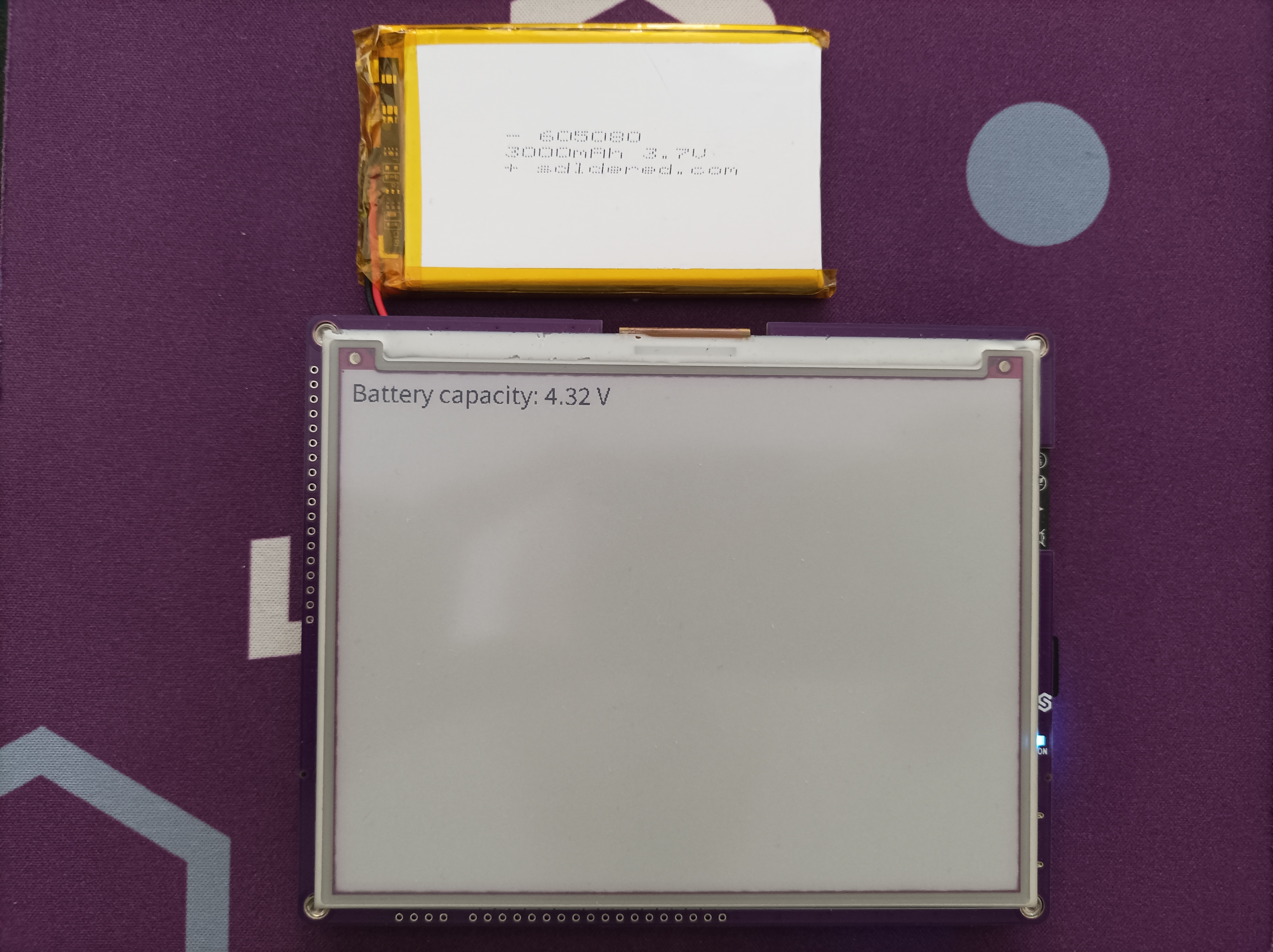
Fully charged battery example
ℹ️
Expect about 4.2V on a full cell. 3.7V is the nominal voltage, so a reading there means the battery is roughly half used. Protected cells cut off near 3.0V.
inkplate.read_battery()
Reads the current battery voltage when running on battery power
Returns type: float
Returns value: Returns the measured battery voltage
Full example
battery_read.py
Example showing how to read the battery voltage.