Inkplate 6COLOR – MicroSD Display Image
To display images from SD card use the draw_image() function, specifying the image location on SD card.
ℹ️
Supported image formats: JPG, BMP, and PNG.
# Include needed libraries
from inkplate6_color import Inkplate

from os import listdir, stat

# Create Inkplate object
inkplate = Inkplate()

# Initialize the display, needs to be called only once
inkplate.begin()

# Initializes the SD card.
#
# Parameters:
# - fastboot (bool, default=False):
#     If True, performs a soft reboot immediately after SD card initialization
#     (only on cold start or hard reset). This significantly improves SD card
#     read speeds—typically doubling performance.
#
# Note:
# - This function must be called before accessing files on the SD card.
# - The fastboot option has no effect if the device is already running.
inkplate.init_sd_card(fast_boot=True)

# This prints all the files on card
print(listdir("/sd"))


# Draw an image on the screen.
#
# Parameters:
# - path: File path to the image. Supports local paths (e.g., from SD card) or URLs.
#         Supported formats: JPG, PNG, BMP.
#
# - x0: X-coordinate of the top-left corner where the image will be displayed.
#
# - y0: Y-coordinate of the top-left corner where the image will be displayed.
#
# - invert (bool, default=False): If True, inverts the image colors.
#
# - dither (bool, default=False): If True, applies a dithering algorithm to
#   the image for better grayscale rendering.
#
# - kernel_type (int): Specifies the dithering algorithm to use.
#     Available options:
#       Inkplate.KERNEL_FLOYD_STEINBERG = 0
#       Inkplate.KERNEL_JJN             = 1
#       Inkplate.KERNEL_STUCKI          = 2
#       Inkplate.KERNEL_BURKES          = 3
#
# Performance Notes:
# - JPG: ~3 seconds (or ~14s with dithering)
# - PNG: ~9 seconds (or ~19s with dithering)
# - BMP: ~20 seconds (or ~40s with dithering)
# - Maximum image file size: ~800kB
#
# Example usage:
IMAGE_PATH = "sd/image.jpg"
try:
    stat(IMAGE_PATH)
except OSError:
    print("Image not found on SD card: {}".format(IMAGE_PATH))
    print("Copy an image to that path on the SD card, or change IMAGE_PATH above.")
else:
    inkplate.draw_image(
        IMAGE_PATH,
        0,
        0,
        invert=False,
        dither=True,
        kernel_type=Inkplate.KERNEL_FLOYD_STEINBERG,
    )

# Show the image from the buffer
inkplate.display()

inkplate.sd_card_sleep()
# To turn it back on, use:
# inkplate.sd_card_wake()
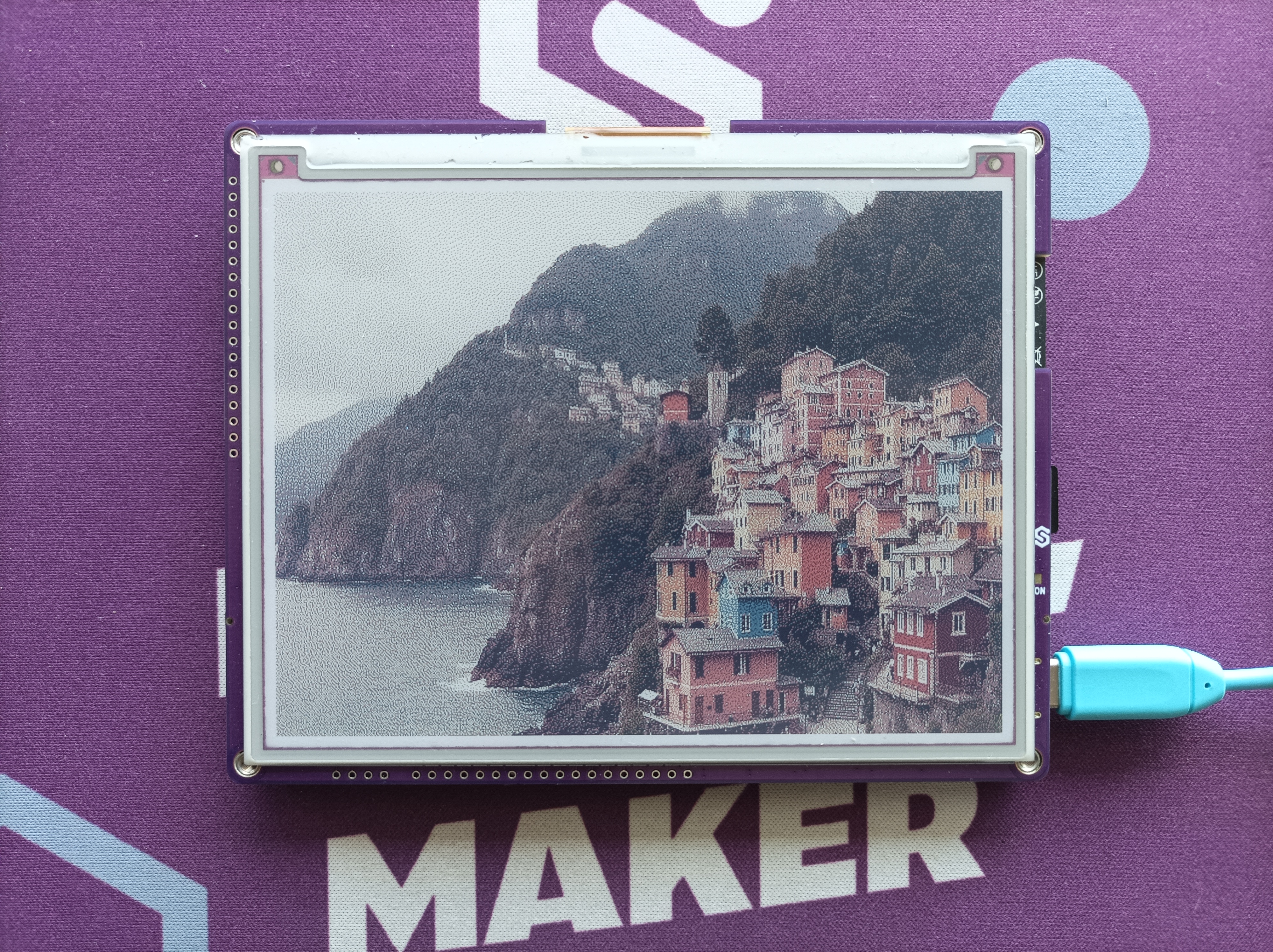
Example image from sd card
inkplate.draw_image()
This function draws an image from the specified char path (either web URL or local file path)
Returns type: none
Function parameters:
| Type | Name | Description |
|---|---|---|
string | path | Path and filename of the image. Can be a URL (for web images) or a file path (on the microSD card). |
int | x0 | X-coordinate of the image's upper-left corner in the framebuffer. |
int | y0 | Y-coordinate of the image's upper-left corner in the framebuffer. |
bool | invert | If true, inverts colors. |
bool | dither | Dithering mode: 0 (disabled), 1 (enabled). |
int | kernel_type | Specifies dithering algorithm to use. |
ℹ️
Available options for dithering algorithm:
| Algorithm | Value |
|---|---|
Inkplate.KERNEL_FLOYD_STEINBERG | 0 |
Inkplate.KERNEL_JJN | 1 |
Inkplate.KERNEL_STUCKI | 2 |
Inkplate.KERNEL_BURKES | 3 |
Performance Notes
- JPG: ~3 seconds (or ~14s with dithering)
- PNG: ~9 seconds (or ~19s with dithering)
- BMP: ~20 seconds (or ~40s with dithering)
- Maximum image file size: ~800kB
Full example
display_image_sd.py
Example showing how to initialize an SD card and render an image located on it.